infinityplays.com
  • Home
  • Livestreams
  • 3D Printer tools
  • PVC 3D Printer
  • Open Source Projects
  • Web slicer
  • Tags
  • Login
Sign in Subscribe
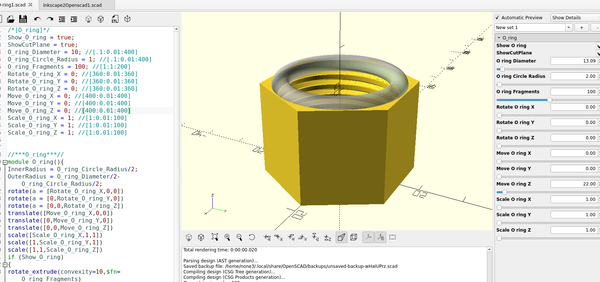
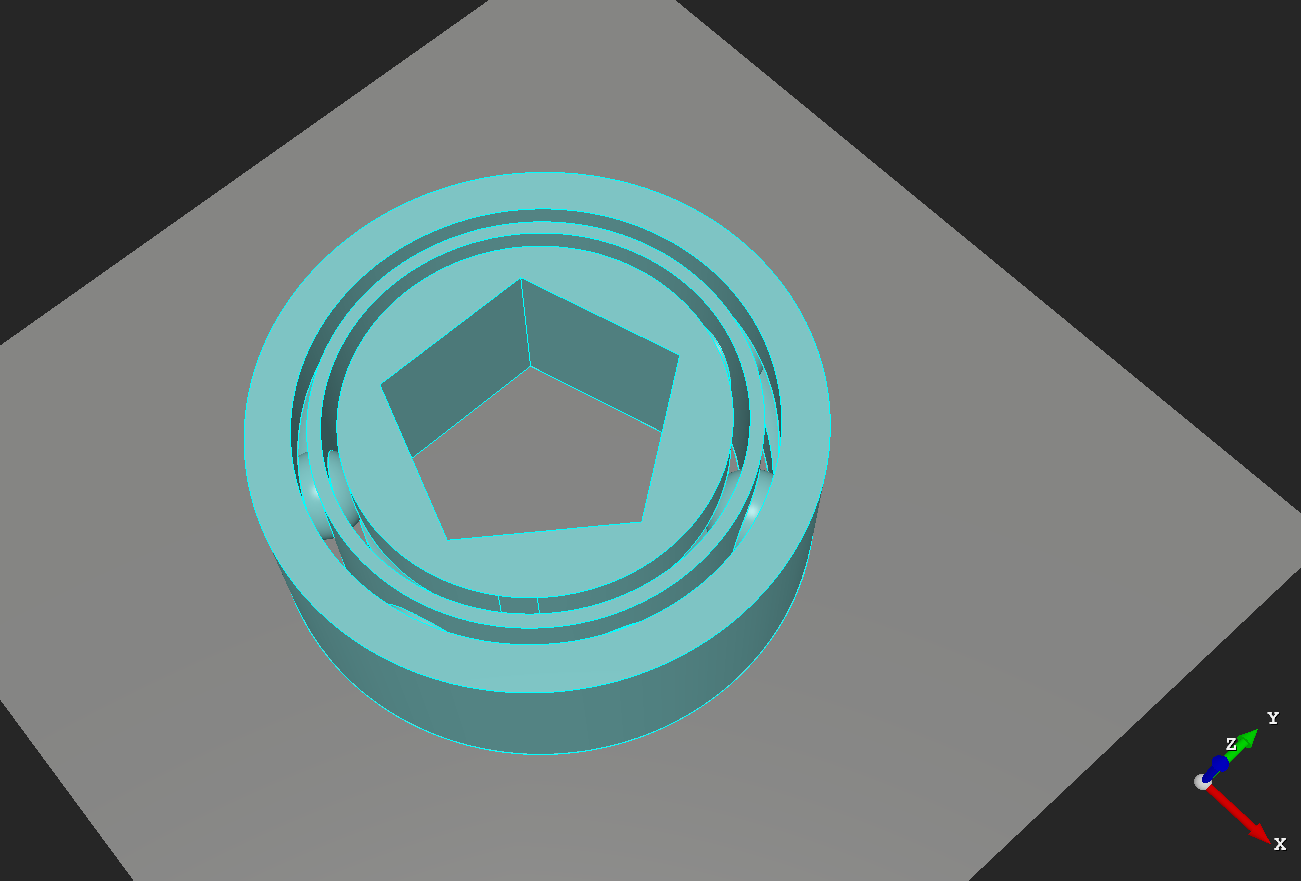
3d part design with OpenScad #47- Add an O-ring groove to any .stl file.

3d part design with OpenScad #47- Add an O-ring groove to any .stl file.

An easy way to add an O-ring groove to an existing .stl file with OpenScad
07 Apr 2023 2 min read
3D part design with Openscad #46-A revised STL Cutter
3D Printing

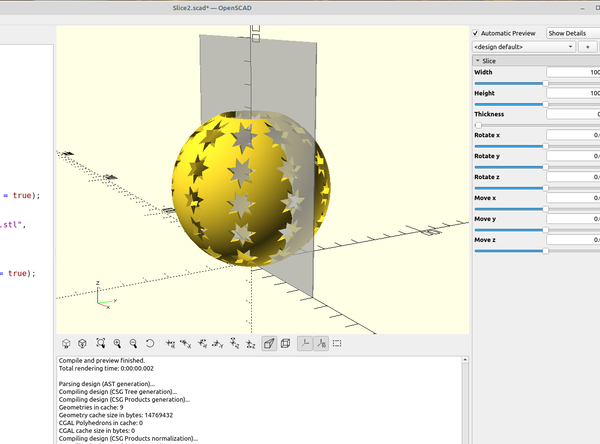
3D part design with Openscad #46-A revised STL Cutter

A revised version of the stl cutter I made in part #35 that is easier to see the cutting plane.
05 Apr 2023 1 min read
3D part design with Inkscape and Openscad #45: Making a 3d printed pop up sprinkler head
3D Printing

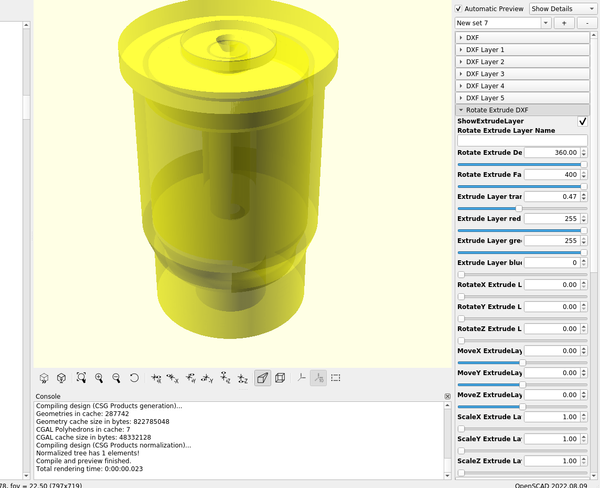
3D part design with Inkscape and Openscad #45: Making a 3d printed pop up sprinkler head

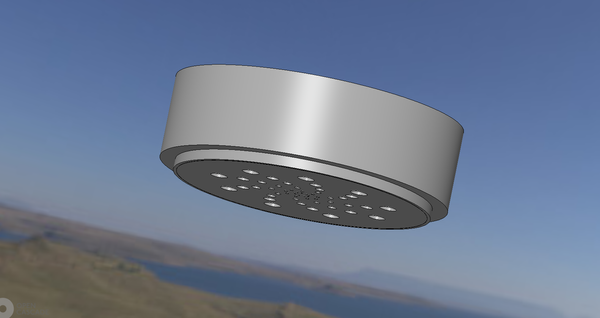
An example of how the use Inkscape and Openscad to make a pop up sprinkler head
11 Mar 2023 2 min read
3d part design with Openscad #44: making a beveled nut
OpenScad

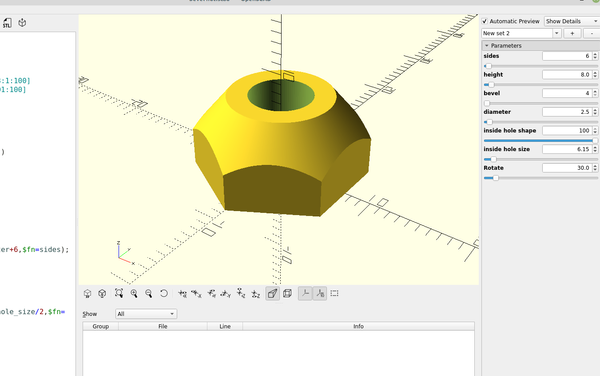
3d part design with Openscad #44: making a beveled nut

An example of how to make a beveled nut or cone shaped washer with openscad
10 Feb 2023 2 min read
3d part design with Inkscape and Openscad #43: Revisiting the perforate module

3d part design with Inkscape and Openscad #43: Revisiting the perforate module

A revisit to the tube perforate module to modify it so I can use an stl file in addition to a dxf file.
27 Jan 2023 3 min read
3D part design with  Openscad #42: Reverse engineering threads

3D part design with Openscad #42: Reverse engineering threads

An easy way to match an existing thread profile using openscad.
16 Nov 2022 3 min read
3D part design with Inkscape and Openscad #41: Reverse engineering an STL file

3D part design with Inkscape and Openscad #41: Reverse engineering an STL file

How to reverse engineer an existing STL file using Inkscape and Openscad
06 Nov 2022 3 min read
3d part design with Inkscape and Openscad #40: Making a Hirth joint
3D Printing

3d part design with Inkscape and Openscad #40: Making a Hirth joint

An easy way to design a Hirth Joint
22 Oct 2022 2 min read
3D part design with Openscad #38: pumpkin maker
3D Printing

3D part design with Openscad #38: pumpkin maker

A simple pumpkin maker
19 Oct 2022 1 min read
Beginner's guide to designing a circuit with kicad 6.0 part 2: PCB editor

Beginner's guide to designing a circuit with kicad 6.0 part 2: PCB editor

Part 2 of the beginner's guide to Kicad 6.0
17 Oct 2022 4 min read
Beginner's guide to designing a circuit with kicad 6.0
Kicad

Beginner's guide to designing a circuit with kicad 6.0

A complete beginner's guide to making a circuit with Kicad 6.0
16 Oct 2022 5 min read
3D part design with Openscad #37: ball bearing grid
3D Printing

3D part design with Openscad #37: ball bearing grid

Using Openscad to make a ball bearing grid.
14 Oct 2022 1 min read
3D Part design with Inkscape and Openscad #36: Designing a bearing with Inkscape
3D Printing

3D Part design with Inkscape and Openscad #36: Designing a bearing with Inkscape

An easy way to design 3d printed bearings using Inkscape and openscad.
28 Sep 2022 3 min read
3D part design with  Openscad #35: Customizable bearing module
3D Printing

3D part design with Openscad #35: Customizable bearing module

A module to make a 3d printed bearing using openscad
21 Sep 2022 5 min read
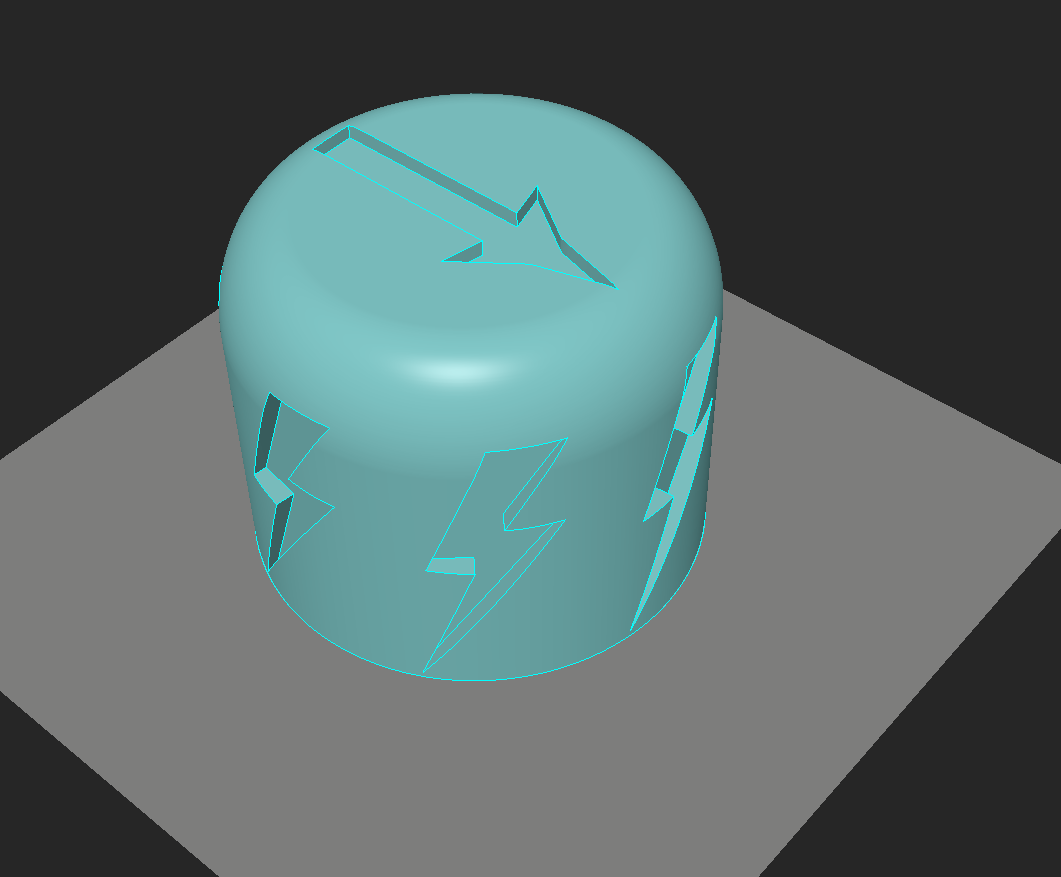
3D part design with Inkscape and Openscad #33: Custom Knurling
3D Printing

3D part design with Inkscape and Openscad #33: Custom Knurling

An easy way to add custom designs for knurling 3d printed knobs and tool handles
13 Sep 2022 3 min read
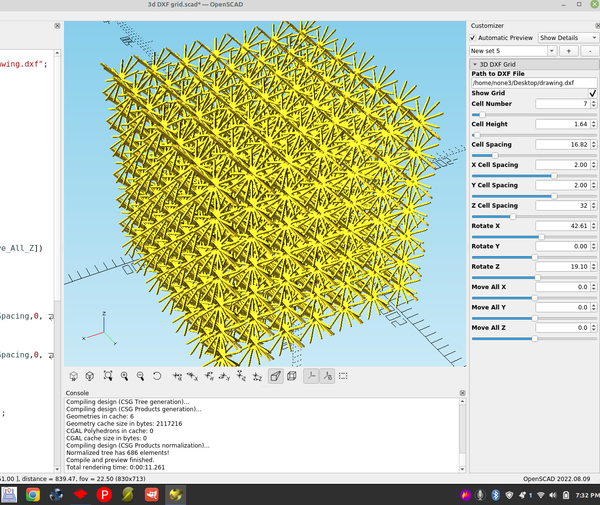
3D part design with Inkscape and Openscad #32: DXF matrix
3D Printing

3D part design with Inkscape and Openscad #32: DXF matrix

An example of how to make a 3d matrix using Inkscape and Openscad
10 Sep 2022 2 min read
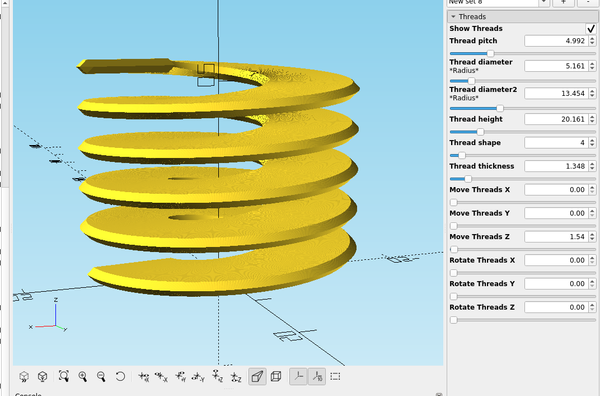
3d part design with Openscad #31: More thread module improvements.
3D Printing

3d part design with Openscad #31: More thread module improvements.

A re-visit to the thread module to add some features and test new rendering capabilities in Openscad.
06 Sep 2022 4 min read
3D part design with Inkscape and OpenScad #30: Easy way to add accurate scale marks to a bed template
3D Printing

3D part design with Inkscape and OpenScad #30: Easy way to add accurate scale marks to a bed template

An easy way to make a ruler or add scale marks using Inkscape
04 Sep 2022 2 min read
3D part design with Inkscape and OpenScad #29: fancy gears

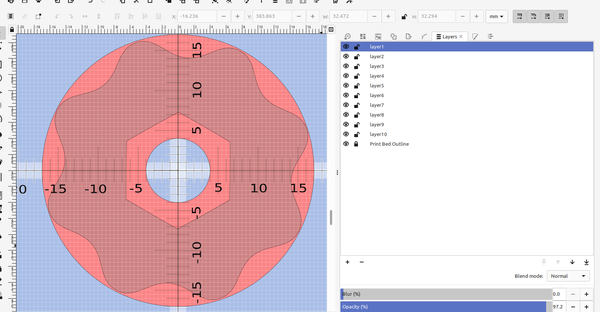
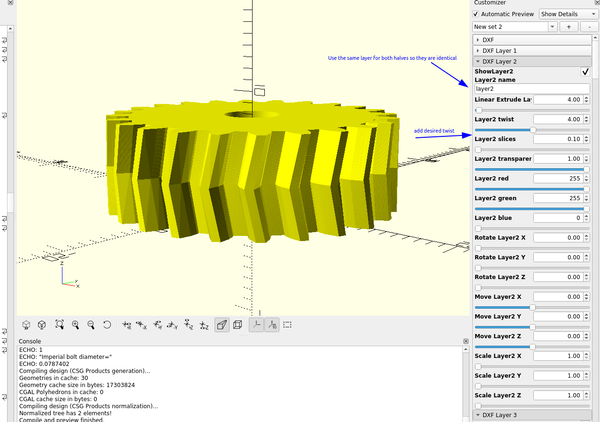
3D part design with Inkscape and OpenScad #29: fancy gears

An easy way to make 3d printable gears using Inkscape and Openscad.
31 Aug 2022 2 min read
3d Part design with Inkscape and Openscad #28: stackable trays
3D Printing

3d Part design with Inkscape and Openscad #28: stackable trays

An easy way to make different shaped trays with Inkscape and OpenScad
06 Aug 2022 2 min read
3D part design with Inkscape and Openscad #27: Using Kicad to make a pcb stencil
3D Printing

3D part design with Inkscape and Openscad #27: Using Kicad to make a pcb stencil

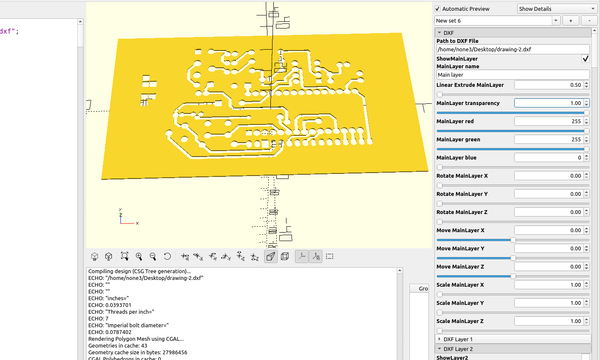
There are several ways to make printed circuit boards at home, here is an example of an easy way to use a 3d printer to make a stencil so you can use spray paint or a fine tipped pen to make a resist mask for the copper traces. I used
25 Jul 2022 4 min read
3D part design with Inkscape and openscad #26 : Filter  Funnel

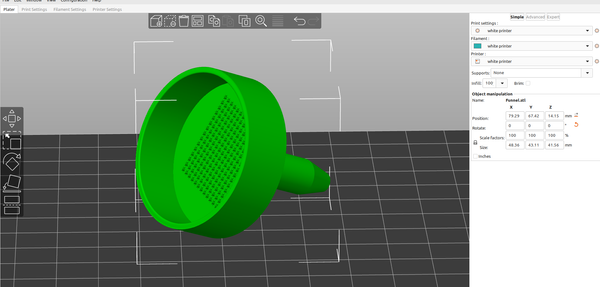
3D part design with Inkscape and openscad #26 : Filter Funnel

It's pretty easy to make any shape or size of funnel with Inkscape and OpenScad, here is an example of a funnel with a filter screen. First I drew the outline of the outside of the funnel with the bezier tool making sure to keep everything to the
04 Jun 2022 2 min read
3d part design with Inkscape and OpenScad #25- Barbed fittings
3D Printing

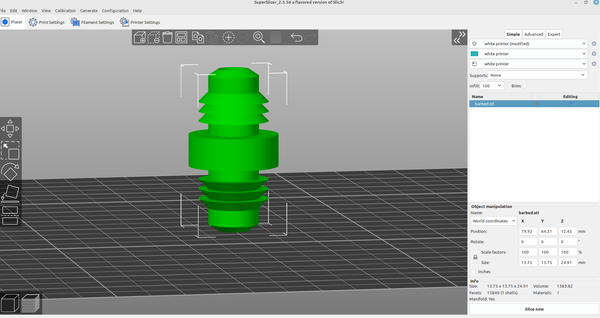
3d part design with Inkscape and OpenScad #25- Barbed fittings

An easy way to design barbed fittings with Inkscape and OpenScad.
23 May 2022 2 min read
3D part design with OpenScad #24-Adding text capabilities to the pipe fitting module

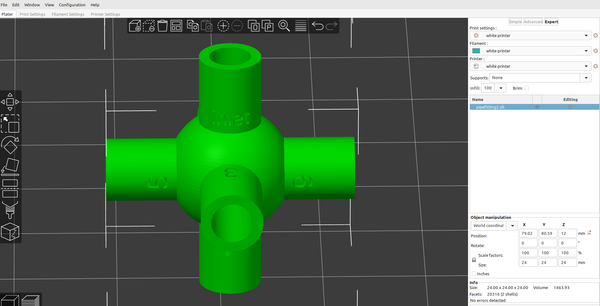
3D part design with OpenScad #24-Adding text capabilities to the pipe fitting module

I wanted to be able to mark the size of the different branches,so I added the capability to the pipe fitting module: I added a text input to each of the existing branches,then set up a "text" module: Just copy and paste the revised code into
21 May 2022 5 min read
3D part design with OpenScad #23 unlimited pipe fitting module
3D Printing

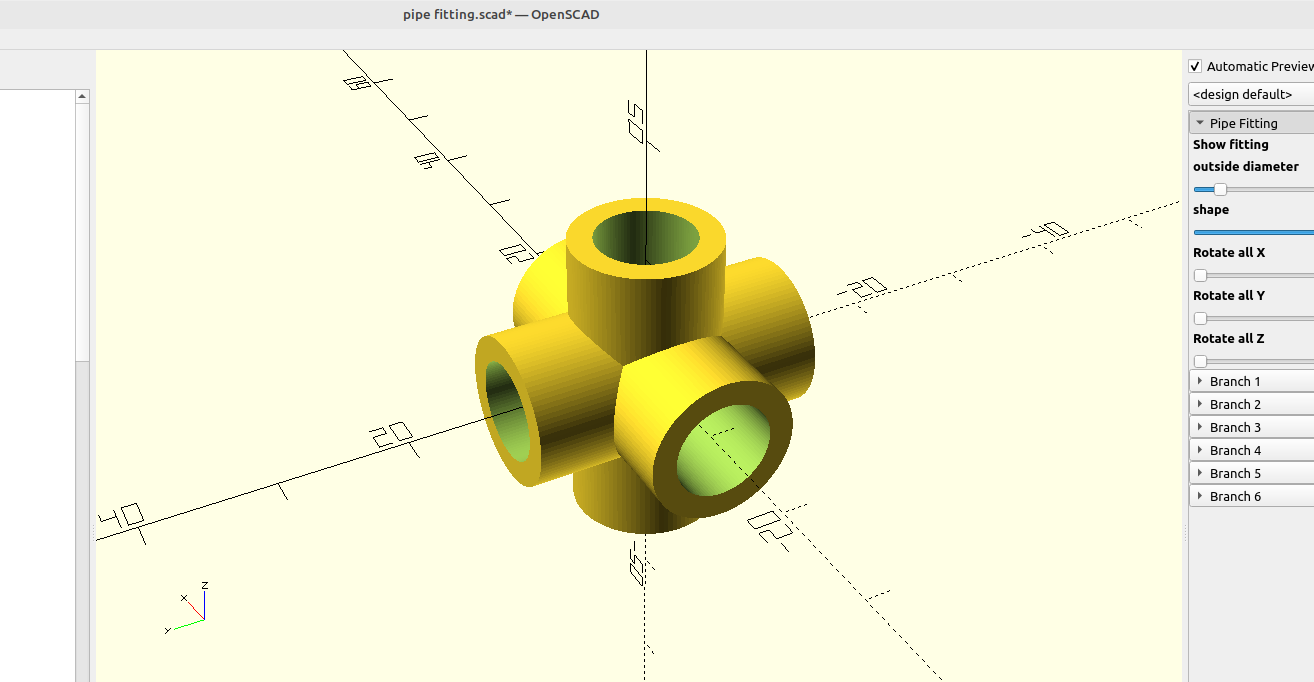
3D part design with OpenScad #23 unlimited pipe fitting module

This module is for making pipe fittings, you can add branches, adjust each branch angle, branch inside and outside shape, length and diameter. Here is the code, just copy and paste it into the editor in OpenScad: /* [Pipe Fitting] */ Show_fitting = true; center_diameter = 6;//[3:0.01:50] center_

18 May 2022 4 min read
← Newer Posts Page 5 of 7 Older Posts →
infinityplays.com © 2026
Powered by Ghost