infinityplays.com
  • Home
  • Livestreams
  • 3D Printer tools
  • PVC 3D Printer
  • Open Source Projects
  • Web slicer
  • Tags
  • Login
Sign in Subscribe
3D part design with OpenSCAD #85: Bending an .stl file.
3D printed Lithophane

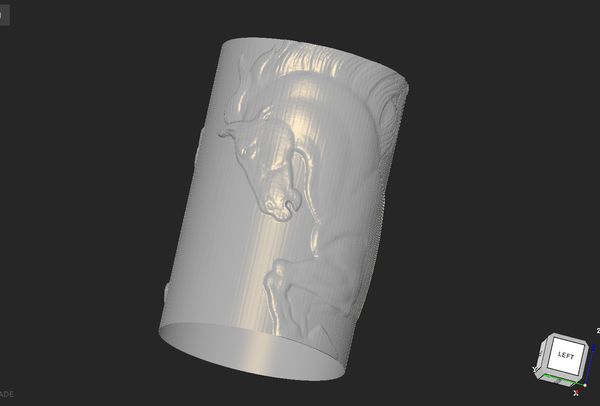
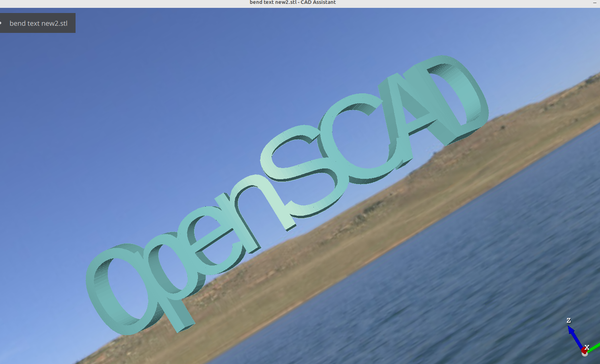
3D part design with OpenSCAD #85: Bending an .stl file.

A method to curve a flat stl file around a round object.
27 Mar 2024 2 min read
3D part design with Inkscape and OpenSCAD #84: Bending an SVG file.
3d Printed

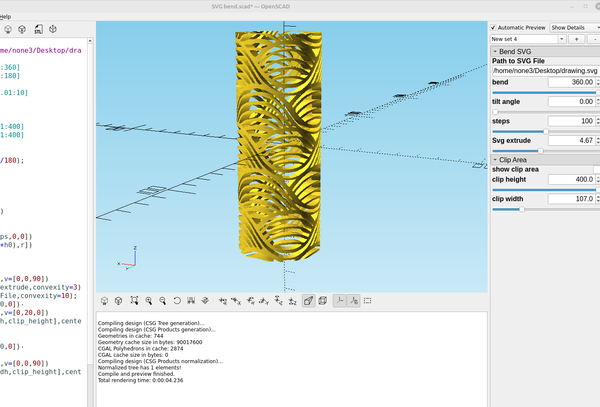
3D part design with Inkscape and OpenSCAD #84: Bending an SVG file.

Making a custom object with Inkscape to use with the "bend" OpenSCAD code from my last post works great, here is the modified code: /*[Bend SVG]*/ Path_to_SVG_File="/home/none3/Desktop/drawing.svg"; bend=103.5;//[-360:.01:360] tilt_angle=0;//[0:.01:
24 Mar 2024 2 min read
3D part design with OpenSCAD #83: Bending text part 2.
3D Printing

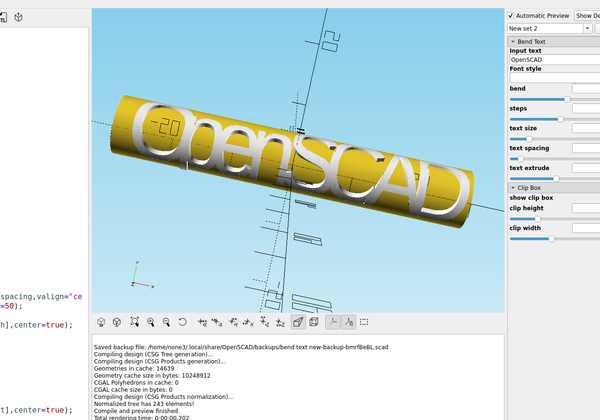
3D part design with OpenSCAD #83: Bending text part 2.

Some improvements to the bend text module for OpenSCAD from the last post.
23 Mar 2024 3 min read
3D part design with OpenSCAD #82: bending text around a cylinder.
3d Printed

3D part design with OpenSCAD #82: bending text around a cylinder.

And example of how to bend text around a cylinder in OpenSCAD.
22 Mar 2024 3 min read
3D part design with Inkscape and OpenSCAD #81: Designing custom bellows.
3d Printed

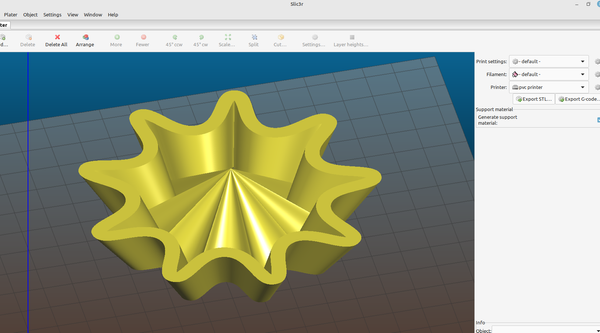
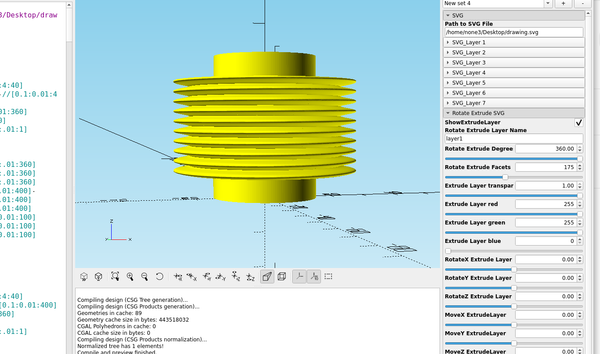
3D part design with Inkscape and OpenSCAD #81: Designing custom bellows.

If you are trying to make bellows or a speaker cone here is an easy way to do that. I'm using the function plotter to make a sine wave pattern like I did in post #64 to make the shape of the bellows, first you make a rectangle
15 Mar 2024 3 min read
3D part design with OpenSCAD #80: Using roof() to make a beveled stencil
3d Printed

3D part design with OpenSCAD #80: Using roof() to make a beveled stencil

After making the beveled text module I was experimenting with using the same technique on a stencil to see if it would improve the print quality and it works pretty good. Here is the code: /*[Beveled Stencil]*/ Path_to_SVG_File="/home/none3/Desktop/.svg"; stencil_height=1;
10 Mar 2024 1 min read
3D part design with OpenSCAD # 79: Adding shell to the tapered text module.
3d Printed

3D part design with OpenSCAD # 79: Adding shell to the tapered text module.

Since I can make letters as large as my printer will allow I thought it would be useful to make them hollow so I could add a transparent top  layer or two and use them to make an led sign, so I added a way to do that. Here is
04 Mar 2024 1 min read
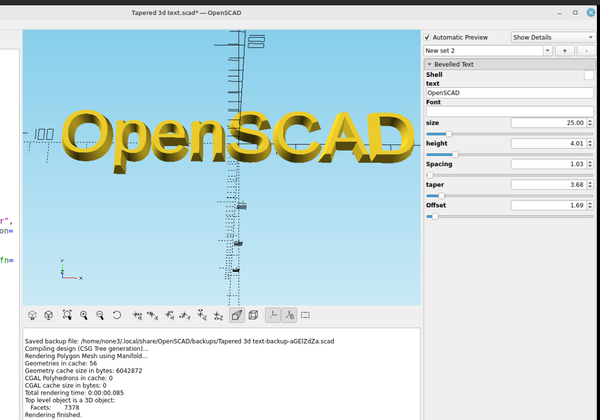
3D part design with OpenSCAD #78: Easy tapered 3d text using roof()
3d Printed

3D part design with OpenSCAD #78: Easy tapered 3d text using roof()

An example of how to use roof() to make tapered 3d text.
02 Mar 2024 2 min read
3D part design with Inkscape and OpenSCAD #77: More with the shape builder tool and checking dimensions before 3d printing.
3D Printing

3D part design with Inkscape and OpenSCAD #77: More with the shape builder tool and checking dimensions before 3d printing.

In the last post I used the shape builder tool in Inkscape to do some basic addition and subtraction of objects, in this post I'm going to use it to add multiple cut outs to a new design. Here is a plate with a Db9 connector and I
01 Mar 2024 3 min read
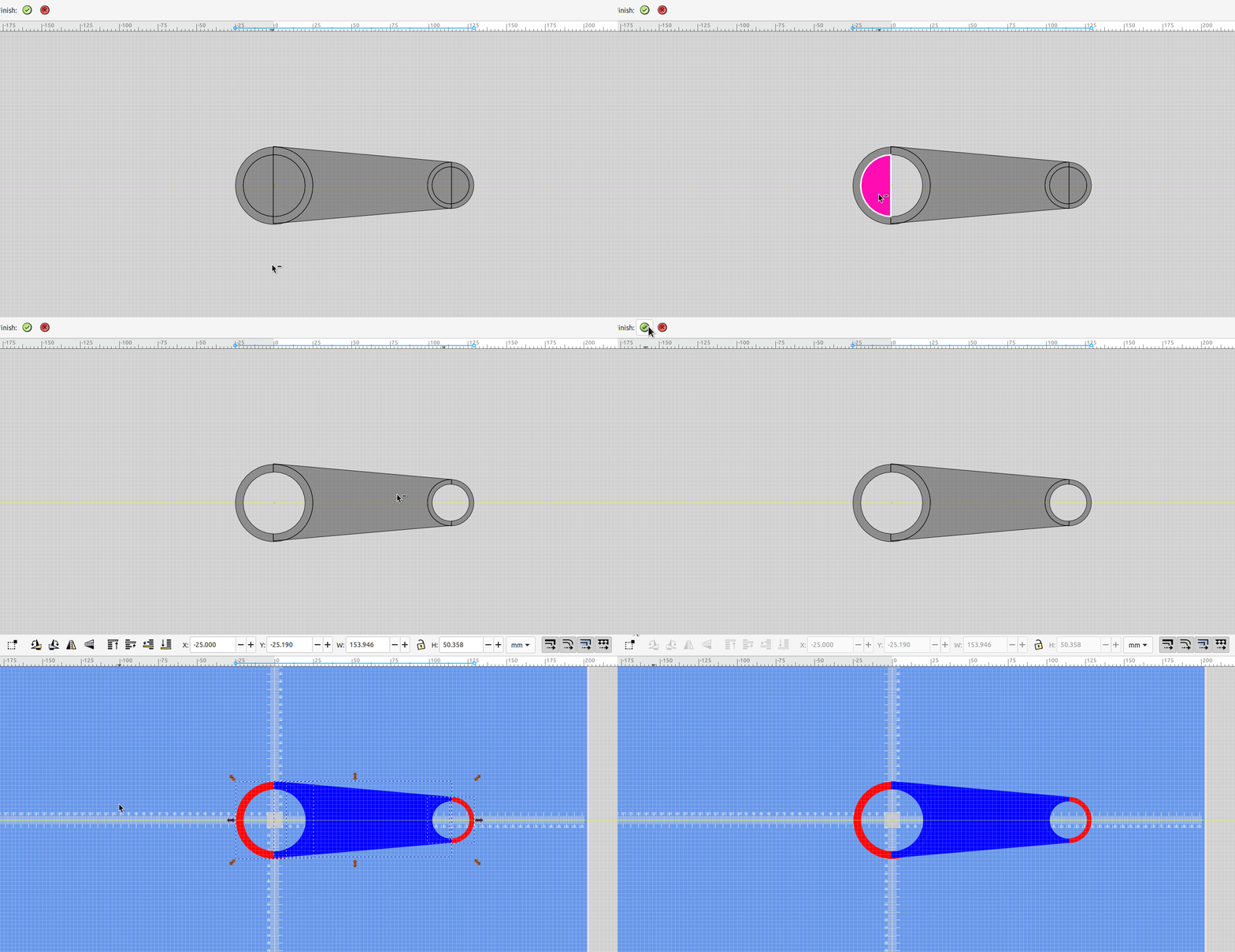
3D part design with Inkscape and OpenSCAD#76: Using the new Inkscape 1.3.x shape builder tool.

3D part design with Inkscape and OpenSCAD#76: Using the new Inkscape 1.3.x shape builder tool.

An example of how to use the shape builder tool to make objects to be 3d printed.
18 Feb 2024 2 min read
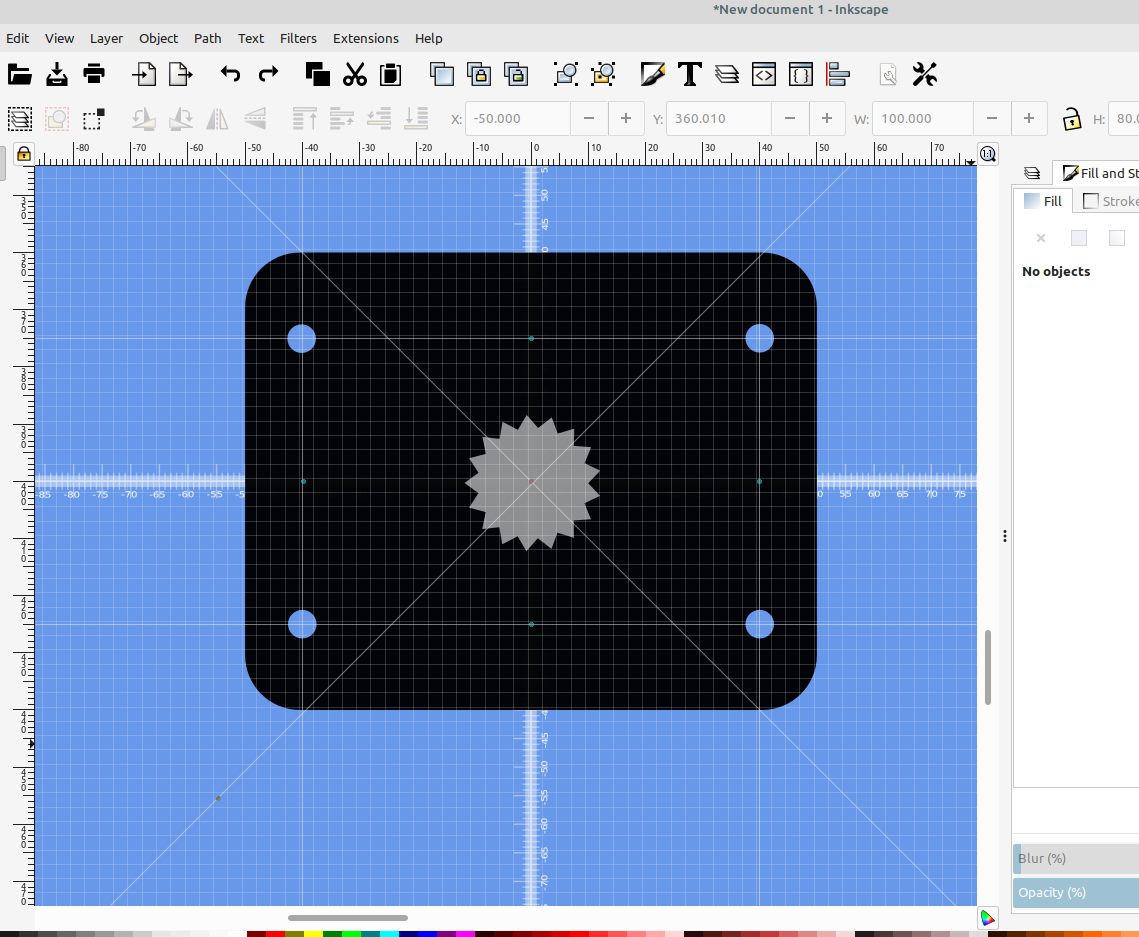
3D part design with Inkscape and OpenSCAD #75: using guidelines for precise object positioning.
3D Printing

3D part design with Inkscape and OpenSCAD #75: using guidelines for precise object positioning.

An example of how to use guidelines with Inkscape to precisely position objects.
09 Feb 2024 3 min read
3D part design with Inkscape and OpenSCAD #74: adding fillet and chamfer to the SVG import modules.
3d Printed

3D part design with Inkscape and OpenSCAD #74: adding fillet and chamfer to the SVG import modules.

An example of how to add fillet and chamfer capabilities to an SVG layer that was imported into OpenSCAD.
27 Jan 2024 5 min read
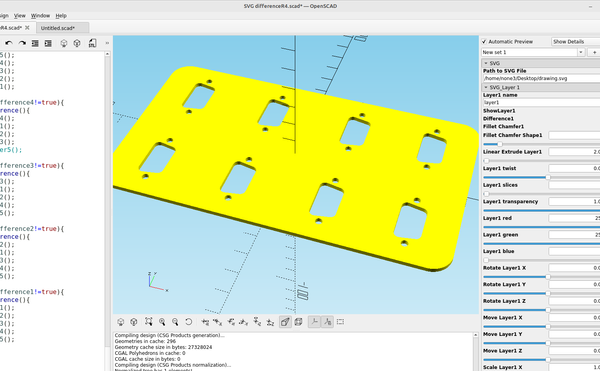
3D part design with Inkscape and OpenSCAD #73: automating difference() with the customizer.
3D Printing

3D part design with Inkscape and OpenSCAD #73: automating difference() with the customizer.

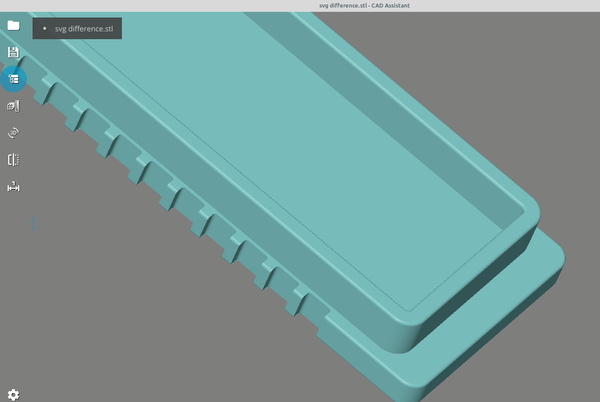
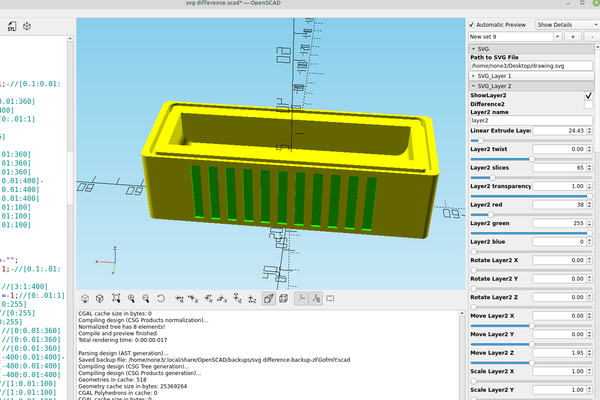
Being able to click a box and add or subtract an object from a project is pretty handy, and combined with the svg layer import template it increases the speed of the workflow quite a bit. Here is an addition I made to the svg layer import code so I
26 Jan 2024 6 min read
3D part design with OpenSCAD #72: A fully customizable sluice box (part 1)
3d Printed

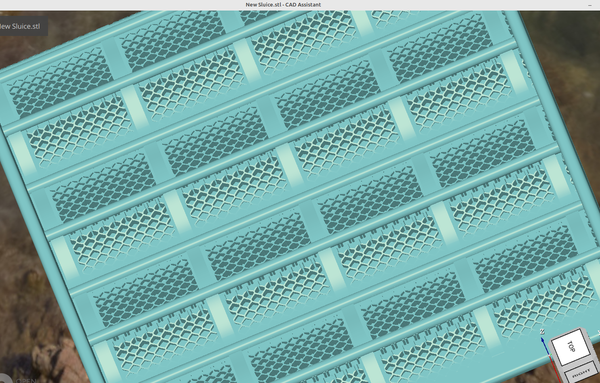
3D part design with OpenSCAD #72: A fully customizable sluice box (part 1)

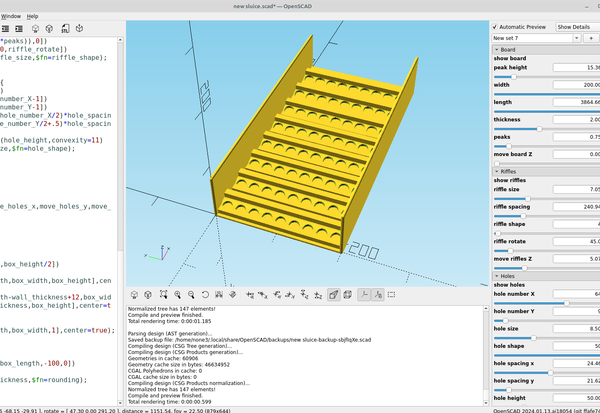
A cutomizable design for a 3d printed sluice box made with OpenSCAD.
21 Jan 2024 3 min read
3d part design with OpenScad #71: Using hull and spheres to make a slinky and improve the thread module.
3d Printed

3d part design with OpenScad #71: Using hull and spheres to make a slinky and improve the thread module.

I was experimenting with using a sphere for the thread module to see what the results looked like and it works really well, the rendering is fast on the new development builds and the steps in the for loop can be adjusted to make a super smooth spiral. Update: I

13 Jan 2024 3 min read
3D part design with OpenSCAD #70: coiled tube module.
3d Printed

3D part design with OpenSCAD #70: coiled tube module.

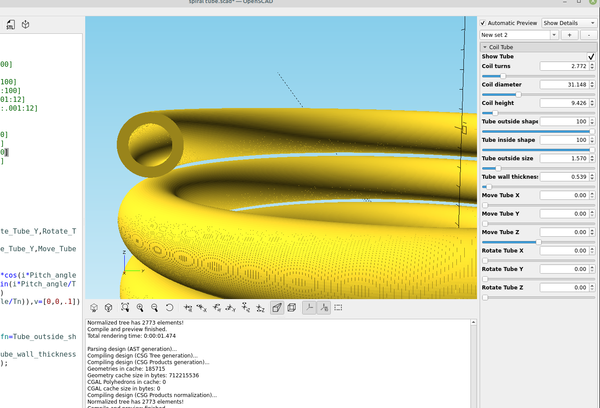
A simple example of how to make a coiled tube with OpenScad that can be 3d printed.
10 Dec 2023 1 min read
3D part design with OpenSCAD #69: Combining the bearing module with the Halbach module
3d printed bearing

3D part design with OpenSCAD #69: Combining the bearing module with the Halbach module

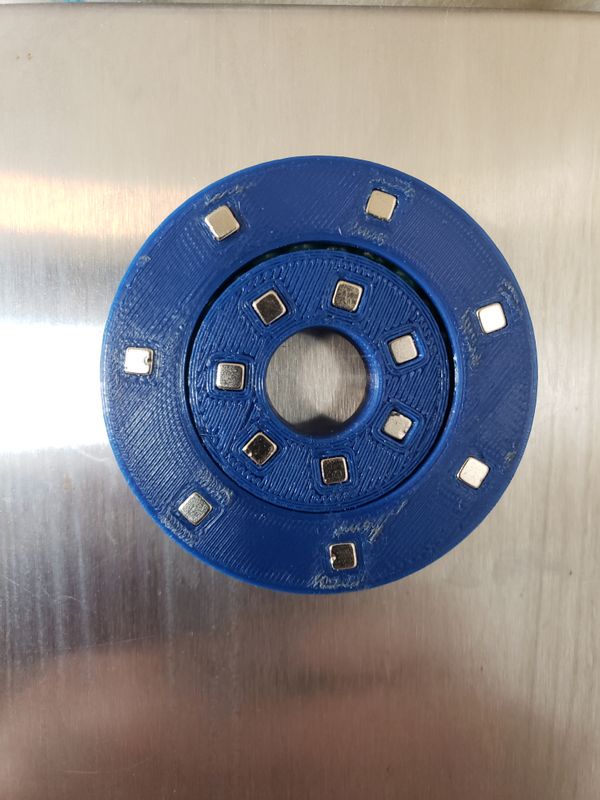
Using OpenSCAD to make a 3d printed magnetic bearing or flat actuator.
08 Dec 2023 3 min read
3D part design with Inkscape and OpenSCAD #68: Using SVG  layers with the customizer.
3D Printing

3D part design with Inkscape and OpenSCAD #68: Using SVG layers with the customizer.

An example of how to import layers from an Inkscape SVG file and make a 3d object with OpenSCAD
03 Dec 2023 6 min read
Using OpenSCAD and Gimp to make 3d objects for video
OpenScad

Using OpenSCAD and Gimp to make 3d objects for video

If you have ever wanted to add your 3D models to a video here is a simple method to do that.
19 Nov 2023 3 min read
Making free filament from soda bottles part 1- A simple and accurate  plastic bottle strip cutter.
PET bottle cutter

Making free filament from soda bottles part 1- A simple and accurate plastic bottle strip cutter.

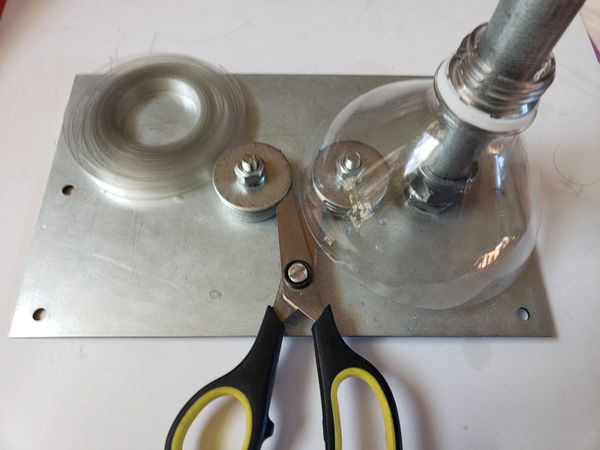
A simple and accurate diy plastic bottle strip cutter using scissors to make free filament for 3d printing.
10 Nov 2023 3 min read
3D part design with OpenSCAD #67: A sluice box riffle customizer.
3d Printed

3D part design with OpenSCAD #67: A sluice box riffle customizer.

An example using OpenSCAD to make riffles for a sluice box.
20 Oct 2023 2 min read
3D part design with OpenSCAD #66: Circular text.
3d Printed

3D part design with OpenSCAD #66: Circular text.

An example of how to make flat text on a circle using OpenScad.
01 Oct 2023 2 min read
3D part design with OpenSCAD #65 : Parametric parts organizer box with label.

3D part design with OpenSCAD #65 : Parametric parts organizer box with label.

An example of a parts bin with a customizable text label.
29 Sep 2023 2 min read
3D part design with Inkscape and OpenSCAD #64: making corrugated riffles for a sluice box.
3d Printed

3D part design with Inkscape and OpenSCAD #64: making corrugated riffles for a sluice box.

An easy way to make a corrugated panel with holes using Inkscape and OpenScad.
23 Sep 2023 2 min read
3D part design with Inkscape and OpenSCAD #63: making a custom shaped lithophane.
Inkscape

3D part design with Inkscape and OpenSCAD #63: making a custom shaped lithophane.

An example of how to make a custom shaped lithophane using Inkscape and OpenScad.
22 Sep 2023 3 min read
← Newer Posts Page 4 of 7 Older Posts →
infinityplays.com © 2026
Powered by Ghost