infinityplays.com
  • Home
  • Livestreams
  • 3D Printer tools
  • PVC 3D Printer
  • Open Source Projects
  • Web slicer
  • Tags
  • Login
Sign in Subscribe
Beginner's guide to designing a circuit with kicad 6.0
Kicad

Beginner's guide to designing a circuit with kicad 6.0

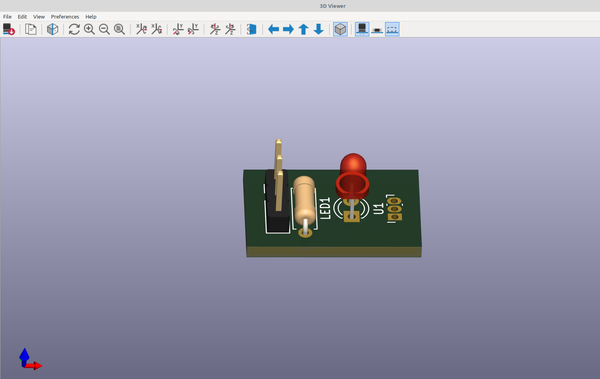
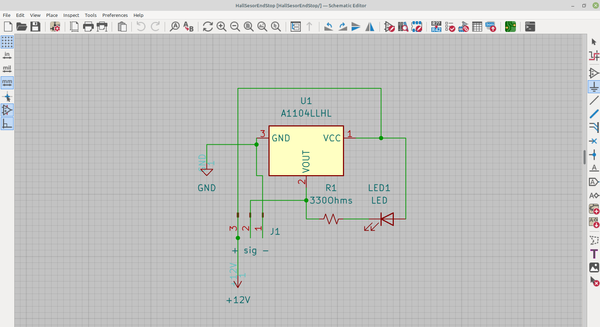
A complete beginner's guide to making a circuit with Kicad 6.0
16 Oct 2022 5 min read
3D part design with Openscad #37: ball bearing grid
3D Printing

3D part design with Openscad #37: ball bearing grid

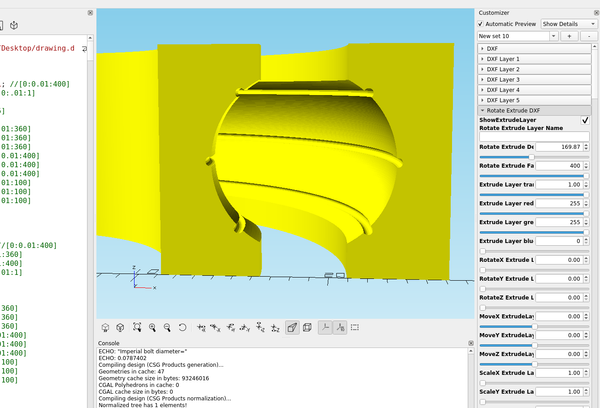
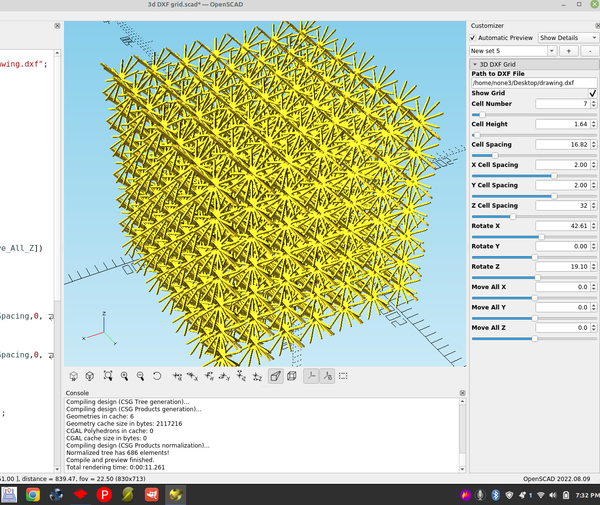
Using Openscad to make a ball bearing grid.
14 Oct 2022 1 min read
3D Part design with Inkscape and Openscad #36: Designing a bearing with Inkscape
3D Printing

3D Part design with Inkscape and Openscad #36: Designing a bearing with Inkscape

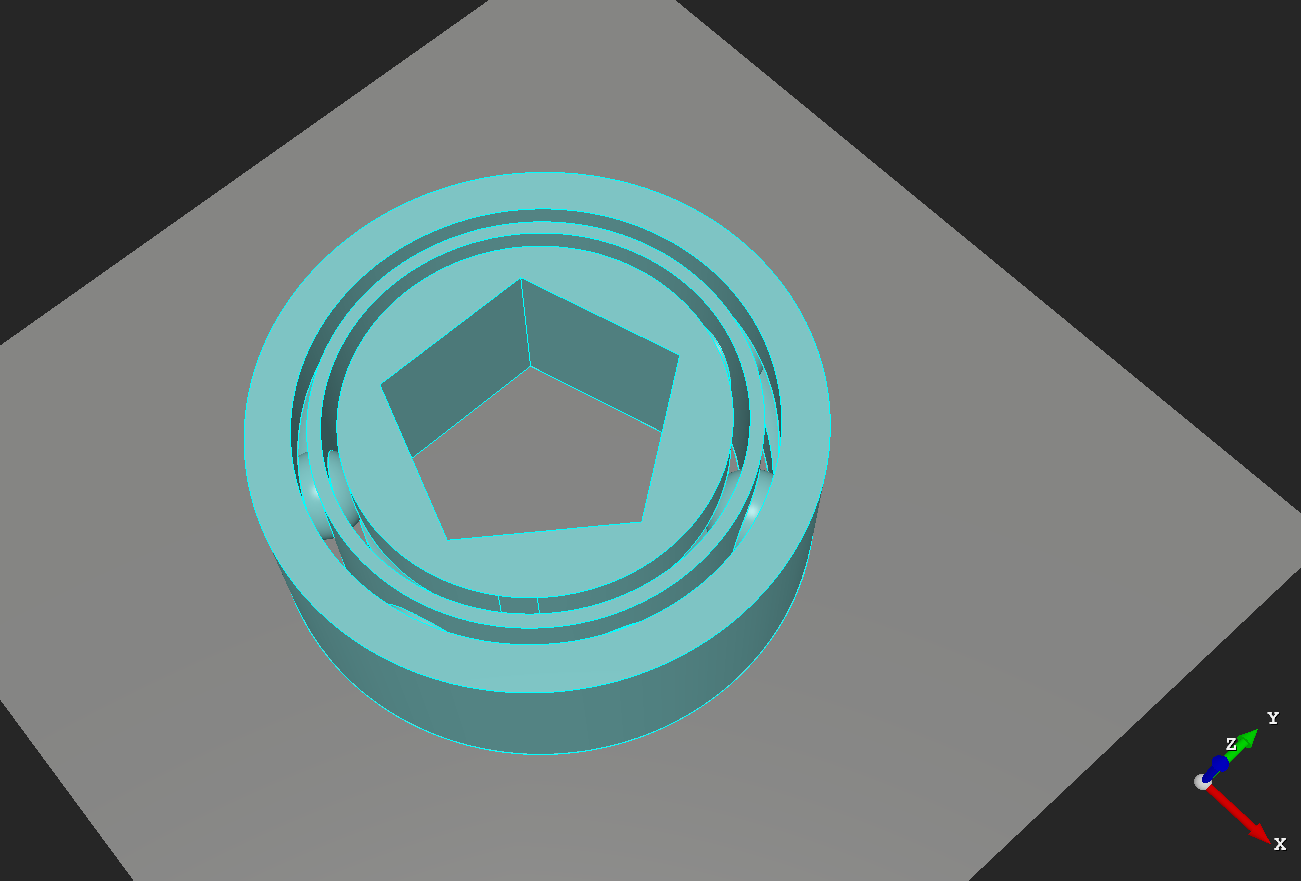
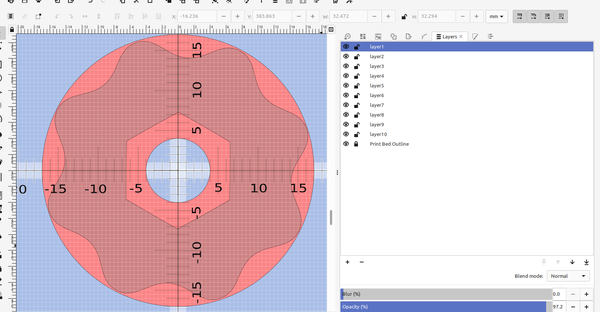
An easy way to design 3d printed bearings using Inkscape and openscad.
28 Sep 2022 3 min read
3D part design with  Openscad #35: Customizable bearing module
3D Printing

3D part design with Openscad #35: Customizable bearing module

A module to make a 3d printed bearing using openscad
21 Sep 2022 5 min read
3D part design with Inkscape and Openscad #33: Custom Knurling
3D Printing

3D part design with Inkscape and Openscad #33: Custom Knurling

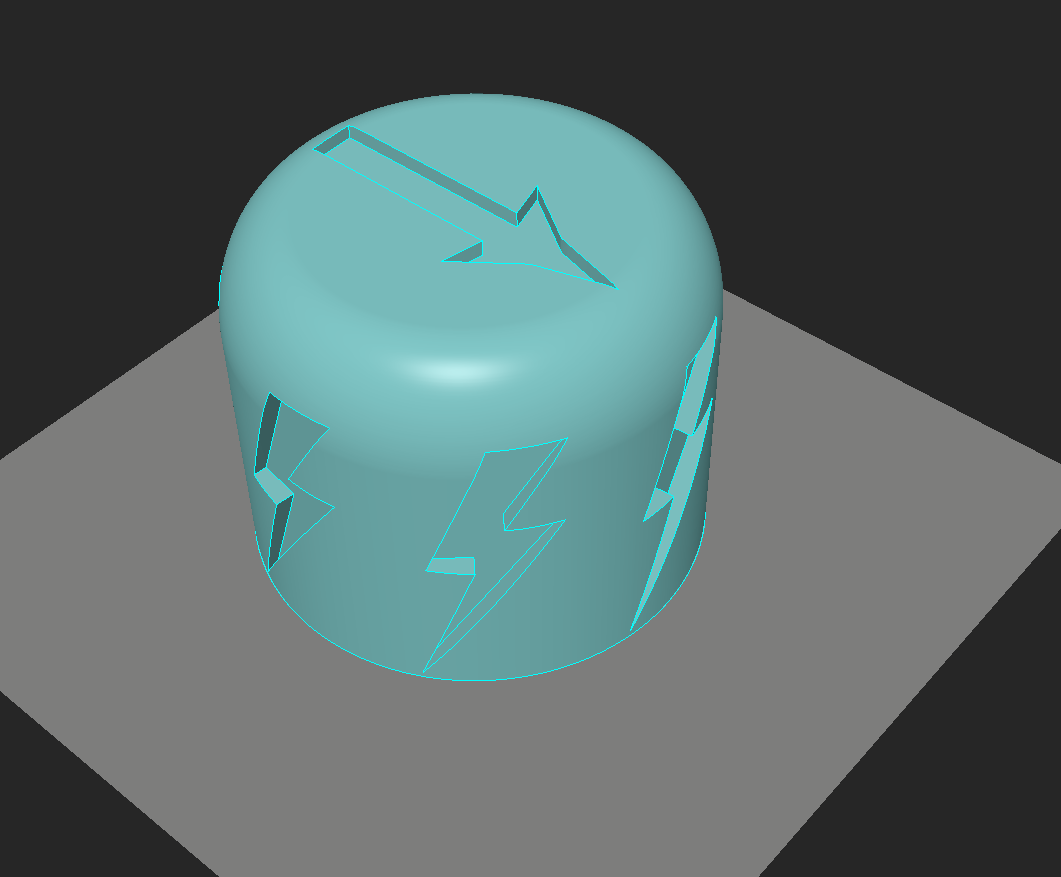
An easy way to add custom designs for knurling 3d printed knobs and tool handles
13 Sep 2022 3 min read
3D part design with Inkscape and Openscad #32: DXF matrix
3D Printing

3D part design with Inkscape and Openscad #32: DXF matrix

An example of how to make a 3d matrix using Inkscape and Openscad
10 Sep 2022 2 min read
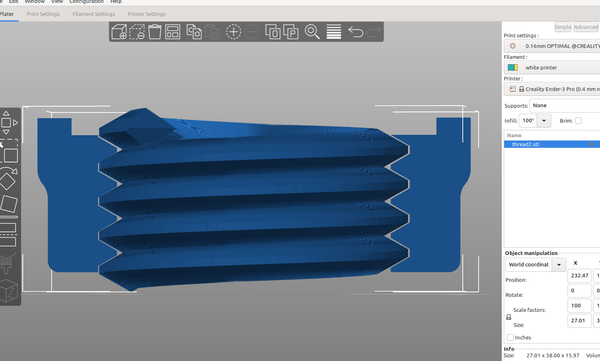
3d part design with Openscad #31: More thread module improvements.
3D Printing

3d part design with Openscad #31: More thread module improvements.

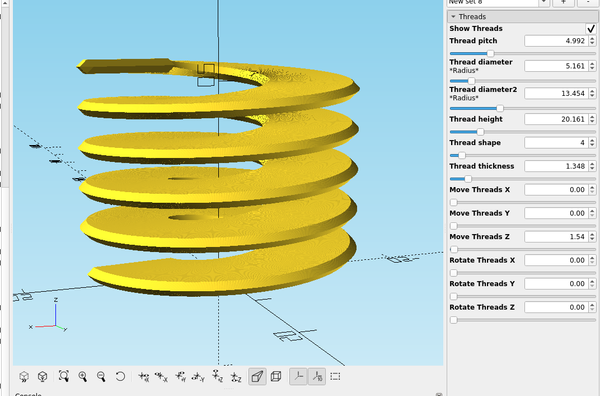
A re-visit to the thread module to add some features and test new rendering capabilities in Openscad.
06 Sep 2022 4 min read
3D part design with Inkscape and OpenScad #30: Easy way to add accurate scale marks to a bed template
3D Printing

3D part design with Inkscape and OpenScad #30: Easy way to add accurate scale marks to a bed template

An easy way to make a ruler or add scale marks using Inkscape
04 Sep 2022 2 min read
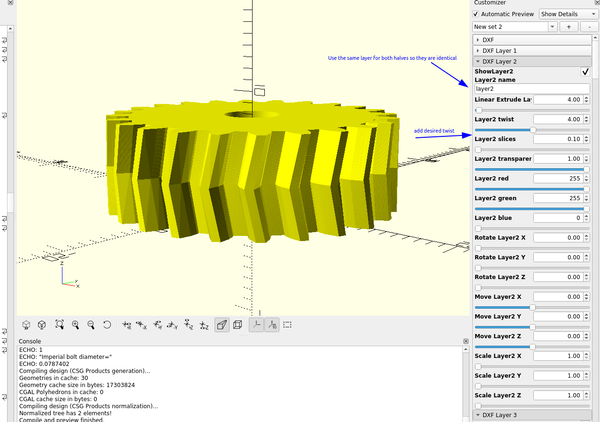
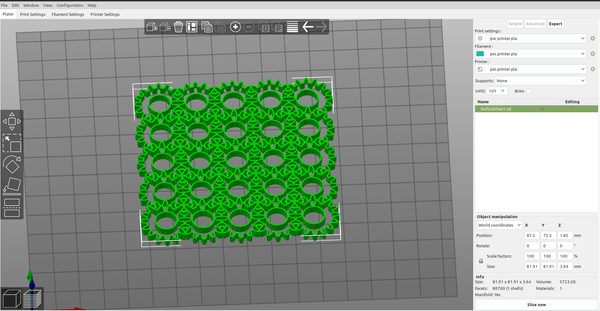
3D part design with Inkscape and OpenScad #29: fancy gears

3D part design with Inkscape and OpenScad #29: fancy gears

An easy way to make 3d printable gears using Inkscape and Openscad.
31 Aug 2022 2 min read
3d Part design with Inkscape and Openscad #28: stackable trays
3D Printing

3d Part design with Inkscape and Openscad #28: stackable trays

An easy way to make different shaped trays with Inkscape and OpenScad
06 Aug 2022 2 min read
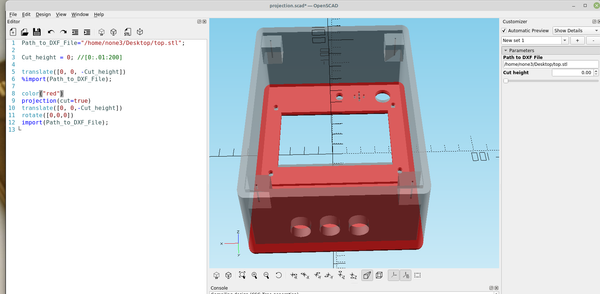
3D part design with Inkscape and Openscad #27: Using Kicad to make a pcb stencil
3D Printing

3D part design with Inkscape and Openscad #27: Using Kicad to make a pcb stencil

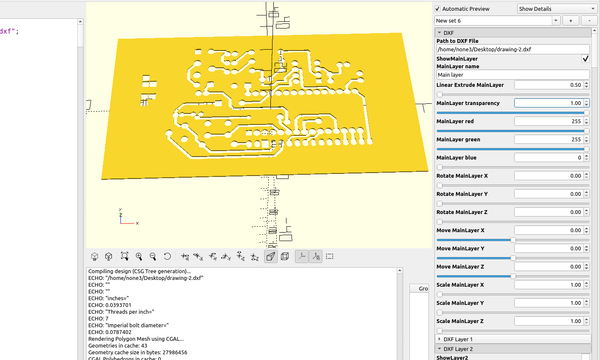
There are several ways to make printed circuit boards at home, here is an example of an easy way to use a 3d printer to make a stencil so you can use spray paint or a fine tipped pen to make a resist mask for the copper traces. I used
25 Jul 2022 4 min read
3D part design with Inkscape and openscad #26 : Filter  Funnel

3D part design with Inkscape and openscad #26 : Filter Funnel

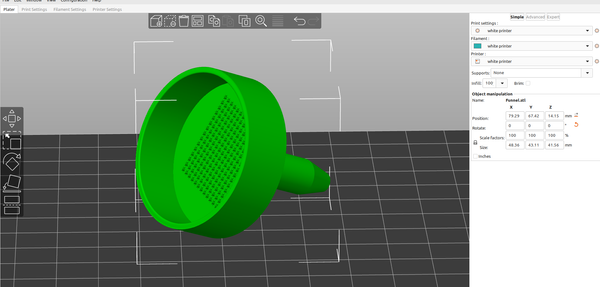
It's pretty easy to make any shape or size of funnel with Inkscape and OpenScad, here is an example of a funnel with a filter screen. First I drew the outline of the outside of the funnel with the bezier tool making sure to keep everything to the
04 Jun 2022 2 min read
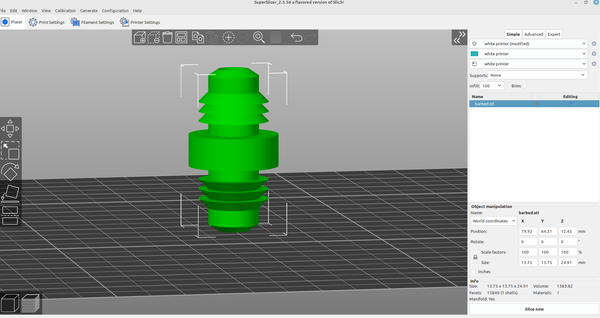
3d part design with Inkscape and OpenScad #25- Barbed fittings
3D Printing

3d part design with Inkscape and OpenScad #25- Barbed fittings

An easy way to design barbed fittings with Inkscape and OpenScad.
23 May 2022 2 min read
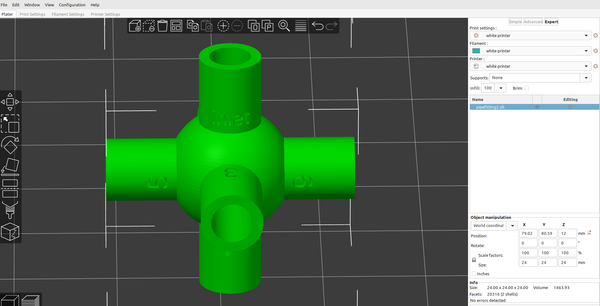
3D part design with OpenScad #24-Adding text capabilities to the pipe fitting module

3D part design with OpenScad #24-Adding text capabilities to the pipe fitting module

I wanted to be able to mark the size of the different branches,so I added the capability to the pipe fitting module: I added a text input to each of the existing branches,then set up a "text" module: Just copy and paste the revised code into
21 May 2022 5 min read
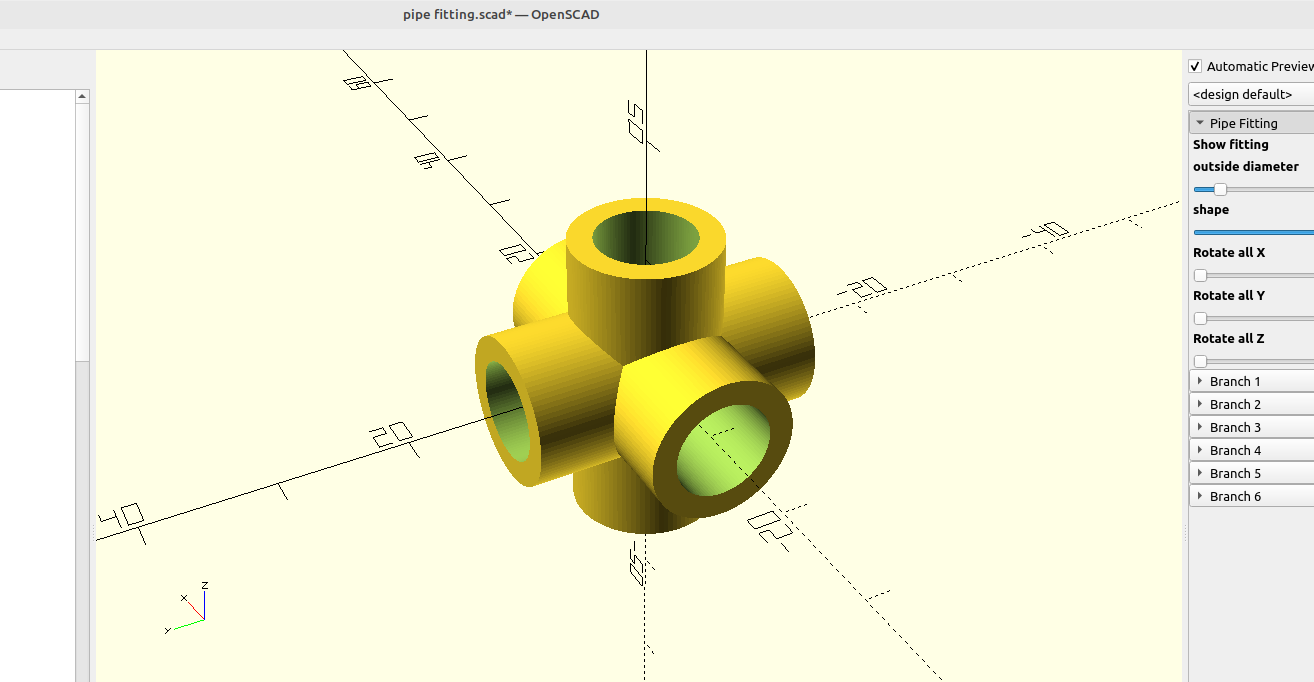
3D part design with OpenScad #23 unlimited pipe fitting module
3D Printing

3D part design with OpenScad #23 unlimited pipe fitting module

This module is for making pipe fittings, you can add branches, adjust each branch angle, branch inside and outside shape, length and diameter. Here is the code, just copy and paste it into the editor in OpenScad: /* [Pipe Fitting] */ Show_fitting = true; center_diameter = 6;//[3:0.01:50] center_

18 May 2022 4 min read
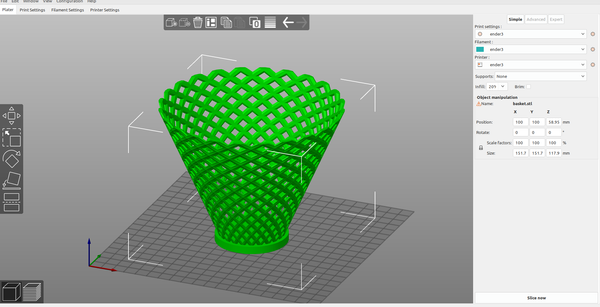
3d part design with Openscad #22: Basket module

3d part design with Openscad #22: Basket module

Copy and paste this code into the editor pane in Openscad: /* [Basket] */ Show_Basket = true; Height = 100 ; //[1:.1:400] Diameter = 100 ; //[1:.1:400] Density = 15 ; //[1:1:30] Bowl_shape = 1 ; //[1:.1:12] Layers_ = 12 ; //[1:1:20] Reed_thickness = 8 ; //[.1:.01:20] Reed_shape = 4;
06 Apr 2022 2 min read
3D Part design with Inkscape and Openscad #21:Recessed grid

3D Part design with Inkscape and Openscad #21:Recessed grid

Another example of how to use the customizer in Openscad and a dxf file from Inkscape to make an object for 3D printing.
11 Nov 2021 1 min read
3d Part design with Inkscape and Openscad part 20:  Dxf grid.
3D Printing

3d Part design with Inkscape and Openscad part 20: Dxf grid.

I was going to add a dxf import to the grid design module, but with the interesting grids you are able to design  I decided to make it a separate module so I can make multiple grids at the same time with it. I recycled most of the code from
25 Jun 2021 2 min read
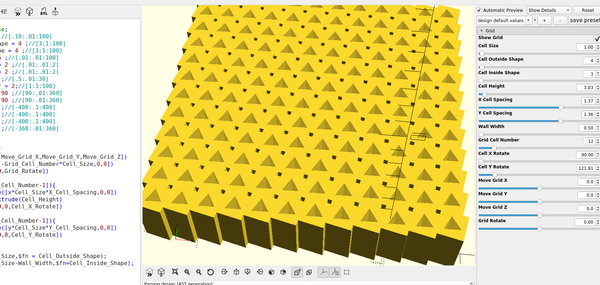
3D part design with Openscad part 19: Unlimited Grid design module part 1

3D part design with Openscad part 19: Unlimited Grid design module part 1

The next tool that I will add to my template is a grid design module, first I will set up the customizer menu: The new menus will show up in the customizer: Then I will add a grid module: And I can adjust the settings to make my grid: TODO
18 May 2021 1 min read
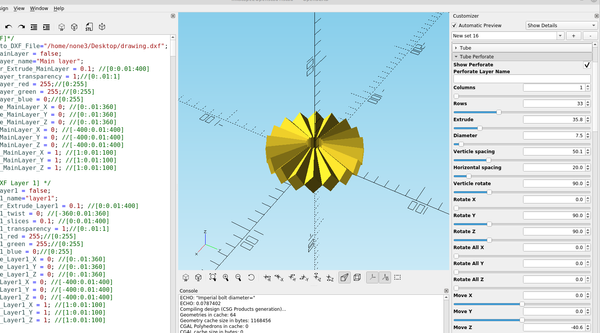
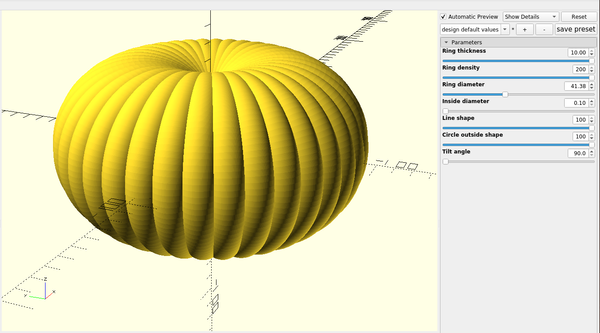
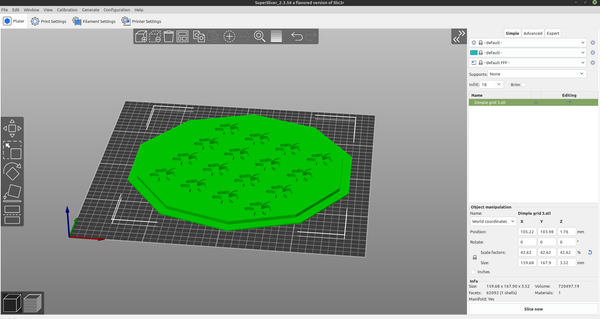
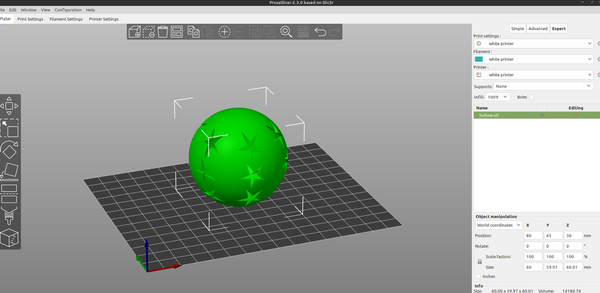
3D part design with Inkscape and OpenScad part18: hollow sphere + perforate

3D part design with Inkscape and OpenScad part18: hollow sphere + perforate

How to make a hollow sphere with Inkscape and openscad.
29 Apr 2021 2 min read
3d Part design with Inkscape and OpenScad part 17: tube module

3d Part design with Inkscape and OpenScad part 17: tube module

The tube perforate module from the last example needs a tube module to be complete so I will make one: As usual I will set up the customizer: Then add a new module called tube: Now I can make a tube for the perforate module: I can also make any
29 Apr 2021 2 min read
3D Part design with Inkscape and OpenScad part16: fun with for loops

3D Part design with Inkscape and OpenScad part16: fun with for loops

In this next section I will make a module to import a dxf layer from Inkscape and use it to make a repeating pattern on an object. First I set up the customizer menu: The new menu will now show up in the customizer: and I add a new module
27 Apr 2021 2 min read
3D Part design with Inkscape and OpenScad part 15: Dxf r14 vs. Dxf r12

3D Part design with Inkscape and OpenScad part 15: Dxf r14 vs. Dxf r12

If you have issues with the dxf export it may be because by default Inkscape exports the dxf file as a r12 dxf , so you will always need to "save as" and make sure you are using r14. You can still use r12 but you will need to
24 Apr 2021 2 min read
3d Part design with Inkscape and OpenScad part 14: Picture to project case

3d Part design with Inkscape and OpenScad part 14: Picture to project case

In this next example I will use Inkscape and Openscad to make a case for a raspberry pi zero. First I took a picture of the board, I printed out some graph paper and used cups to set my phone camera on so I could get a picture that was
23 Apr 2021 3 min read
3D part design with inkscape and openscad part  12: Cloning objects

3D part design with inkscape and openscad part 12: Cloning objects

Cloning objects with dxf layers is pretty easy, if you want to make another copy of something just rename one of the other layers to the layer you want to copy: With the way the code is set up if you run out of layer inputs all you have to
11 Apr 2021 1 min read
← Newer Posts Page 6 of 7 Older Posts →
infinityplays.com © 2026
Powered by Ghost