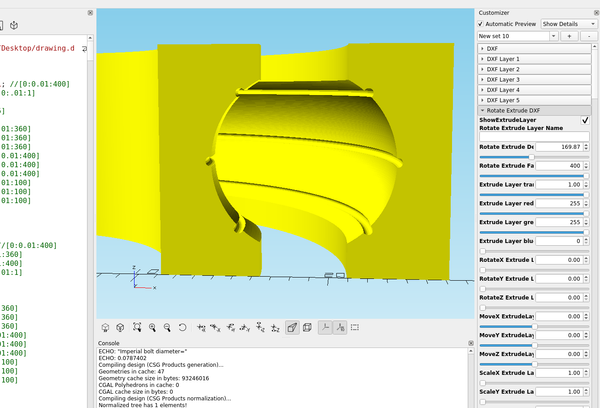
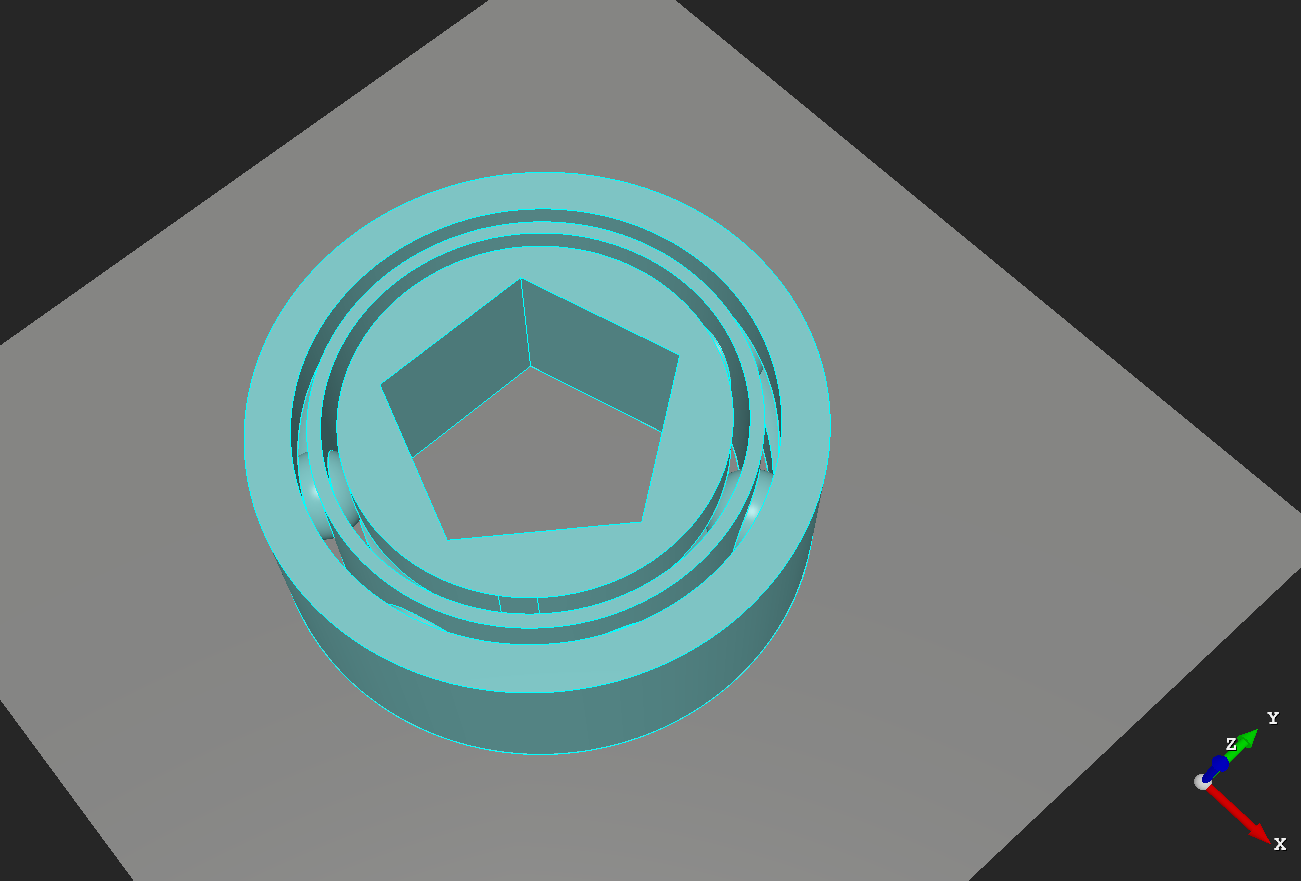
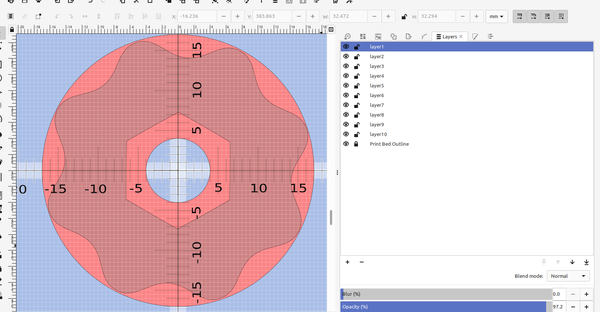
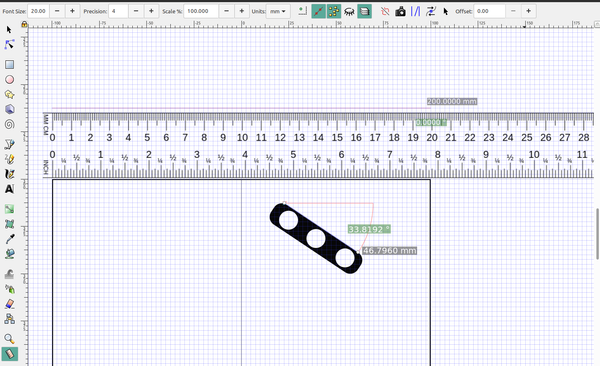
3D Printing 3D Part design with Inkscape and Openscad #36: Designing a bearing with Inkscape An easy way to design 3d printed bearings using Inkscape and openscad.
3D Printing 3D part design with Openscad #35: Customizable bearing module A module to make a 3d printed bearing using openscad
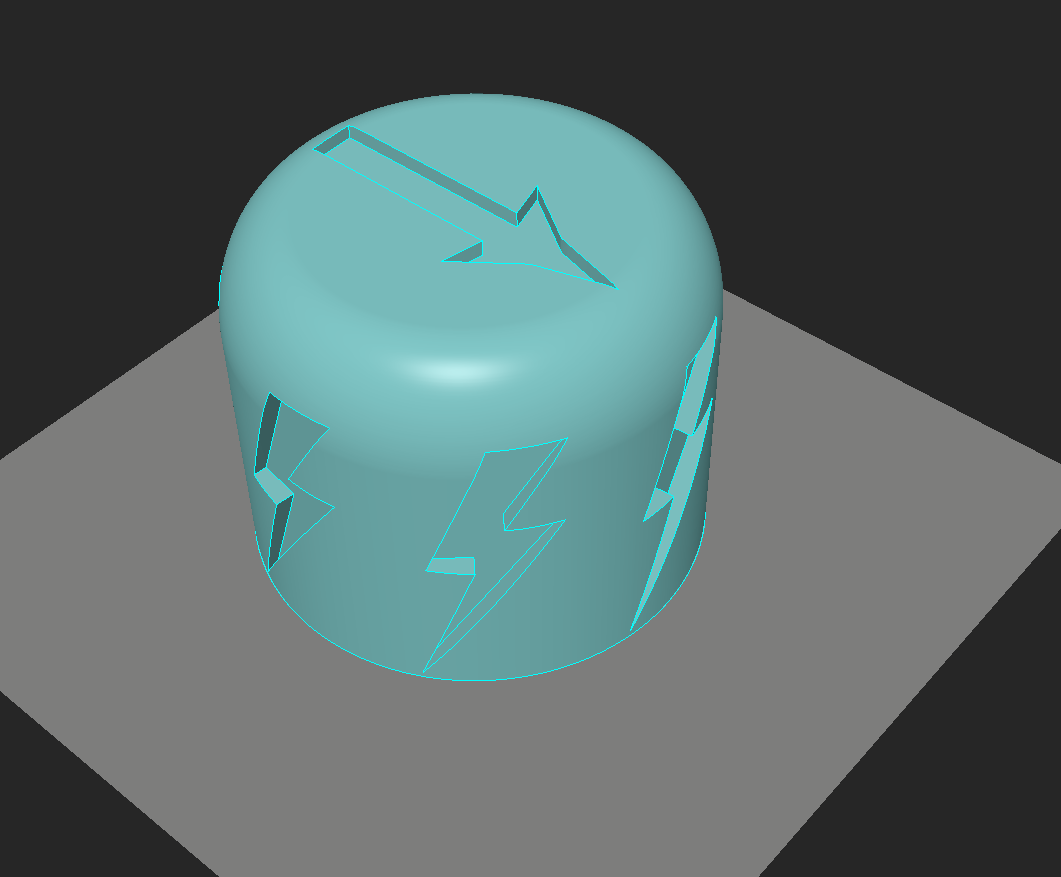
3D Printing 3D part design with Inkscape and Openscad #33: Custom Knurling An easy way to add custom designs for knurling 3d printed knobs and tool handles
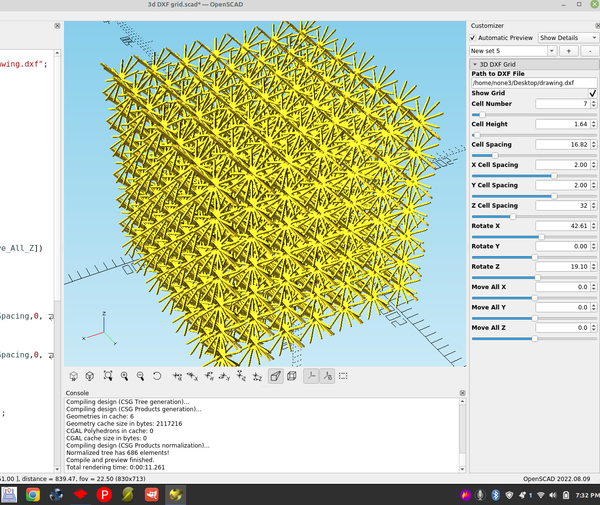
3D Printing 3D part design with Inkscape and Openscad #32: DXF matrix An example of how to make a 3d matrix using Inkscape and Openscad
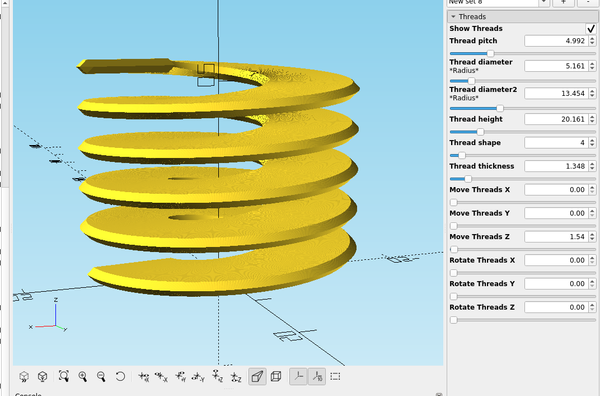
3D Printing 3d part design with Openscad #31: More thread module improvements. A re-visit to the thread module to add some features and test new rendering capabilities in Openscad.
3D Printing 3D part design with Inkscape and OpenScad #30: Easy way to add accurate scale marks to a bed template An easy way to make a ruler or add scale marks using Inkscape
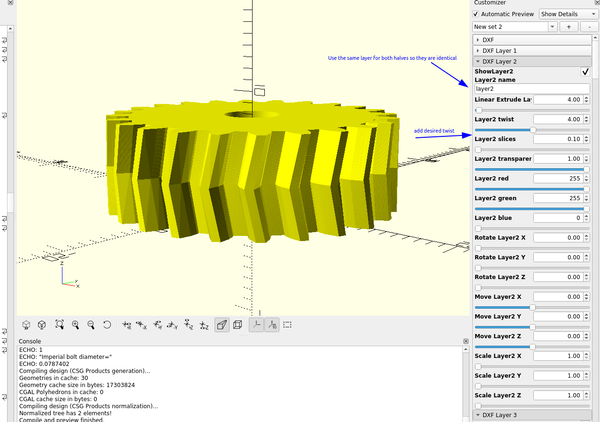
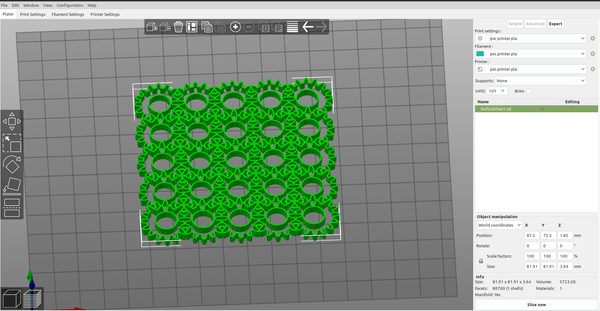
3D part design with Inkscape and OpenScad #29: fancy gears An easy way to make 3d printable gears using Inkscape and Openscad.
3D Printing 3d Part design with Inkscape and Openscad #28: stackable trays An easy way to make different shaped trays with Inkscape and OpenScad
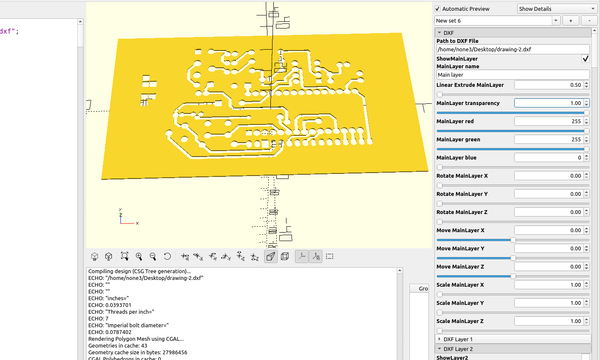
3D Printing 3D part design with Inkscape and Openscad #27: Using Kicad to make a pcb stencil There are several ways to make printed circuit boards at home, here is an example of an easy way to use a 3d printer to make a stencil so you can use spray paint or a fine tipped pen to make a resist mask for the copper traces. I used
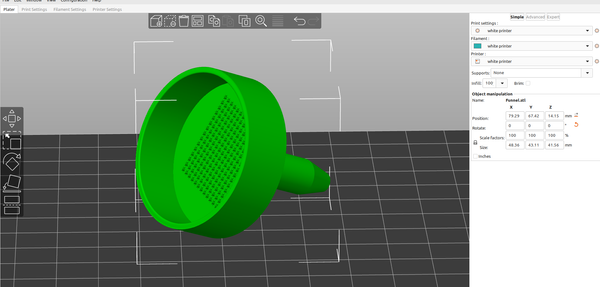
3D part design with Inkscape and openscad #26 : Filter Funnel It's pretty easy to make any shape or size of funnel with Inkscape and OpenScad, here is an example of a funnel with a filter screen. First I drew the outline of the outside of the funnel with the bezier tool making sure to keep everything to the
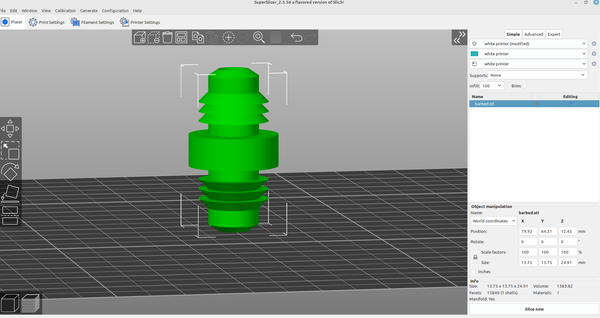
3D Printing 3d part design with Inkscape and OpenScad #25- Barbed fittings An easy way to design barbed fittings with Inkscape and OpenScad.
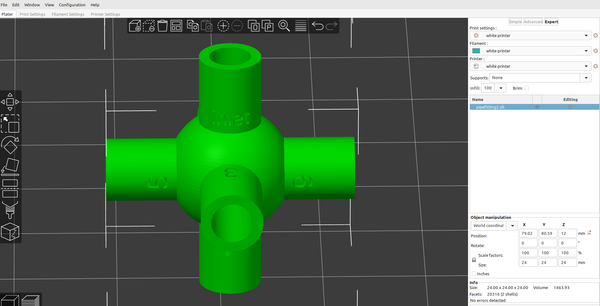
3D part design with OpenScad #24-Adding text capabilities to the pipe fitting module I wanted to be able to mark the size of the different branches,so I added the capability to the pipe fitting module: I added a text input to each of the existing branches,then set up a "text" module: Just copy and paste the revised code into
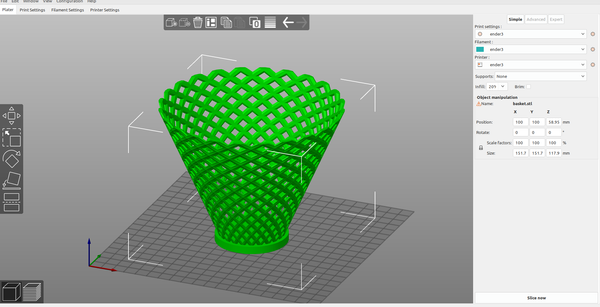
3d part design with Openscad #22: Basket module Copy and paste this code into the editor pane in Openscad: /* [Basket] */ Show_Basket = true; Height = 100 ; //[1:.1:400] Diameter = 100 ; //[1:.1:400] Density = 15 ; //[1:1:30] Bowl_shape = 1 ; //[1:.1:12] Layers_ = 12 ; //[1:1:20] Reed_thickness = 8 ; //[.1:.01:20] Reed_shape = 4;
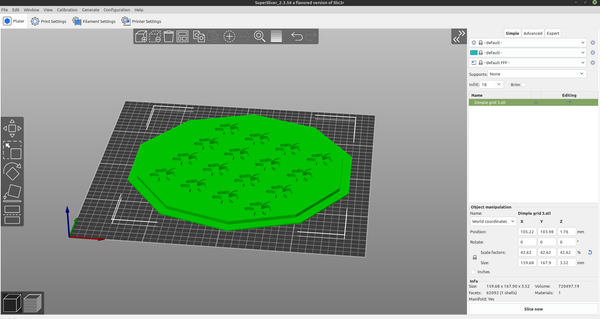
3D Part design with Inkscape and Openscad #21:Recessed grid Another example of how to use the customizer in Openscad and a dxf file from Inkscape to make an object for 3D printing.
3D Printing 3d Part design with Inkscape and Openscad part 20: Dxf grid. I was going to add a dxf import to the grid design module, but with the interesting grids you are able to design I decided to make it a separate module so I can make multiple grids at the same time with it. I recycled most of the code from
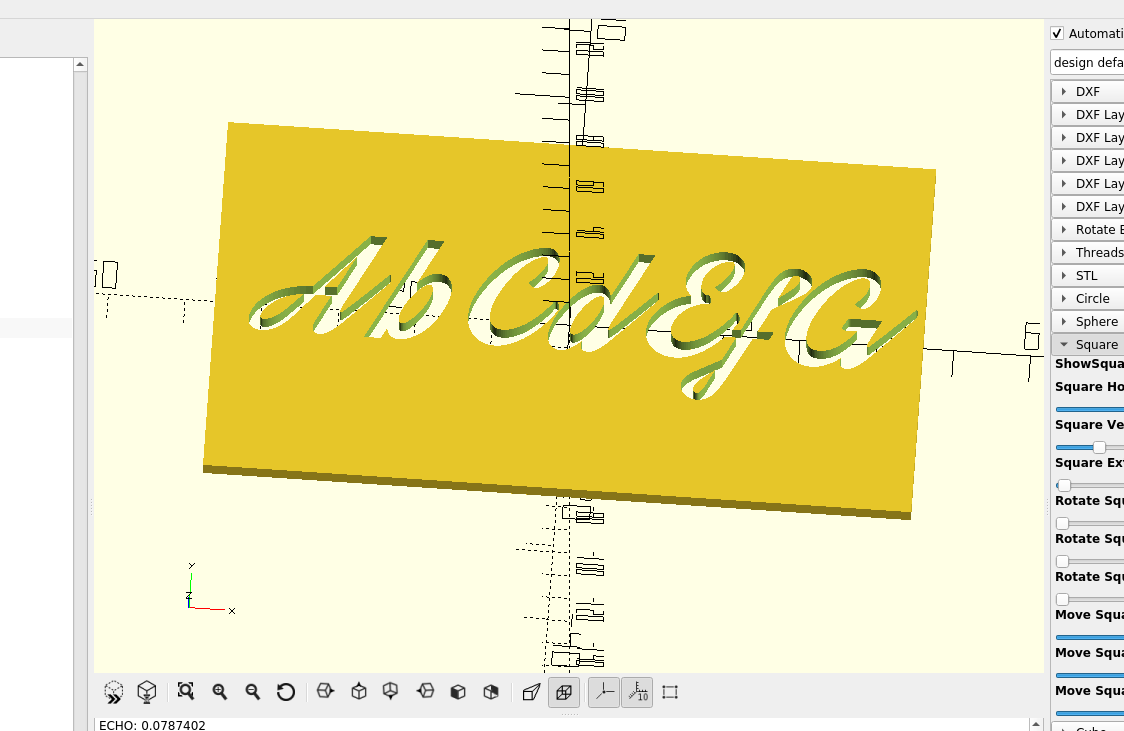
3d part design with Inkscape and Openscad part 11: Fancy Fonts An example of how to make 3d text with OpenScad.
Inkscape 3D part design with Inkscape and Openscad part 4: Measurements and precision An example of how to set the range precision in the OpenSCAD customizer.