infinityplays.com
  • Home
  • Livestreams
  • 3D Printer tools
  • PVC 3D Printer
  • Open Source Projects
  • Web slicer
  • Tags
  • Login
Sign in Subscribe
3D part design with Inkscape and OpenSCAD #99: STL to CNC part 2, using multiple layers with gcodetools.

3D part design with Inkscape and OpenSCAD #99: STL to CNC part 2, using multiple layers with gcodetools.

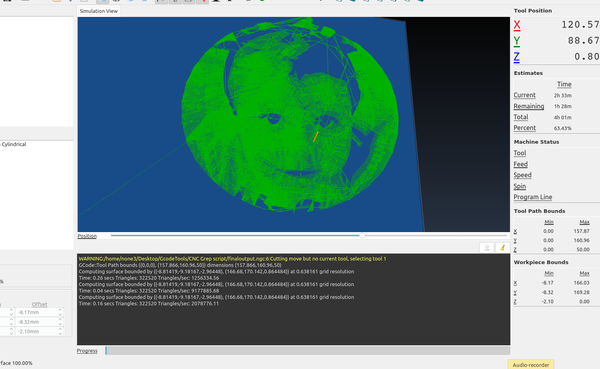
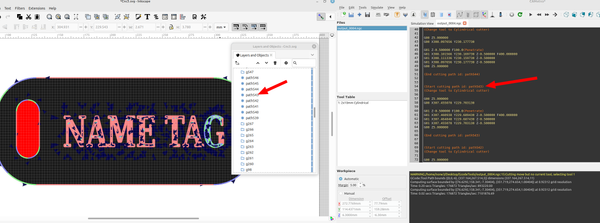
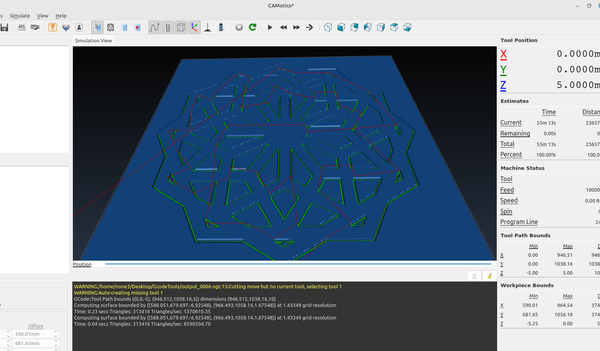
In the last post I set up a basic svg file as an introduction to the  gcode tools extension , in this post I'm going to set up a template with multiple layers so it can be used to make different cut depths for different layers and engraving. This
04 Jul 2024 6 min read
3D part design with Inkscape and OpenSCAD # 98:  STL to CNC part 1.

3D part design with Inkscape and OpenSCAD # 98: STL to CNC part 1.

It's pretty easy to use Inkscape and OpenSCAD to turn an STL file into a gcode file for a cnc machine. In this first part I'm going to set up a template in Inkscape so gcode tools is  ready to go so you don't
29 Jun 2024 4 min read
3D part design with Inkscape and OpenSCAD#97: SVG tube perforate module.
3d Printed

3D part design with Inkscape and OpenSCAD#97: SVG tube perforate module.

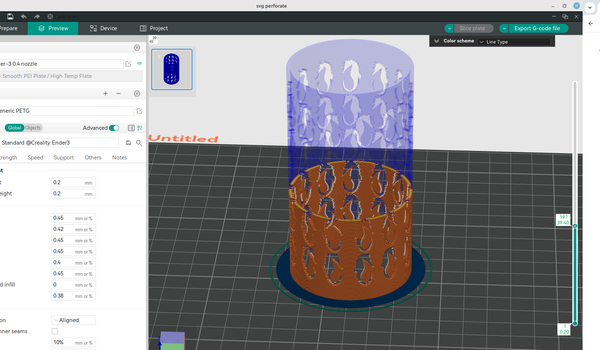
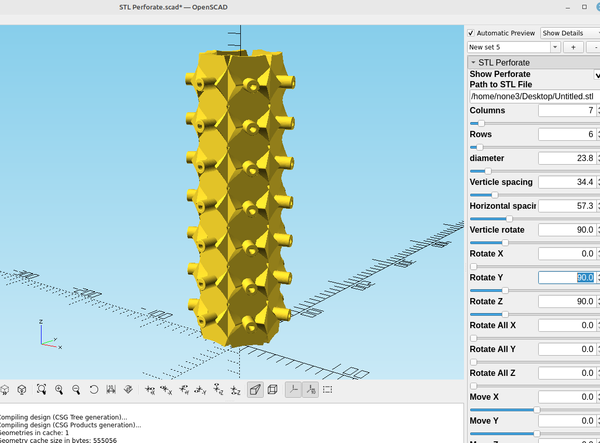
Previously I made a module that you could use to perforate different shaped holes in a tube to make an interesting design, these used dxf files or an stl file: 3d part design with Inkscape and Openscad #43: Revisiting the perforate moduleA revisit to the tube perforate module to modify
19 Jun 2024 3 min read
3D part design with OpenSCAD # 96: You don't have to be a "programmer" to make models with OpenSCAD
OpenScad

3D part design with OpenSCAD # 96: You don't have to be a "programmer" to make models with OpenSCAD

A few tips for anyone that is new to OpenSCAD
15 Jun 2024 5 min read
3D part design with Inkscape and OpenSCAD #95: Design a custom 3d printed shoe sole.
3d Printed

3D part design with Inkscape and OpenSCAD #95: Design a custom 3d printed shoe sole.

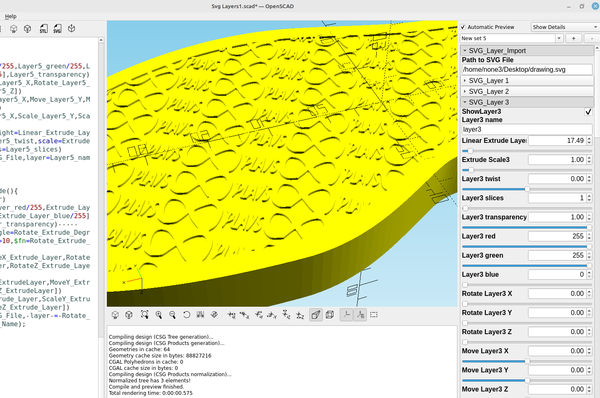
This is post #2 of a series where I will be designing custom shoes that can be 3d printed, in the last post I made a module for OpenSCAD that I could use to make the top part of a shoe. The first step is to import the outline of
26 May 2024 4 min read
3D part design with Inkscape and OpenSCAD #94: Using minkowski() to hollow out complex shapes.
3d Printed

3D part design with Inkscape and OpenSCAD #94: Using minkowski() to hollow out complex shapes.

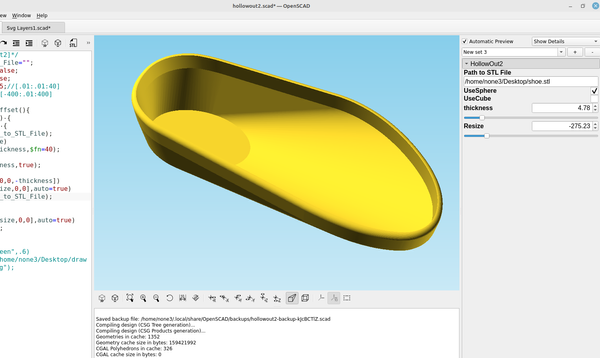
I recently set out to design a pair of shoes with Inkscape and OpenSCAD and wanted a simple way to make a shell out of a complex object and make it so that the walls would be a consistent width that was adjustable and it turns out that using minkowski
25 May 2024 3 min read
3D part design with Inkscape and OpenSCAD #93: reverse engineering an stl file part 4-Autoslice Version 3
3d Printed

3D part design with Inkscape and OpenSCAD #93: reverse engineering an stl file part 4-Autoslice Version 3

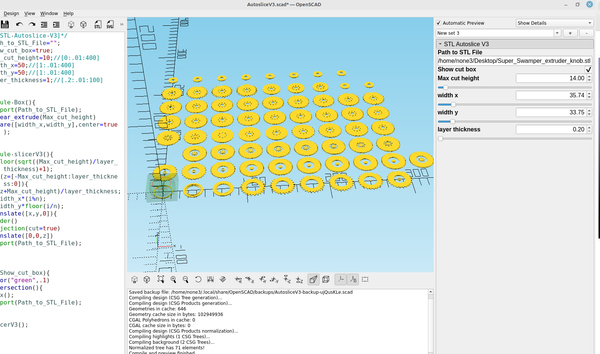
Another example of how to cut an stl into multiple slices using OpenSCAD
18 May 2024 2 min read
3D part design with Inkscape and OpenSCAD#92: Reverse Engineering an stl file part 3: Automating with  animation
3d Printed

3D part design with Inkscape and OpenSCAD#92: Reverse Engineering an stl file part 3: Automating with animation

By adding the $t command in a few places I was able to automate the slicer module I made in post #88 so it will automatically slice the layers and it can either be paused to save an svg or an stl at that layer or output the layers as
11 May 2024 4 min read
3D part design with Inkscape and OpenSCAD #91: make a pegboard any shape you want.
3d Printed

3D part design with Inkscape and OpenSCAD #91: make a pegboard any shape you want.

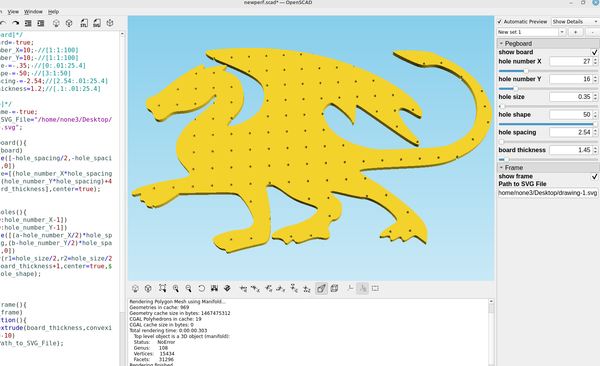
After I made the pegboard module in post # 61 I decided to make a way to cut it out to any shape I wanted so I could make some cool looking pegboards instead of the plain old square ones. Here is the updated code: /*[Pegboard]*/ show_board= true; hole_number_
09 May 2024 2 min read
3D part design with Inkscape and OpenSCAD #90: adding extrude scale to the svg import modules.
3D Printing

3D part design with Inkscape and OpenSCAD #90: adding extrude scale to the svg import modules.

One of the options I had neglected to add to the svg import modules was the ability to automate the scale option in linear extrude so I added it. Here is the updated code: /*[SVG_Layer_Import] */ Path_to_SVG_File="/home/none3/Desktop/openscad working folder/drawing.svg&
03 May 2024 5 min read
3D part design with Inkscape and OpenSCAD #89: making 3d printed canisters for mosaic pattern Damascus steel
3d Printed

3D part design with Inkscape and OpenSCAD #89: making 3d printed canisters for mosaic pattern Damascus steel

An example of how to make a 3d printed shell to use in making mosaic pattern Damascus steel
28 Apr 2024 4 min read
3d part design with OpenSCAD #88: Reverse engineering an STL file part 2
3d Printed

3d part design with OpenSCAD #88: Reverse engineering an STL file part 2

When I made post #41 there were a bunch of loose ends I wanted to tighten up and features I wanted to add so I decided to take a couple of minutes this morning and see what I could come up with and I think it is much more functional
26 Apr 2024 3 min read
3d Part design with Inkscape and OpenSCAD #87: Customizable sluicebox part 2
3d Printed

3d Part design with Inkscape and OpenSCAD #87: Customizable sluicebox part 2

Part 2 of a customizable sluice box designed with Inkscape and OpenSCAD
21 Apr 2024 3 min read
3D part design with OpenSCAD #86: Adding a pinwheel option to the universal propeller module.
3d Printed

3D part design with OpenSCAD #86: Adding a pinwheel option to the universal propeller module.

Adding a pinwheel option to the universal propeller module makes some cool looking designs
20 Apr 2024 2 min read
3D part design with OpenSCAD #85: Bending an .stl file.
3D printed Lithophane

3D part design with OpenSCAD #85: Bending an .stl file.

A method to curve a flat stl file around a round object.
27 Mar 2024 2 min read
3D part design with Inkscape and OpenSCAD #84: Bending an SVG file.
3d Printed

3D part design with Inkscape and OpenSCAD #84: Bending an SVG file.

Making a custom object with Inkscape to use with the "bend" OpenSCAD code from my last post works great, here is the modified code: /*[Bend SVG]*/ Path_to_SVG_File="/home/none3/Desktop/drawing.svg"; bend=103.5;//[-360:.01:360] tilt_angle=0;//[0:.01:
24 Mar 2024 2 min read
3D part design with OpenSCAD #83: Bending text part 2.
3D Printing

3D part design with OpenSCAD #83: Bending text part 2.

Some improvements to the bend text module for OpenSCAD from the last post.
23 Mar 2024 3 min read
3D part design with OpenSCAD #82: bending text around a cylinder.
3d Printed

3D part design with OpenSCAD #82: bending text around a cylinder.

And example of how to bend text around a cylinder in OpenSCAD.
22 Mar 2024 3 min read
3D part design with Inkscape and OpenSCAD #81: Designing custom bellows.
3d Printed

3D part design with Inkscape and OpenSCAD #81: Designing custom bellows.

If you are trying to make bellows or a speaker cone here is an easy way to do that. I'm using the function plotter to make a sine wave pattern like I did in post #64 to make the shape of the bellows, first you make a rectangle
15 Mar 2024 3 min read
3D part design with OpenSCAD #80: Using roof() to make a beveled stencil
3d Printed

3D part design with OpenSCAD #80: Using roof() to make a beveled stencil

After making the beveled text module I was experimenting with using the same technique on a stencil to see if it would improve the print quality and it works pretty good. Here is the code: /*[Beveled Stencil]*/ Path_to_SVG_File="/home/none3/Desktop/.svg"; stencil_height=1;
10 Mar 2024 1 min read
3D part design with OpenSCAD # 79: Adding shell to the tapered text module.
3d Printed

3D part design with OpenSCAD # 79: Adding shell to the tapered text module.

Since I can make letters as large as my printer will allow I thought it would be useful to make them hollow so I could add a transparent top  layer or two and use them to make an led sign, so I added a way to do that. Here is
04 Mar 2024 1 min read
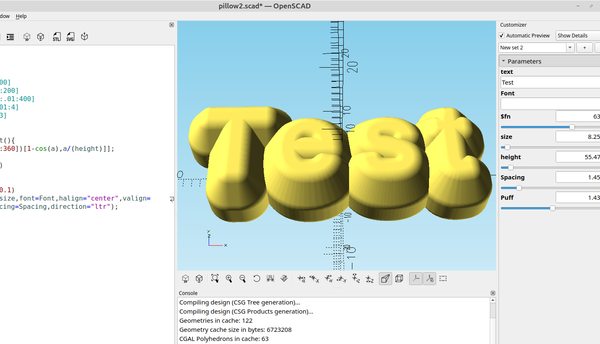
3D part design with OpenSCAD #78: Easy tapered 3d text using roof()
3d Printed

3D part design with OpenSCAD #78: Easy tapered 3d text using roof()

An example of how to use roof() to make tapered 3d text.
02 Mar 2024 2 min read
3D part design with Inkscape and OpenSCAD #77: More with the shape builder tool and checking dimensions before 3d printing.
3D Printing

3D part design with Inkscape and OpenSCAD #77: More with the shape builder tool and checking dimensions before 3d printing.

In the last post I used the shape builder tool in Inkscape to do some basic addition and subtraction of objects, in this post I'm going to use it to add multiple cut outs to a new design. Here is a plate with a Db9 connector and I
01 Mar 2024 3 min read
3D part design with Inkscape and OpenSCAD#76: Using the new Inkscape 1.3.x shape builder tool.

3D part design with Inkscape and OpenSCAD#76: Using the new Inkscape 1.3.x shape builder tool.

An example of how to use the shape builder tool to make objects to be 3d printed.
18 Feb 2024 2 min read
3D part design with Inkscape and OpenSCAD #75: using guidelines for precise object positioning.
3D Printing

3D part design with Inkscape and OpenSCAD #75: using guidelines for precise object positioning.

An example of how to use guidelines with Inkscape to precisely position objects.
09 Feb 2024 3 min read
← Newer Posts Page 3 of 7 Older Posts →
infinityplays.com © 2026
Powered by Ghost