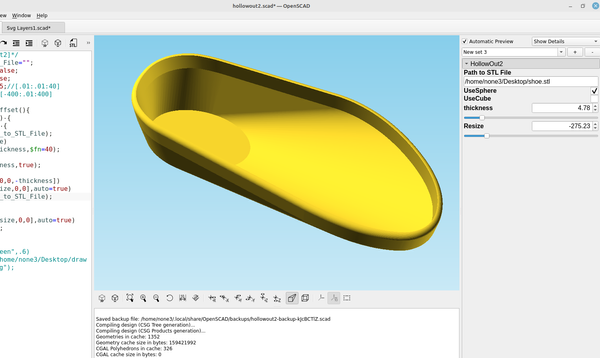
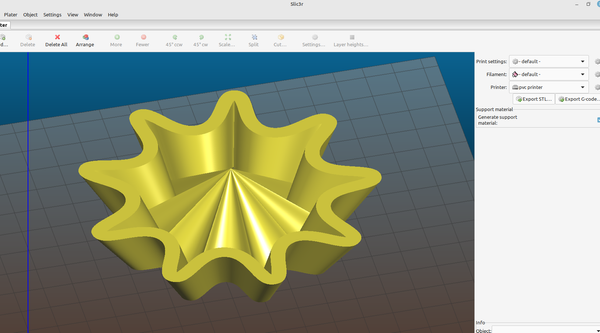
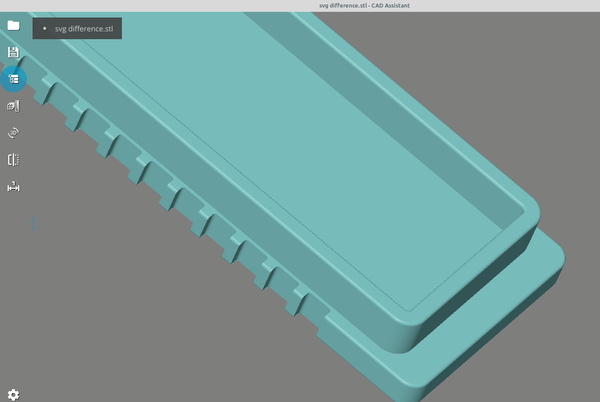
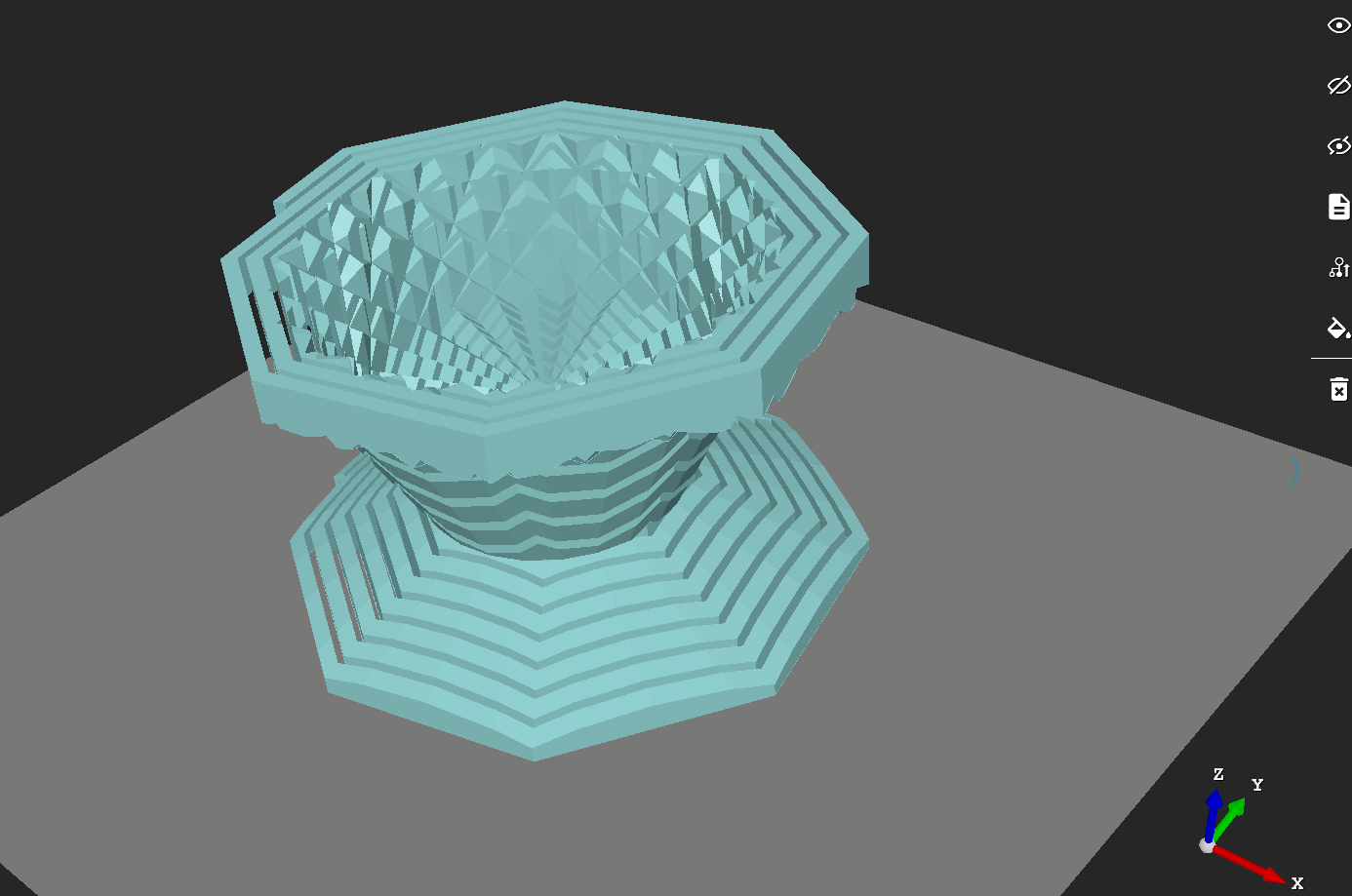
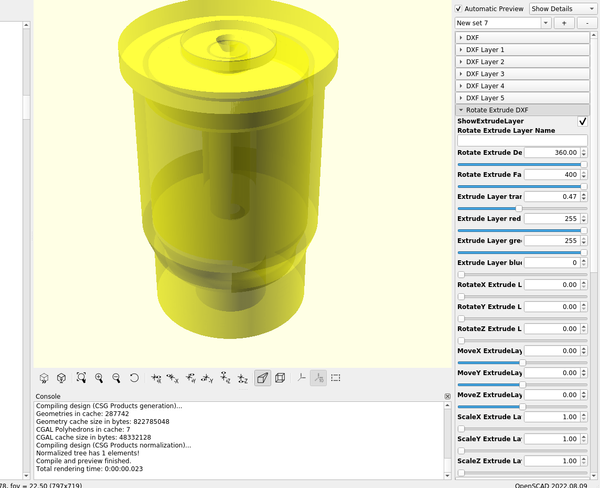
3d Printed 3D part design with Inkscape and OpenSCAD #94: Using minkowski() to hollow out complex shapes. I recently set out to design a pair of shoes with Inkscape and OpenSCAD and wanted a simple way to make a shell out of a complex object and make it so that the walls would be a consistent width that was adjustable and it turns out that using minkowski
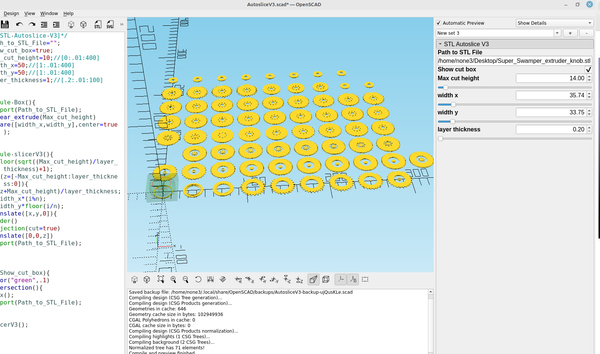
3d Printed 3D part design with Inkscape and OpenSCAD #93: reverse engineering an stl file part 4-Autoslice Version 3 Another example of how to cut an stl into multiple slices using OpenSCAD
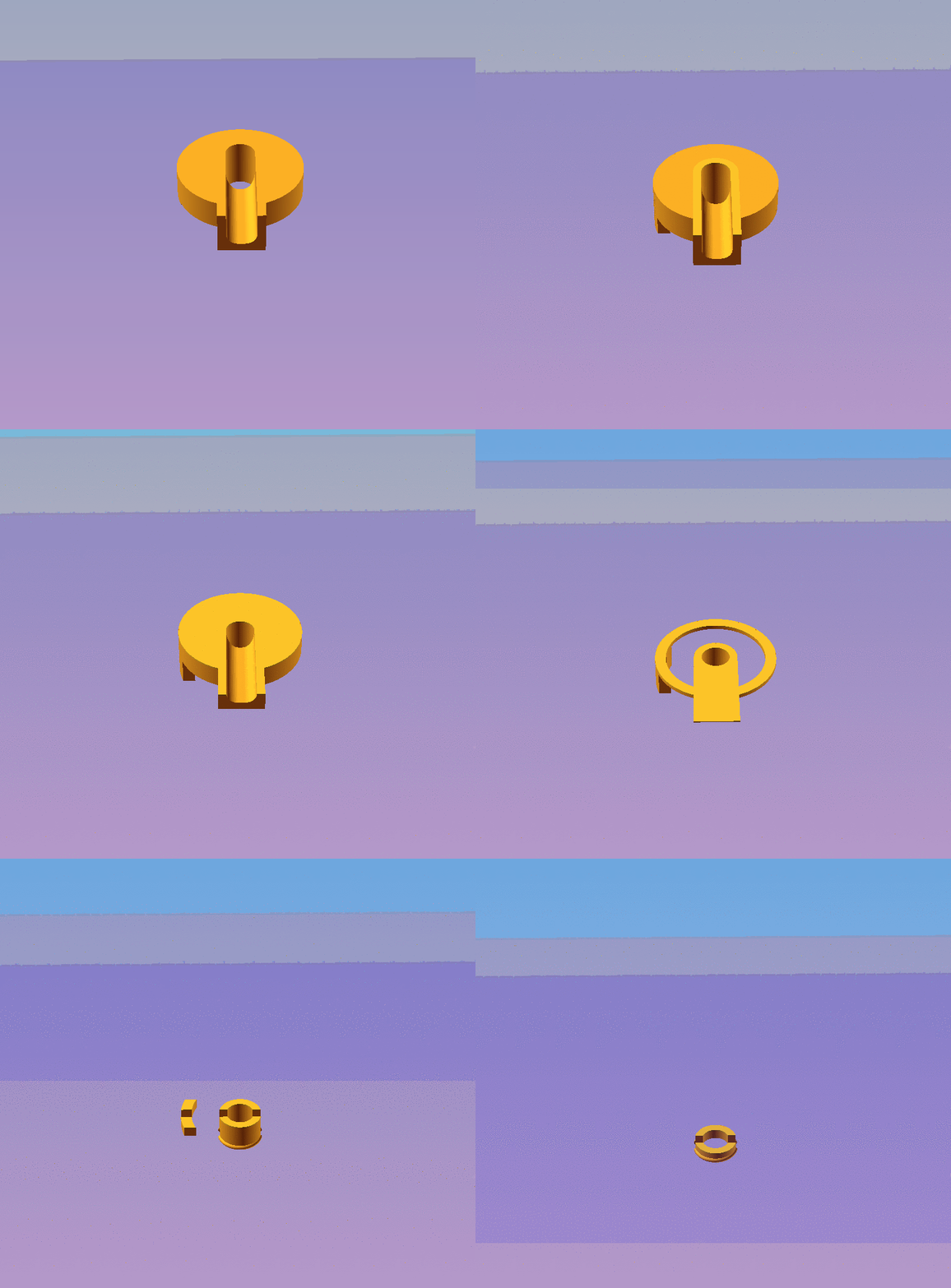
3d Printed 3D part design with Inkscape and OpenSCAD#92: Reverse Engineering an stl file part 3: Automating with animation By adding the $t command in a few places I was able to automate the slicer module I made in post #88 so it will automatically slice the layers and it can either be paused to save an svg or an stl at that layer or output the layers as
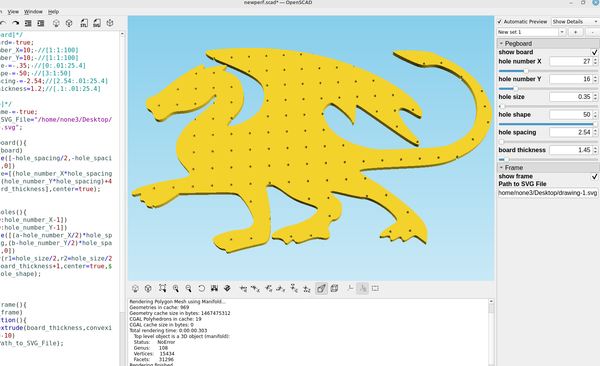
3d Printed 3D part design with Inkscape and OpenSCAD #91: make a pegboard any shape you want. After I made the pegboard module in post # 61 I decided to make a way to cut it out to any shape I wanted so I could make some cool looking pegboards instead of the plain old square ones. Here is the updated code: /*[Pegboard]*/ show_board= true; hole_number_
3D Printing 3D part design with Inkscape and OpenSCAD #90: adding extrude scale to the svg import modules. One of the options I had neglected to add to the svg import modules was the ability to automate the scale option in linear extrude so I added it. Here is the updated code: /*[SVG_Layer_Import] */ Path_to_SVG_File="/home/none3/Desktop/openscad working folder/drawing.svg&
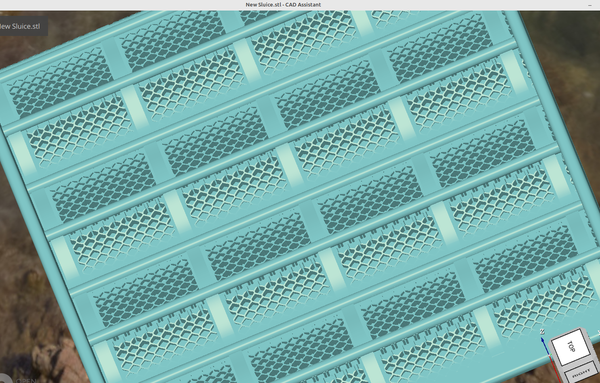
3d Printed 3d Part design with Inkscape and OpenSCAD #87: Customizable sluicebox part 2 Part 2 of a customizable sluice box designed with Inkscape and OpenSCAD
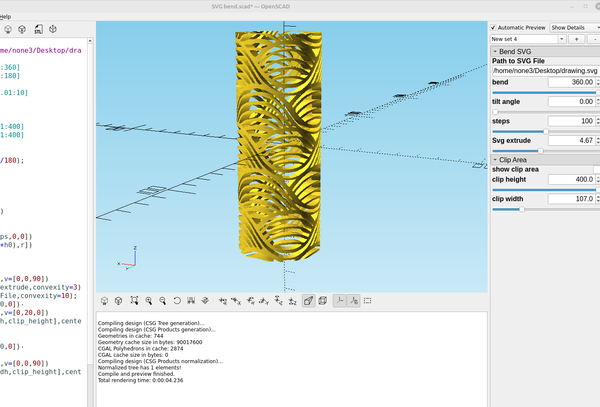
3d Printed 3D part design with Inkscape and OpenSCAD #84: Bending an SVG file. Making a custom object with Inkscape to use with the "bend" OpenSCAD code from my last post works great, here is the modified code: /*[Bend SVG]*/ Path_to_SVG_File="/home/none3/Desktop/drawing.svg"; bend=103.5;//[-360:.01:360] tilt_angle=0;//[0:.01:
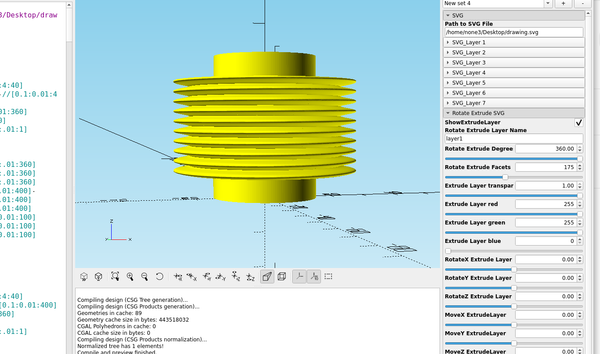
3d Printed 3D part design with Inkscape and OpenSCAD #81: Designing custom bellows. If you are trying to make bellows or a speaker cone here is an easy way to do that. I'm using the function plotter to make a sine wave pattern like I did in post #64 to make the shape of the bellows, first you make a rectangle
3D Printing 3D part design with Inkscape and OpenSCAD #77: More with the shape builder tool and checking dimensions before 3d printing. In the last post I used the shape builder tool in Inkscape to do some basic addition and subtraction of objects, in this post I'm going to use it to add multiple cut outs to a new design. Here is a plate with a Db9 connector and I
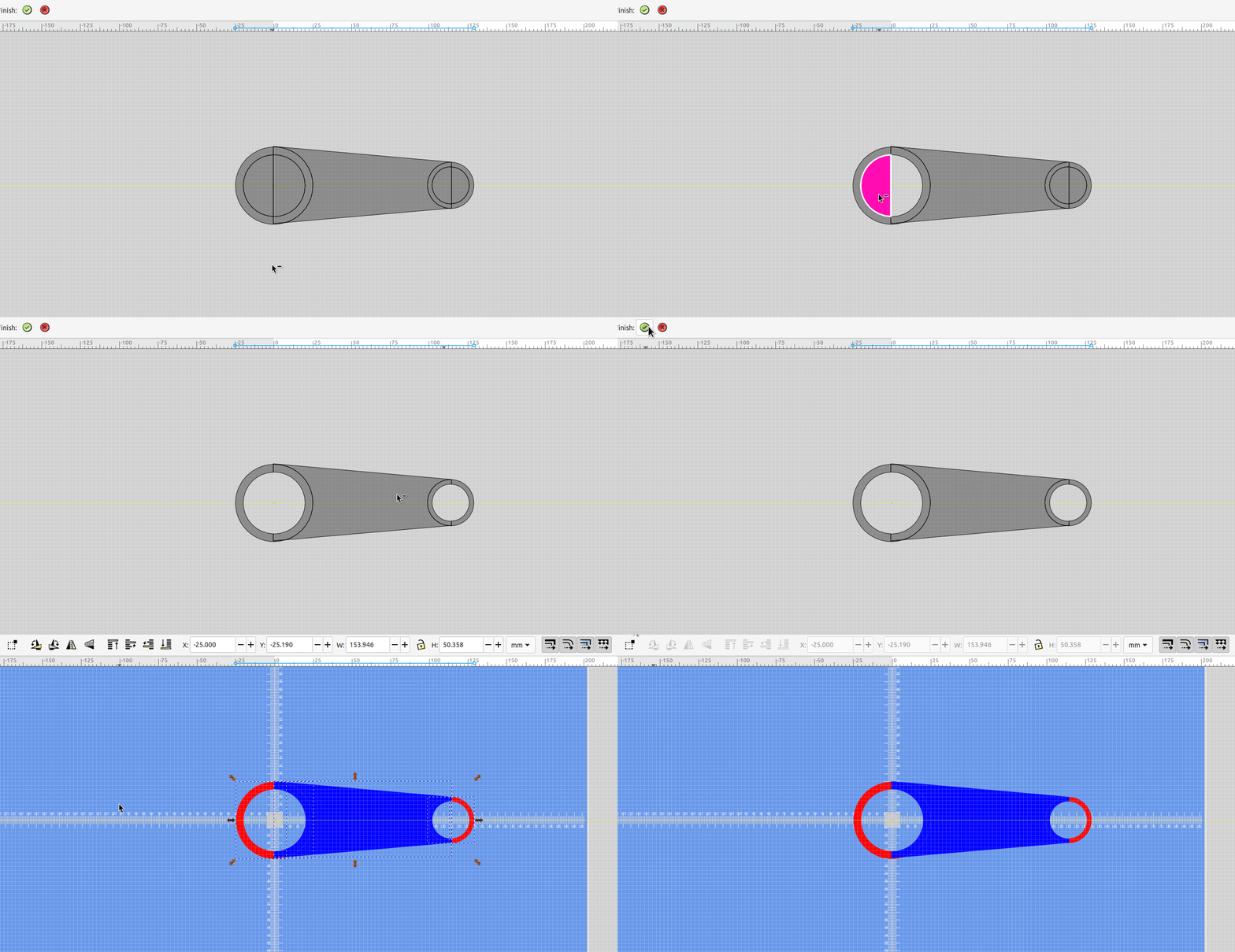
3D part design with Inkscape and OpenSCAD#76: Using the new Inkscape 1.3.x shape builder tool. An example of how to use the shape builder tool to make objects to be 3d printed.
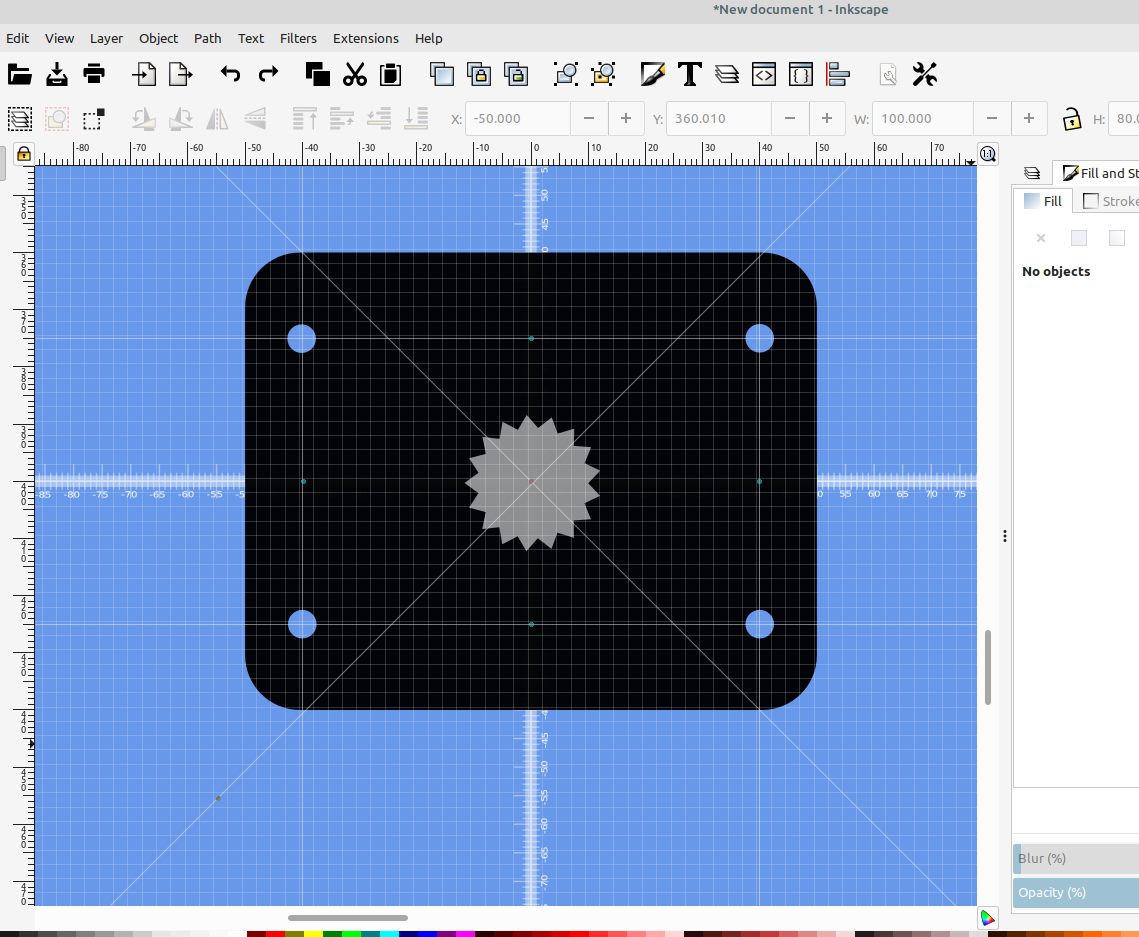
3D Printing 3D part design with Inkscape and OpenSCAD #75: using guidelines for precise object positioning. An example of how to use guidelines with Inkscape to precisely position objects.
3d Printed 3D part design with Inkscape and OpenSCAD #74: adding fillet and chamfer to the SVG import modules. An example of how to add fillet and chamfer capabilities to an SVG layer that was imported into OpenSCAD.
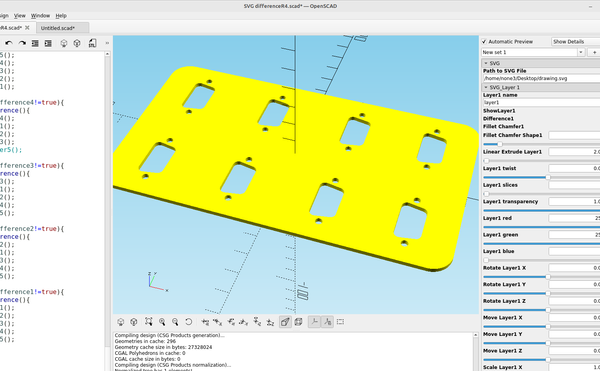
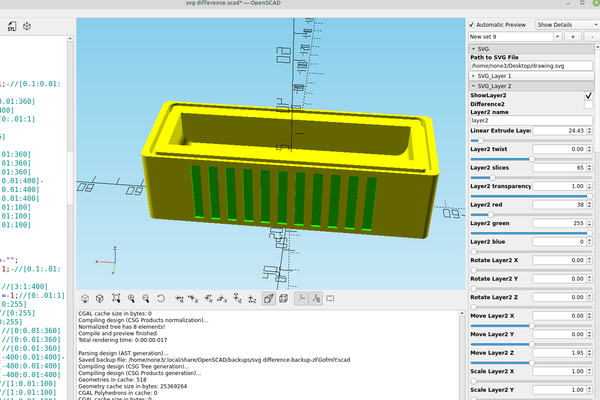
3D Printing 3D part design with Inkscape and OpenSCAD #73: automating difference() with the customizer. Being able to click a box and add or subtract an object from a project is pretty handy, and combined with the svg layer import template it increases the speed of the workflow quite a bit. Here is an addition I made to the svg layer import code so I
3d Printed 3d part design with OpenScad #71: Using hull and spheres to make a slinky and improve the thread module. I was experimenting with using a sphere for the thread module to see what the results looked like and it works really well, the rendering is fast on the new development builds and the steps in the for loop can be adjusted to make a super smooth spiral. Update: I
3D Printing 3D part design with Inkscape and OpenSCAD #68: Using SVG layers with the customizer. An example of how to import layers from an Inkscape SVG file and make a 3d object with OpenSCAD
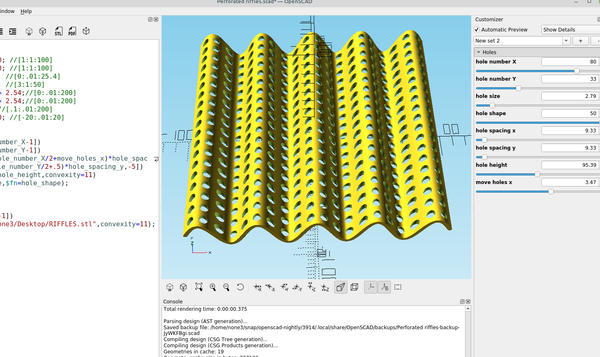
3d Printed 3D part design with Inkscape and OpenSCAD #64: making corrugated riffles for a sluice box. An easy way to make a corrugated panel with holes using Inkscape and OpenScad.
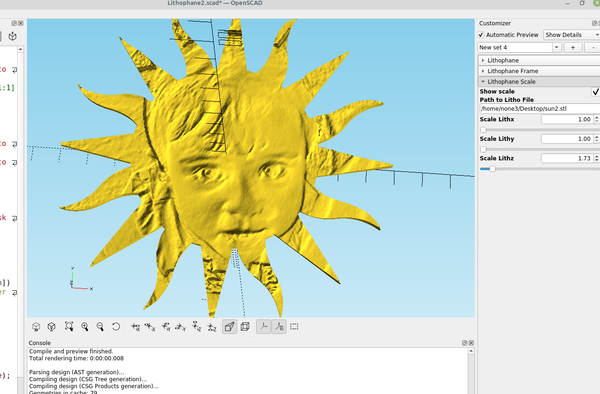
Inkscape 3D part design with Inkscape and OpenSCAD #63: making a custom shaped lithophane. An example of how to make a custom shaped lithophane using Inkscape and OpenScad.
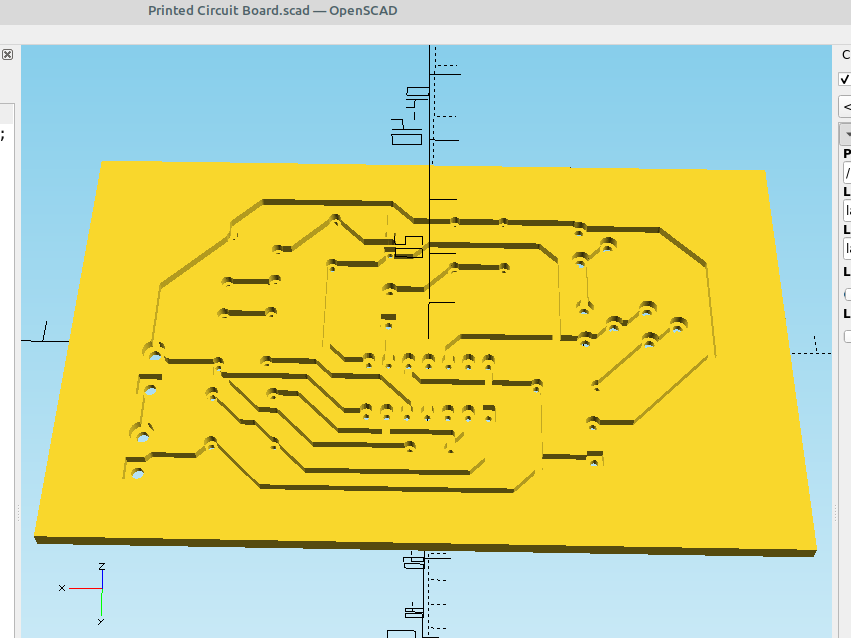
3d Printed 3D part design with Inkscape and OpenSCAD #58: Using KiCad, OpenScad and InkScape to make a solder free 3D printed circuit board. A method to make a printed circuit board with a 3d printer.
3d Printed 3D part design with Inkscape and OpenScad #55: combining intersection with surface. A module for OpenScad that uses a .png file made with InkScape to add interesting designs to curved objects
3d Printed 3D Part design with Inkscape and OpenScad #54: DXF dimples An example of how to add a DXF made in Inkscape to the surface of a sphere
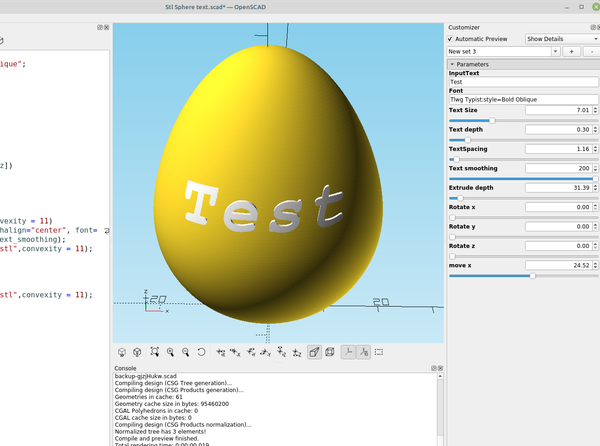
3d Printed 3d part design with OpenScad #53: Text on difficult objects. Here's an easy way to add text to odd shaped objects and make it conform to the shape of the object, basically it involves making a copy of the original object then clipping the text with the copy so it has the same shape as the main object.
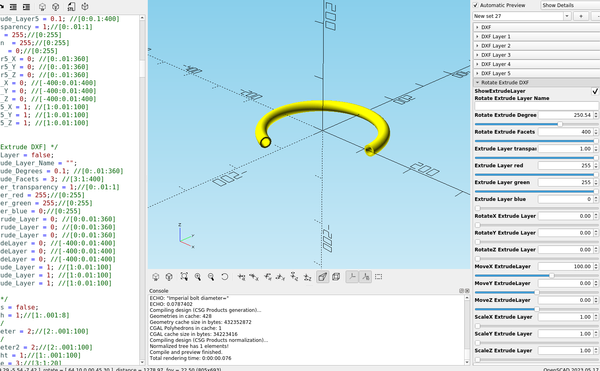
3D Printing 3D part design with Inkscape and Openscad #52: Making sweep bends for 3d printed tubing. Sometimes it's handy to have a bend with a larger radius when you need to go around something or pull a wire through it, so here's a method to do that: I made a circle in Inkscape the size I wanted my pipe to be, I&
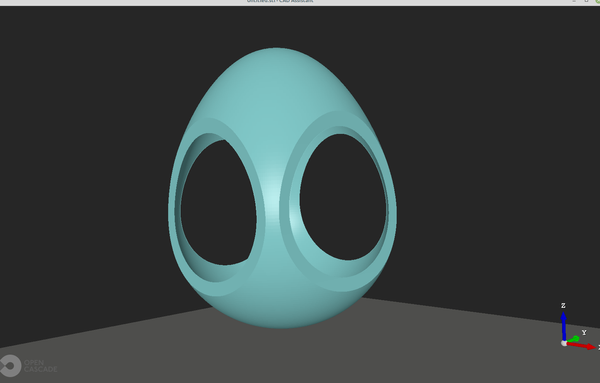
3d Printed 3D part design with Inkscape and Openscad #51: Making a hollow egg. An easy way to make a hollow egg for 3d printing.
3D part design with Inkscape and OpenScad #49: Unique designs with the L-system extension. An easy way to make a spiral shape to use in 3D printed designs.
3D Printing 3D part design with Inkscape and Openscad #45: Making a 3d printed pop up sprinkler head An example of how the use Inkscape and Openscad to make a pop up sprinkler head