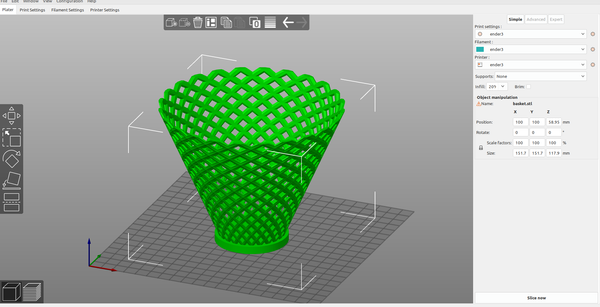
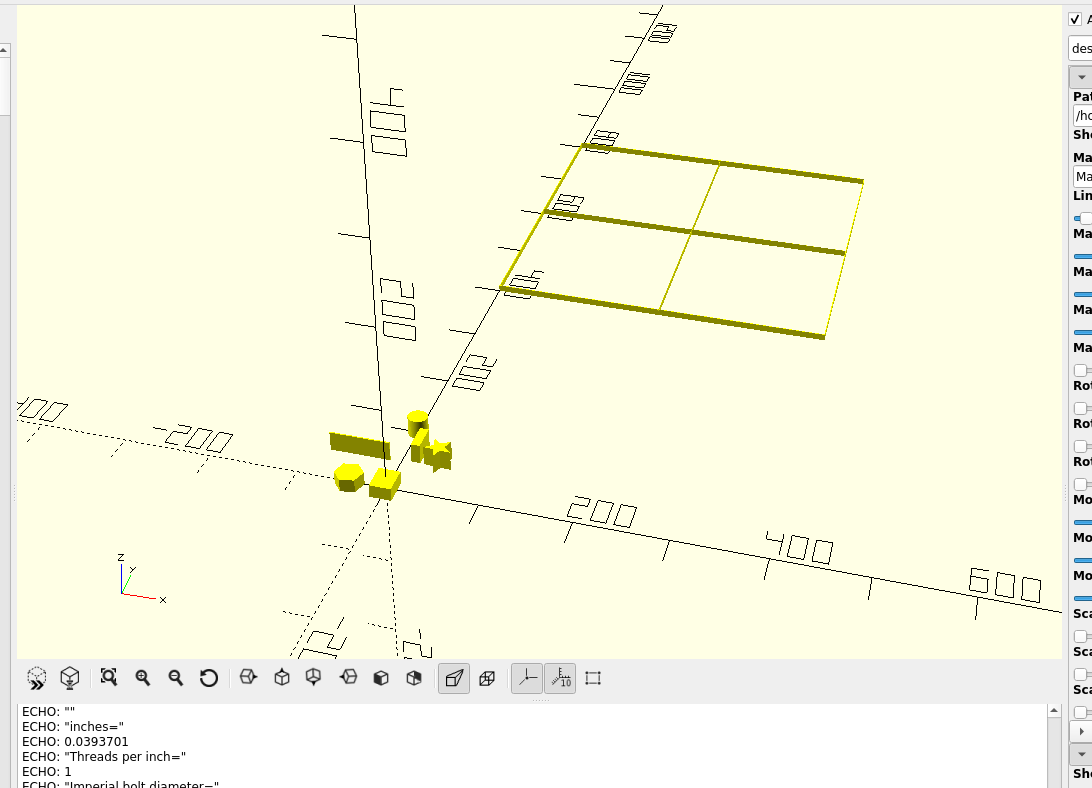
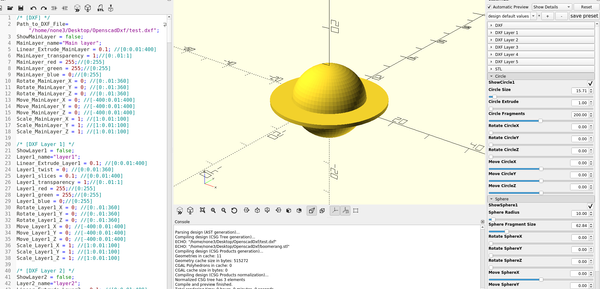
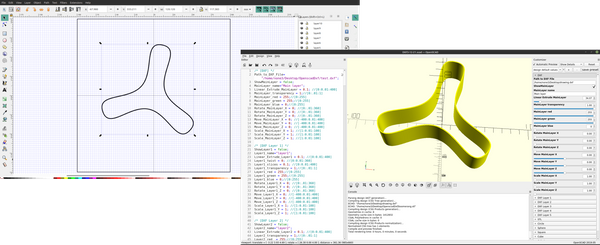
3d part design with Openscad #22: Basket module Copy and paste this code into the editor pane in Openscad: /* [Basket] */ Show_Basket = true; Height = 100 ; //[1:.1:400] Diameter = 100 ; //[1:.1:400] Density = 15 ; //[1:1:30] Bowl_shape = 1 ; //[1:.1:12] Layers_ = 12 ; //[1:1:20] Reed_thickness = 8 ; //[.1:.01:20] Reed_shape = 4;
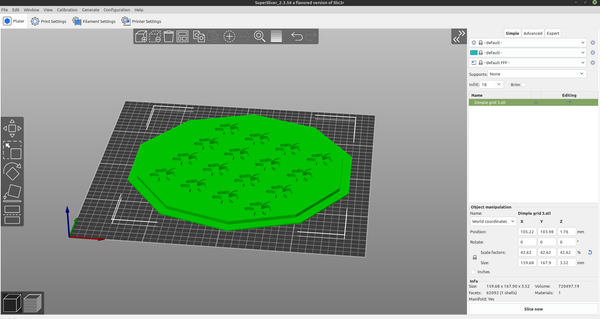
3D Part design with Inkscape and Openscad #21:Recessed grid Another example of how to use the customizer in Openscad and a dxf file from Inkscape to make an object for 3D printing.
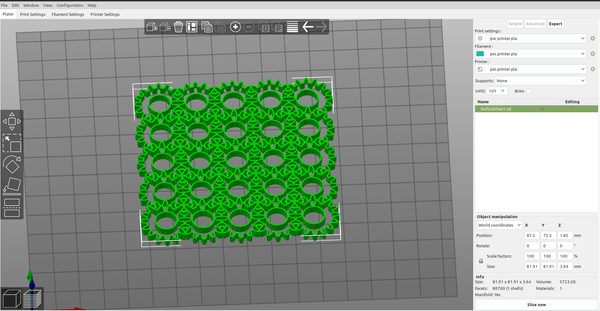
3D Printing 3d Part design with Inkscape and Openscad part 20: Dxf grid. I was going to add a dxf import to the grid design module, but with the interesting grids you are able to design I decided to make it a separate module so I can make multiple grids at the same time with it. I recycled most of the code from
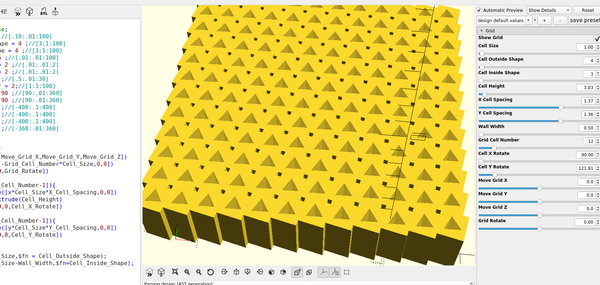
3D part design with Openscad part 19: Unlimited Grid design module part 1 The next tool that I will add to my template is a grid design module, first I will set up the customizer menu: The new menus will show up in the customizer: Then I will add a grid module: And I can adjust the settings to make my grid: TODO
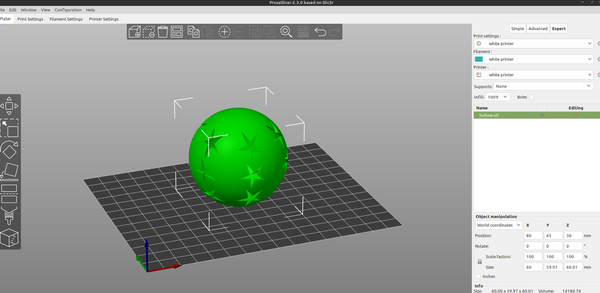
3D part design with Inkscape and OpenScad part18: hollow sphere + perforate How to make a hollow sphere with Inkscape and openscad.
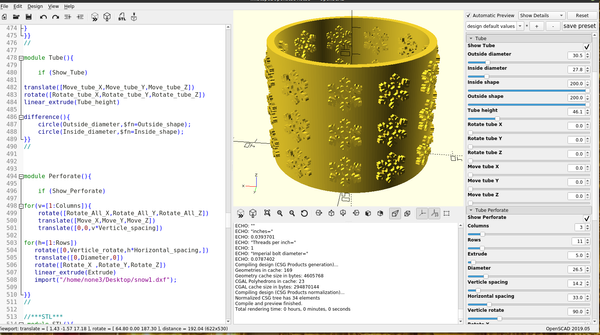
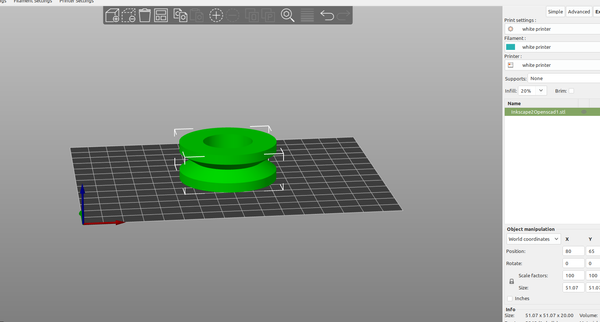
3d Part design with Inkscape and OpenScad part 17: tube module The tube perforate module from the last example needs a tube module to be complete so I will make one: As usual I will set up the customizer: Then add a new module called tube: Now I can make a tube for the perforate module: I can also make any
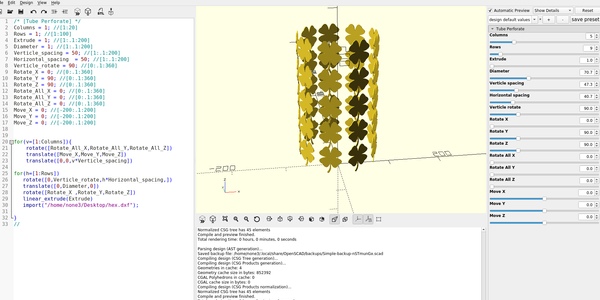
3D Part design with Inkscape and OpenScad part16: fun with for loops In this next section I will make a module to import a dxf layer from Inkscape and use it to make a repeating pattern on an object. First I set up the customizer menu: The new menu will now show up in the customizer: and I add a new module
3D Part design with Inkscape and OpenScad part 15: Dxf r14 vs. Dxf r12 If you have issues with the dxf export it may be because by default Inkscape exports the dxf file as a r12 dxf , so you will always need to "save as" and make sure you are using r14. You can still use r12 but you will need to
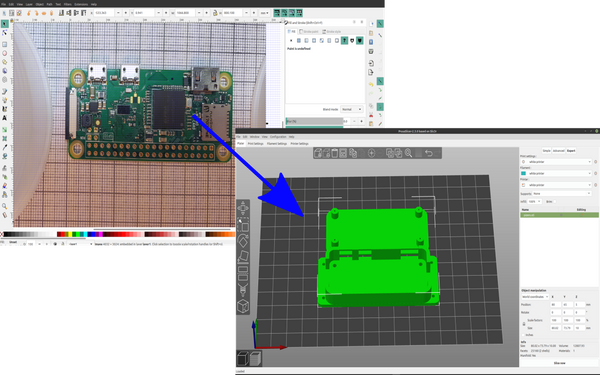
3d Part design with Inkscape and OpenScad part 14: Picture to project case In this next example I will use Inkscape and Openscad to make a case for a raspberry pi zero. First I took a picture of the board, I printed out some graph paper and used cups to set my phone camera on so I could get a picture that was
3D part design with inkscape and openscad part 12: Cloning objects Cloning objects with dxf layers is pretty easy, if you want to make another copy of something just rename one of the other layers to the layer you want to copy: With the way the code is set up if you run out of layer inputs all you have to
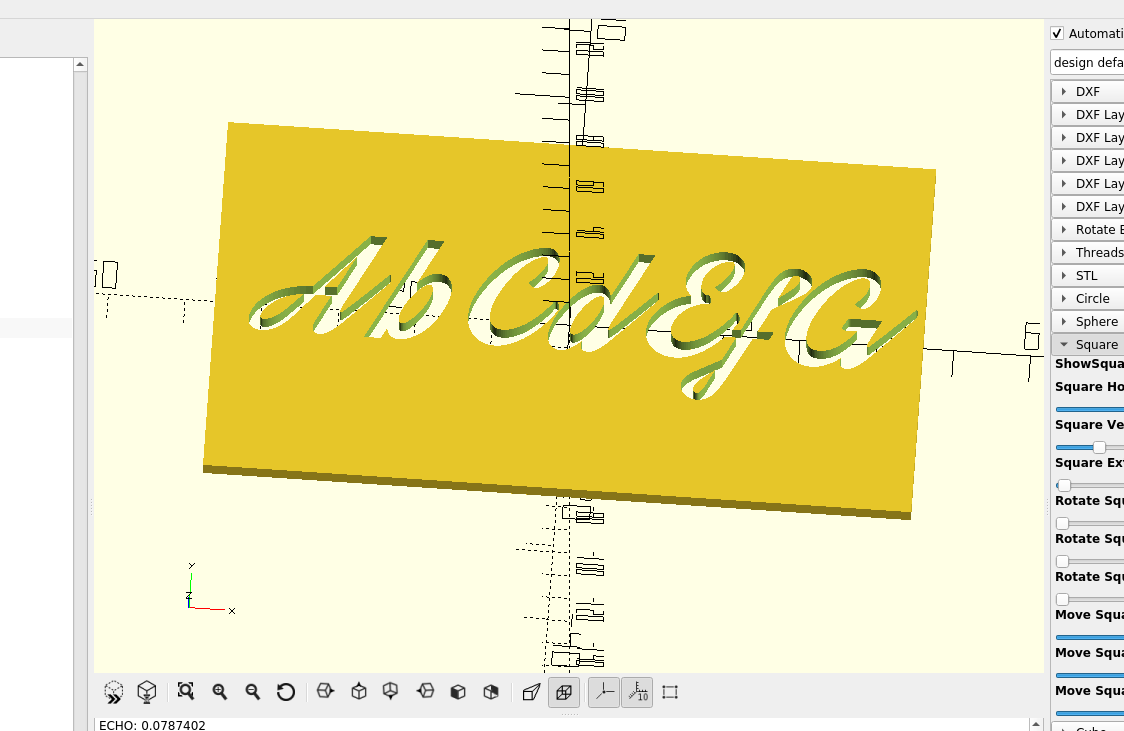
3d part design with Inkscape and Openscad part 11: Fancy Fonts An example of how to make 3d text with OpenScad.
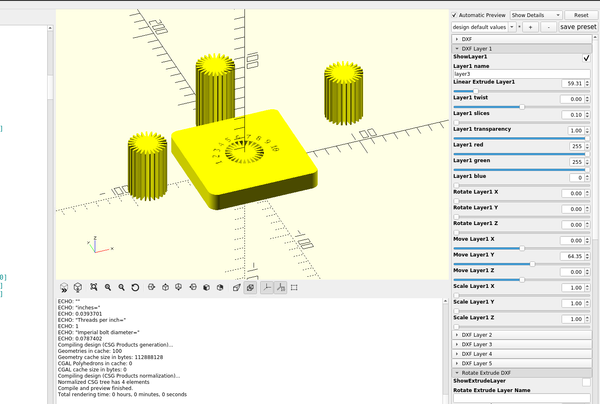
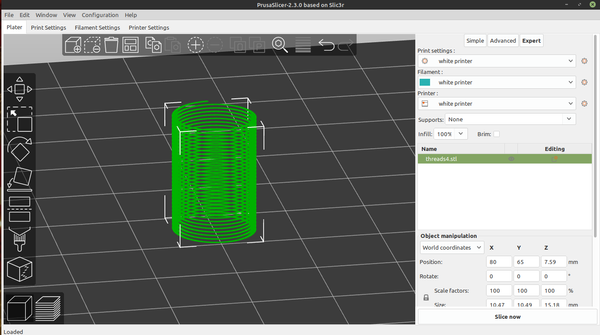
3D part design with Inkscape and openscad part 10: Thread module improvements My first attempt at the thread module was a good way to make a helix but not a very good way to make threads, a two dimensional object is not well suited for it. With the changes I made I can now adjust the profile to any shape from pointed
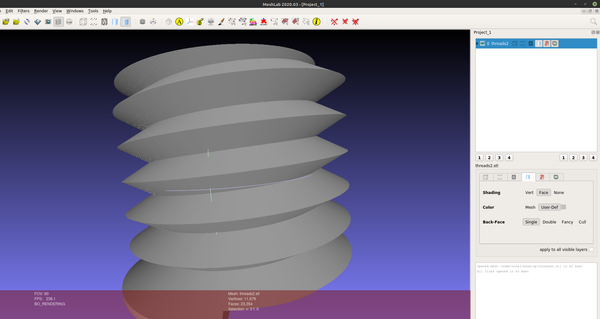
3D part design with OpenScad # 9: adding a thread module Threads can be difficult to model, this method works pretty well but long threads or fine threads take a long time to render. I just wrote the code for this today so I will be adding more to it and trying to get it render faster, but it is a
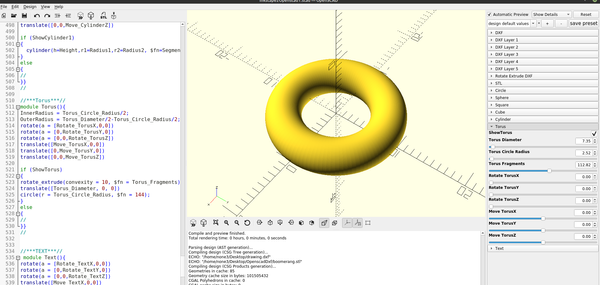
3D part design with Openscad # 8: adding a Torus module Adding additional functionality the Openscad template is fairly simple, first you set up the options you want for the customizer menu: The menu will be added to the customizer: Then you will need to add new module for creating the torus: And then add a call to the torus module
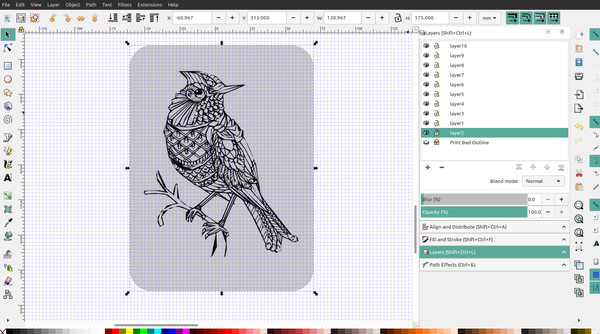
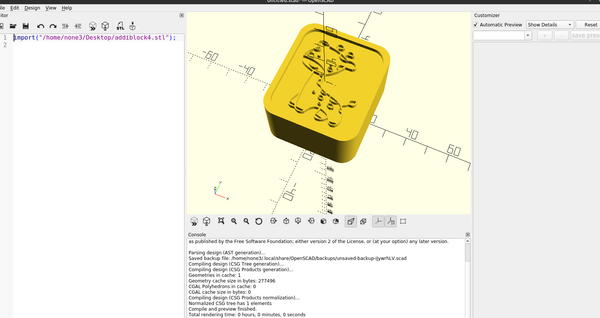
3D part design with Inkscape and Openscad part 7: Image to 3d print In this tutorial I will be downloading a free image off of the net and using it in one of my designs, any image can be used but black and white line drawings work the best, detailed images are harder to trace and print but you can come up with
3D part design with Inkscape and Openscad part5: adding DXF rotate extrude In this tutorial I am going to add slider bars to Openscad to rotate extrude a Layer of a dxf file, and design a roller in inkscape. First step is to draw the desired shape in Inkscape, when you design the object make sure it sits on the right or
Inkscape 3D part design with Inkscape and Openscad part 4: Measurements and precision An example of how to set the range precision in the OpenSCAD customizer.
3d part design with Inkscape and Openscad part 3: working with layers In the animation above I have objects on 4 layers, A "main" layer and then layers 1,2 and 3. You will notice that on the main layer the other layers appear as holes , this is because they overlap each other in the design: Here I have a
3d part design with Inkscape and Openscad part 2: Designing a simple object I will be going through the set up for the customizer, but to keep it simple here is a link to the OpenScad file that already has the customizer set up, it's still a work in progress as I am working on the union and difference boolean stuff.
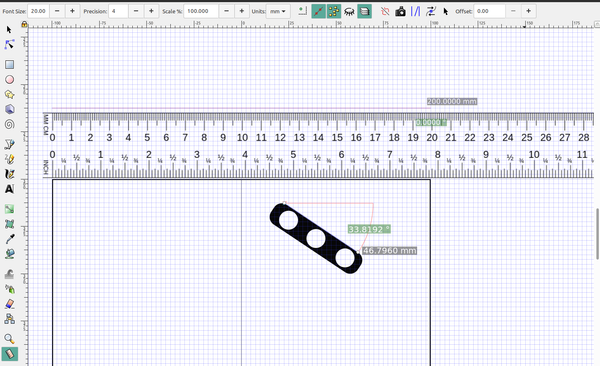
Inkscape bed template 3D part design with Inkscape and Openscad part 1: Making a custom Inkscape template for your 3d printer Part one: Customizing an Inkscape template for your 3d printer There are a lot of software options for designing 3d objects for 3d printing, most have a pretty large learning curve, cost hundreds of dollars or require a subscription. The method I'm going to outline here is simple
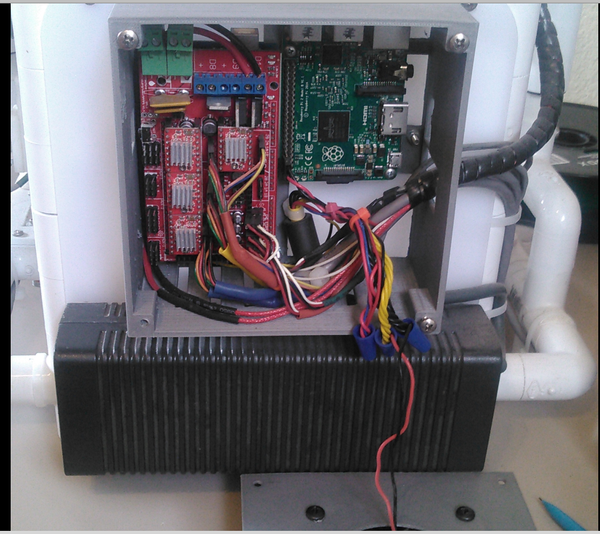
Pvc 3d printer part 3-Electronics The great thing about open source is there is tons of information online and with a google search you can find all the information you need, I will go over a few basic items but there is so much information that is so well documentetd it wouldn't make
Pvc 3d printer Build guide part 2 Making the slides: One of the ways to lower costs is to get rid of the steel rods and bearings, you can still use steel rods and lm8u bearings in the pvc frame with a fitting called a cord connector if you want to: http://www.homedepot.com/p/Halex-1-2-in-ACC-Non-Metallic-Strain-Relief-Cord-Connector-27693/
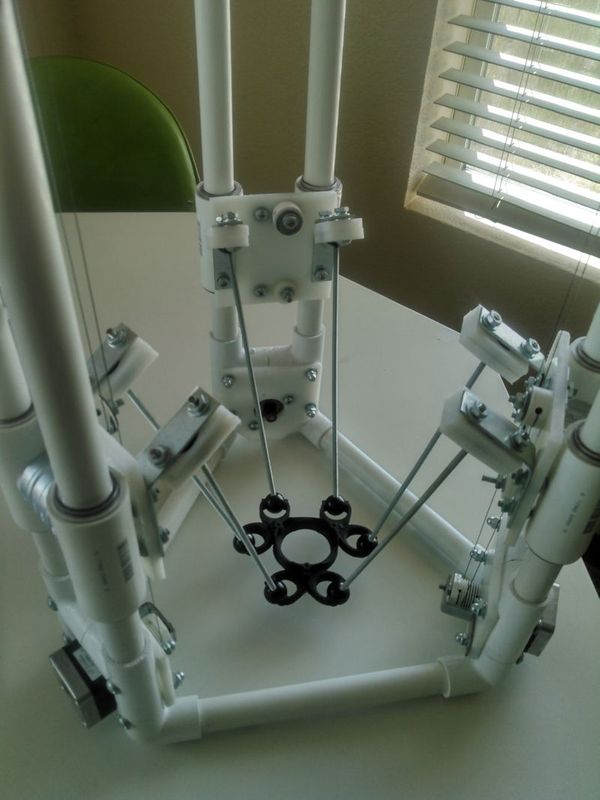
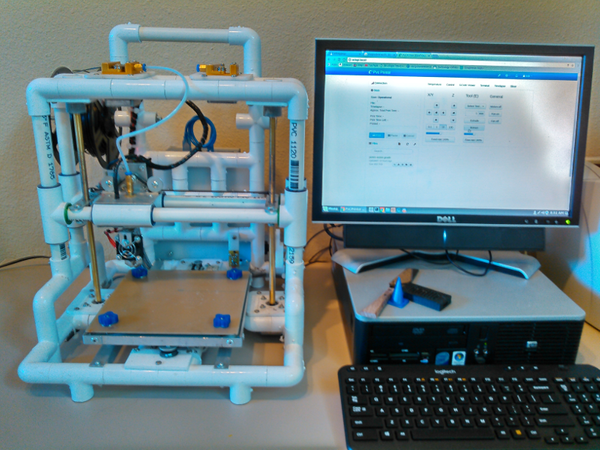
Easy Build 3D printer Pvc 3D Printer Build guide part 1 Introduction: Welcome to the open source project page for an easy to build 3d printer that just about anyone with any skill level can make. My goal when I started this project was to build an inexpensive printer with parts that you can buy locally, are simple to assemble, and
Raspberry pi zero Featured Making an SDR Server with the Pi Zero How to set up an sdr server on the raspberry pi zero