infinityplays.com
  • Home
  • Livestreams
  • 3D Printer tools
  • PVC 3D Printer
  • Open Source Projects
  • Web slicer
  • Tags
  • Login
Sign in Subscribe
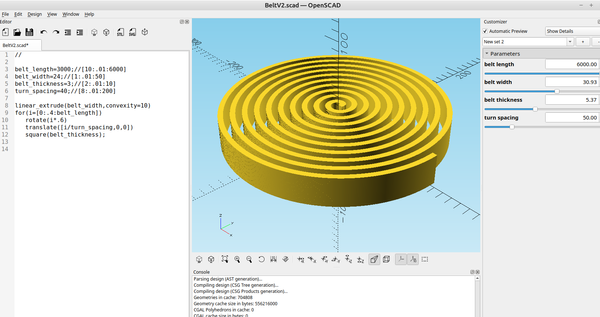
3d part design with OpenSCAD #135: Flat spiral code to make a print in place belt.

3d part design with OpenSCAD #135: Flat spiral code to make a print in place belt.

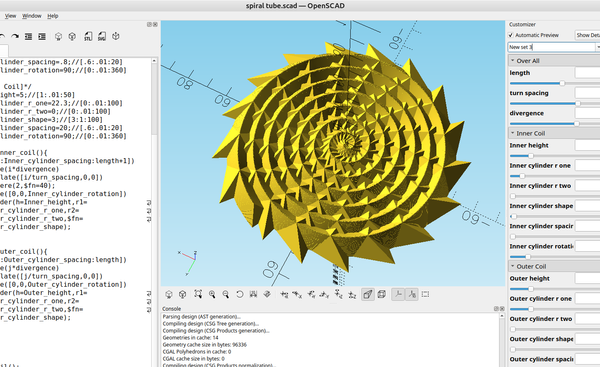
I wanted to make a print in place belt out of tpu to see how it will last and how well it would work, there are several ways you can generate a flat spiral in OpenSCAD. Here is an example of one method that is very simple and easy to
02 Nov 2025 1 min read
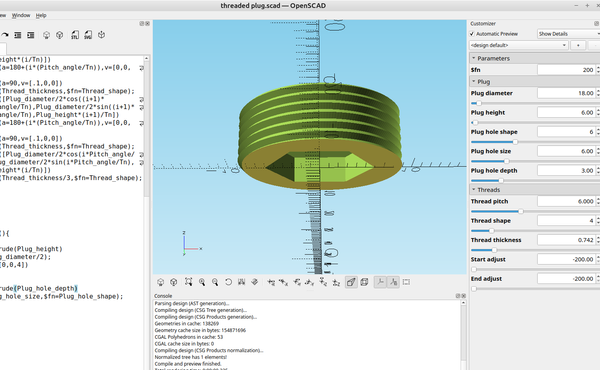
3D part design with OpenSCAD #134: threaded screw plug / set screw.

3D part design with OpenSCAD #134: threaded screw plug / set screw.

Recently I needed to make a screw in plug for a threaded junction box and since I already have the thread code it was pretty easy to adapt it to make a threaded plug. Here is the code: // $fn=200; /*[Plug]*/ Plug_diameter=18;//[1:.01:400] Plug_height=6;
14 Oct 2025 2 min read
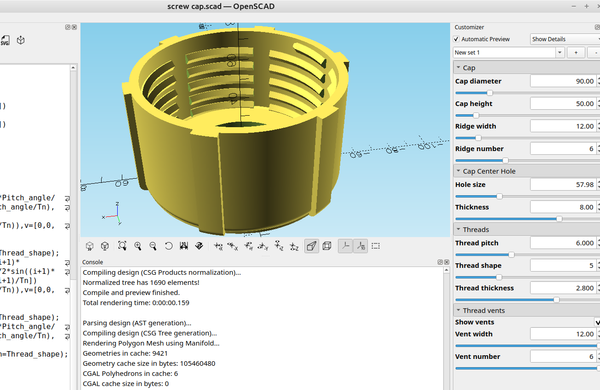
3D part design with OpenSCAD #133: Customizable vented screw cap.

3D part design with OpenSCAD #133: Customizable vented screw cap.

I was experimenting with the thread module I made in post #71: 3d part design with OpenScad #71: Using hull and spheres to make a slinkyAn example of how to use a sphere and hull to make a smoother spiral.infinityplays.comBob to see if I could make threads for
22 Aug 2025 3 min read
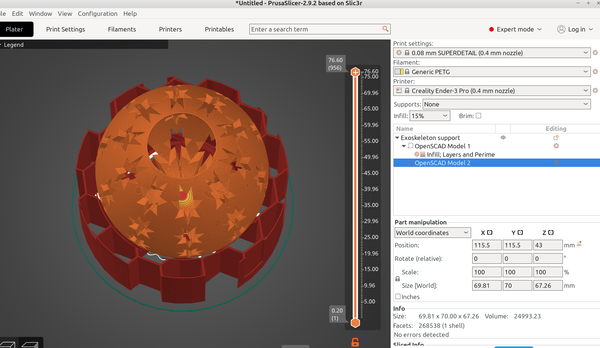
3D part design with OpenSCAD #132: creating an"exoskeleton" support structure for printing.

3D part design with OpenSCAD #132: creating an"exoskeleton" support structure for printing.

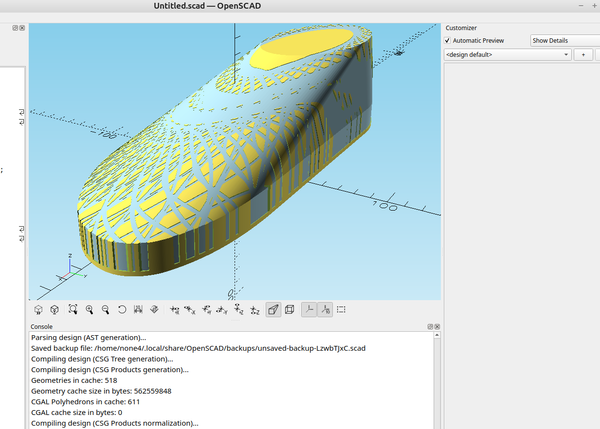
While I was experimenting with .3mf file export it occurred to me that you could use one part of the file to create an external support using infill, here is what I have implemented so far: // Path_to_stl_file=("yourfile.stl"); /*[Support Frame]*/ transparent=false; fill=true;
06 Jul 2025 2 min read
3D part design with OpenSCAD #131: 3D fill

3D part design with OpenSCAD #131: 3D fill

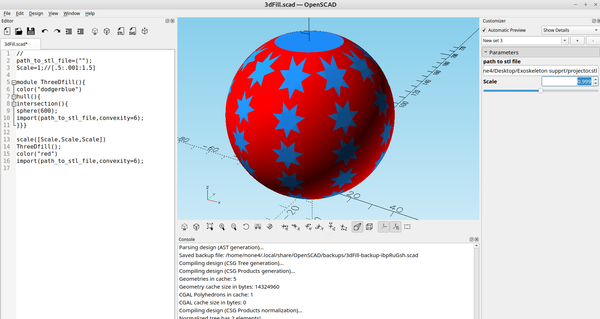
Recently I needed to fill the inside of a hollow print, the fill() option works for 2d objects but not for 3d objects, after some experimentation I came up with an easy way to fill the space inside of an object. Here is the code: // path_to_stl_file=("
06 Jul 2025 1 min read
3D part design with OpenSCAD #130: Ventilator-Version 1.

3D part design with OpenSCAD #130: Ventilator-Version 1.

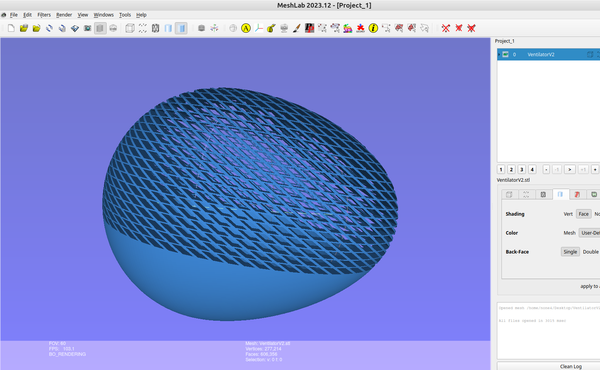
Since I have been working on a way to design shoes with OpenSCAD I have been experimenting with ways to make the outside of the shoe have a more appealing look to it, here is one of the ideas I was messing around with that also comes in handy for
04 Jul 2025 3 min read
3D part design with OpenSCAD #129: adding some features to the "hollowout" module

3D part design with OpenSCAD #129: adding some features to the "hollowout" module

In post #94 : 3D part design with Inkscape and OpenSCAD #94: Using minkowski() to hollow out complex shapes.I recently set out to design a pair of shoes with Inkscape and OpenSCAD and wanted a simple way to make a shell out of a complex object and make it so
15 Jun 2025 2 min read
3D part design with Inkscape and OpenSCAD # 128: OpenSCAD autotrace part 2, cleaning up the trace.

3D part design with Inkscape and OpenSCAD # 128: OpenSCAD autotrace part 2, cleaning up the trace.

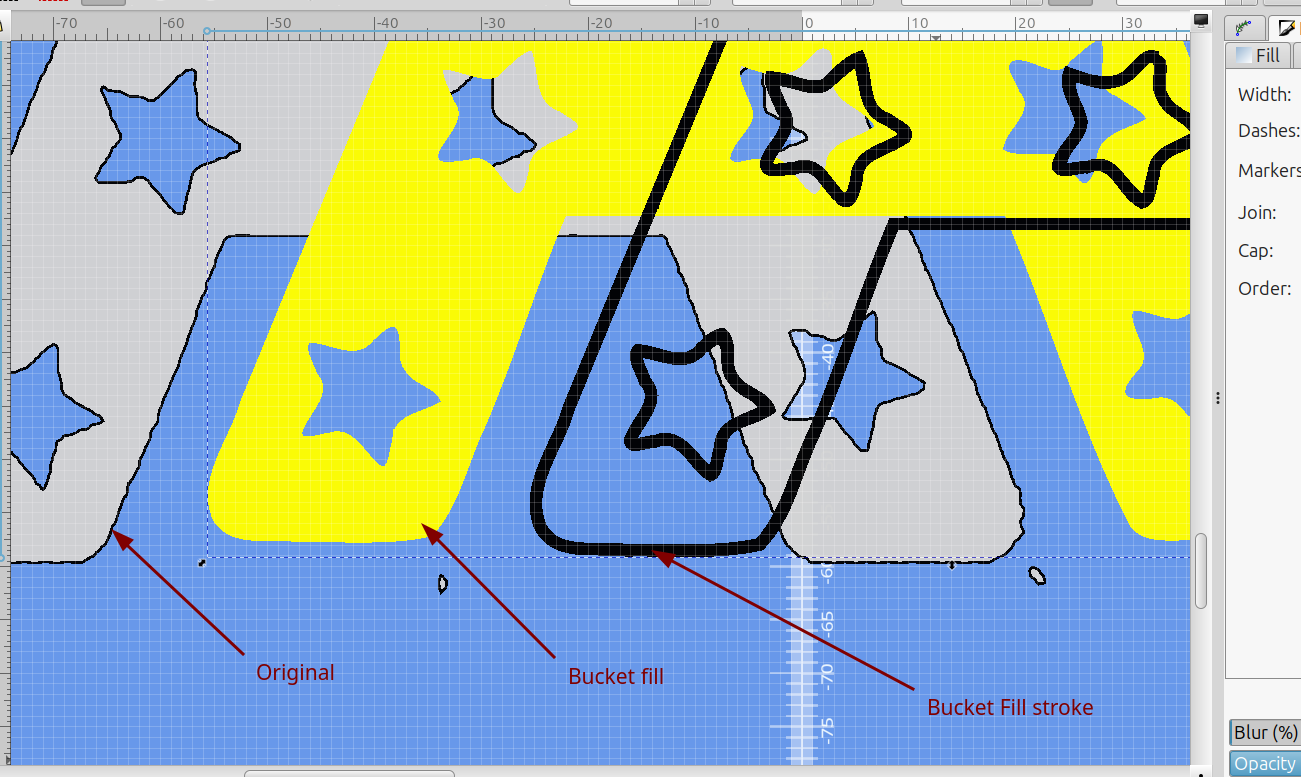
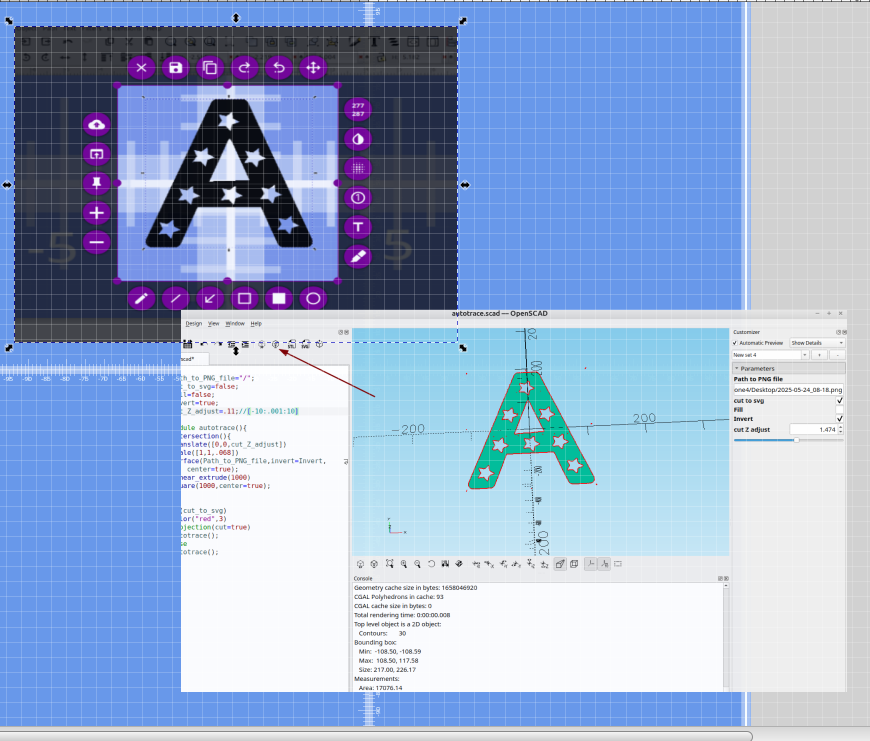
The auto trace module from the last post works really well but requires some clean up and here is an easy way to do that. 1) Adjust the png image until it looks good: 2) Cut to svg and save the file: 3) Import the svg into Inkscape: You will
24 May 2025 2 min read
3D part design with Inkscape and OpenSCAD#127: Autotrace with OpenSCAD

3D part design with Inkscape and OpenSCAD#127: Autotrace with OpenSCAD

You actually can use OpenSCAD to "auto trace" .png images, and with some fine tuning the results are not bad and are similar to any other auto trace that I have used. If you have ever tried to trace a .png image you know the pixelation makes it
24 May 2025 3 min read
3D part design with OpenSCAD #126 : experimenting with fresnel lens design.

3D part design with OpenSCAD #126 : experimenting with fresnel lens design.

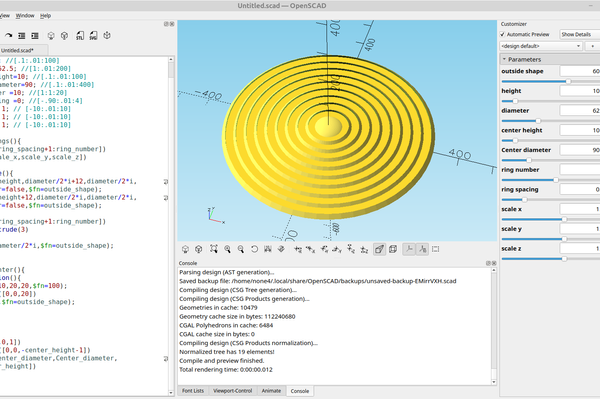
A while back I made a module for concentric rings and it reminded me of a fresnel lens, so I added a few customizations to it so I could experiment with fresnel lens design. Here is the code: // outside_shape=60;//[3:1:100] height=10; //[.1:.01:100] diameter=
18 May 2025 2 min read
3D part design with OpenSCAD#125: multiple export files from a single design.

3D part design with OpenSCAD#125: multiple export files from a single design.

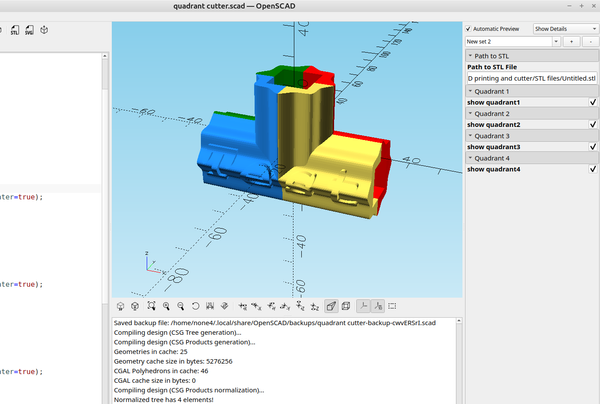
In the last two posts I covered an easy way to split large files into multiple parts with an svg file so they could be printed on a smaller printer and glued together, in this post I'm going to cover a simple "quad" cutter made with
26 Apr 2025 2 min read
3D part design with Inkscape and OpenSCAD #124: More details on making "cut" SVGs with Inkscape

3D part design with Inkscape and OpenSCAD #124: More details on making "cut" SVGs with Inkscape

I try to keep my posts as simple as possible so anyone with any amount of experience with the software can follow the code and use it. In my last post I made an stl "cutter" that can be used to cut large files into sections but I
20 Apr 2025 3 min read
3D part design with Inkscape and OpenSCAD#123: Unlimited stl cutter and splice joints any shape you can imagine.

3D part design with Inkscape and OpenSCAD#123: Unlimited stl cutter and splice joints any shape you can imagine.

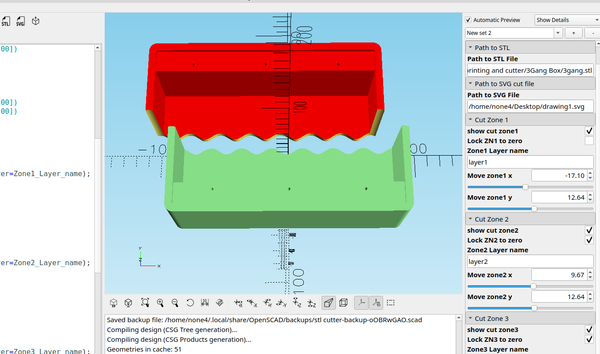
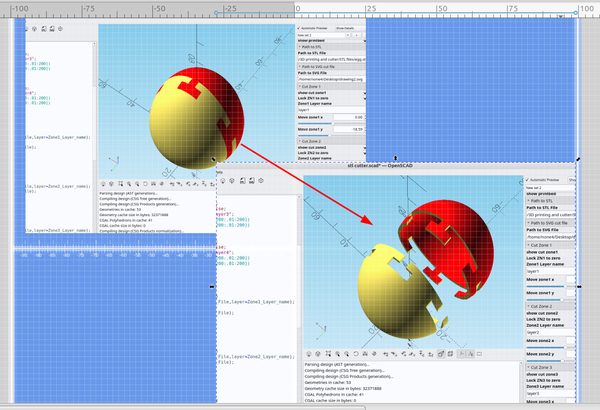
Slicing an stl file that is too big for your printer can be done with many slicing programs but I wanted a way to make a splice joint any shape I wanted to. Here is some OpenSCAD code that lets you import an svg file to slice with and save
17 Apr 2025 3 min read
3D part design with Inkscape and OpenSCAD #122: Textured text.

3D part design with Inkscape and OpenSCAD #122: Textured text.

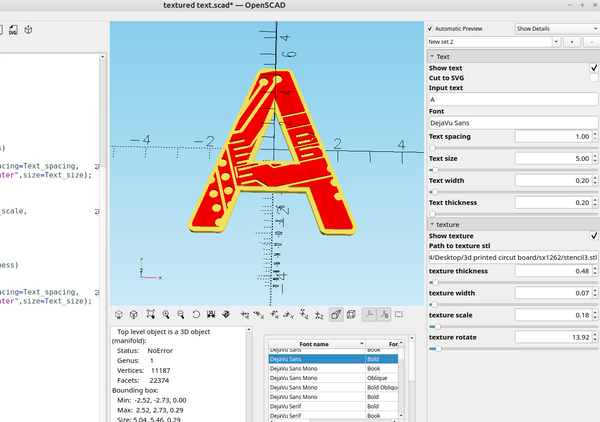
After a quick search I didn't see many options for adding a texture to the surface of text so I made one. This OpenScad example allows you to use any stl file to add a design to the text and also allows you to cut the text to
13 Apr 2025 2 min read
3D part design with OpenSCAD #121: Project enclosure helper.

3D part design with OpenSCAD #121: Project enclosure helper.

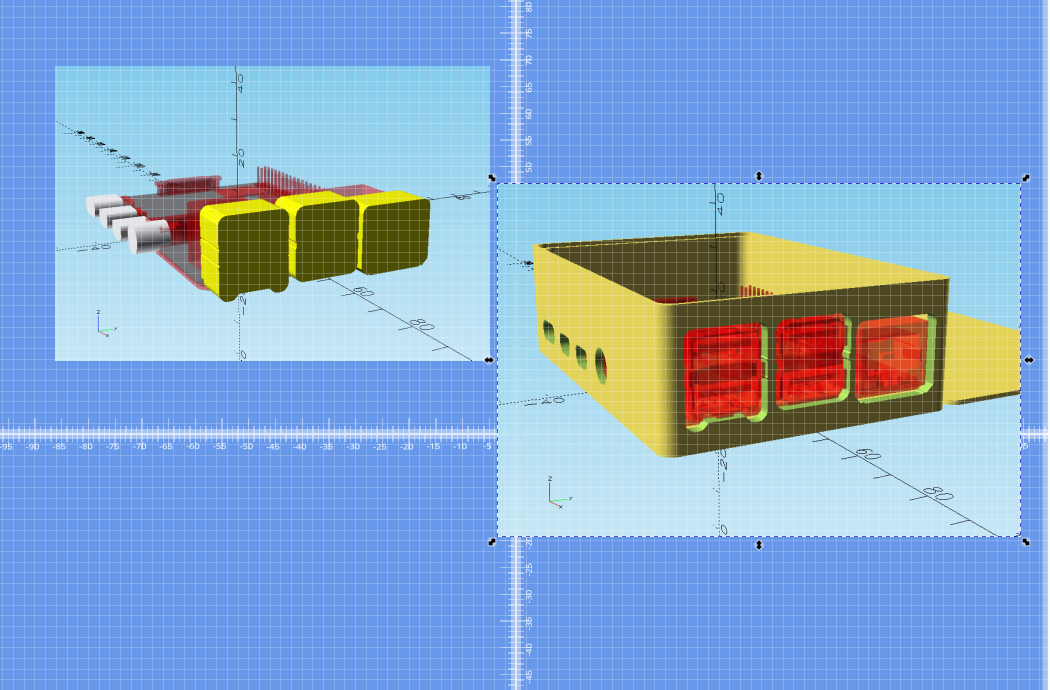
Lining up the holes for different ports on an enclosure can be tedious, here is a helper program made with OpenSCAD that helps to align the holes,make them a bit bigger if needed and make them fit nicely. The code takes a slice from the different sides of an
06 Apr 2025 3 min read
3D part design with OpenSCAD #120: Transparency trick

3D part design with OpenSCAD #120: Transparency trick

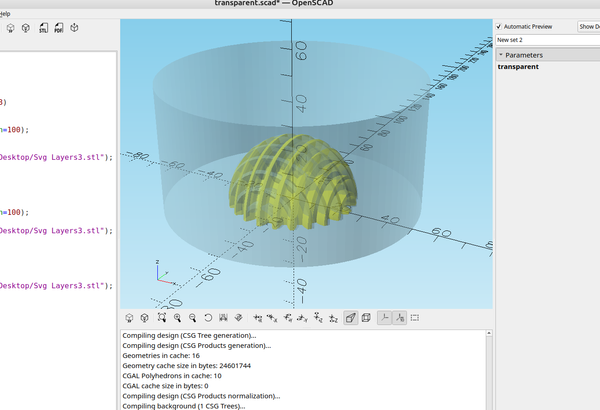
Sometimes it's helpful to "see into" your design to align objects or make sure they overlap properly, and while you can set the transparency with color, if the items overlap they block out sections of one another. Here is a way to temporarily make them transparent,

31 Mar 2025 1 min read
3D part design with OpenSCAD #119: Adding a few more features to the  text outliner code.

3D part design with OpenSCAD #119: Adding a few more features to the text outliner code.

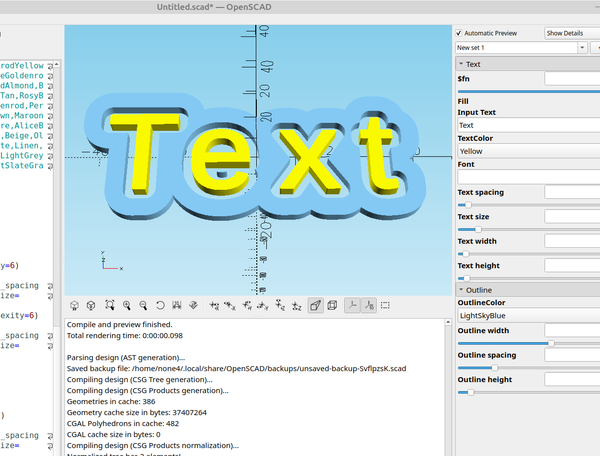
After experimenting with the text outliner I wanted to add some things like selecting the color from a drop down list, being able to make the text wider and having the capability to have a gap between the outline and the text. Here is the code: // /*[Text]*/ $fn=60;//[20:
21 Mar 2025 3 min read
3D part design with OpenSCAD #118: Text outliner.

3D part design with OpenSCAD #118: Text outliner.

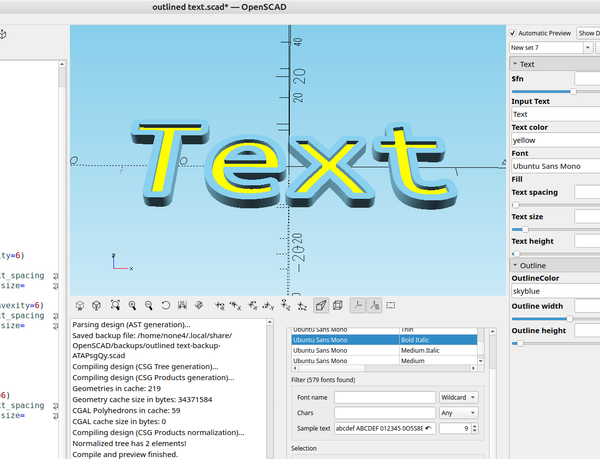
Sometimes it's nice to have outlined text for making signs with letters that really stand out, I didn't see any that did what I wanted after a quick search so I made my own. Here is the code: // /*[Text]*/ $fn=60;//[20:1:100] Input_Text=
20 Mar 2025 2 min read
3D part design with OpenSCAD #117: Color Picker

3D part design with OpenSCAD #117: Color Picker

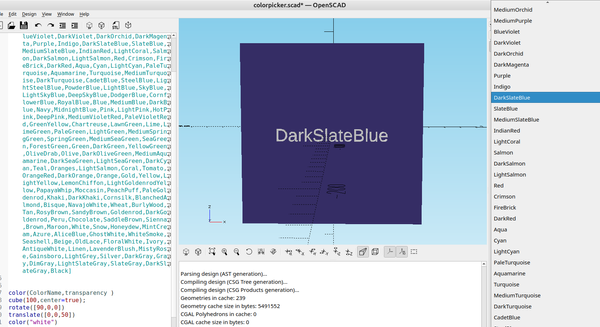
If you ever need to select a large number of names from a list OpenSCAD has an easy way to do this. Here is a "color picker" example to select a color that is shown on the wiki from a list: OpenSCAD User Manual/Transformations - Wikibooks, open
22 Feb 2025 1 min read
3D part design with Inkscape and OpenSCAD # 116: Getting bounding box information from multiple objects.

3D part design with Inkscape and OpenSCAD # 116: Getting bounding box information from multiple objects.

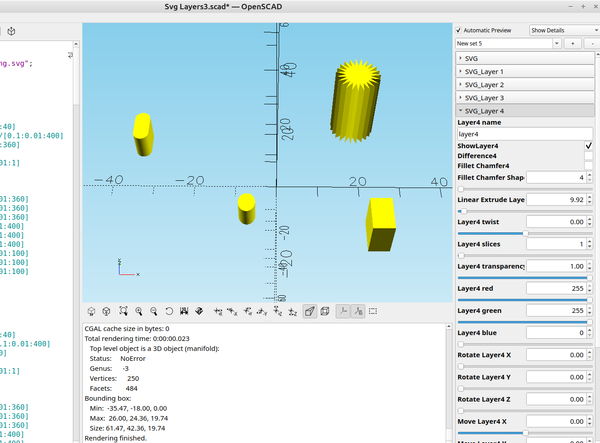
When you import multiple objects into OpenSCAD there is an easy way to get the individual bounding box information for each object by simply showing the object you want the info for and hiding the other objects. I do this quite a bit with the OpenSCAD code I write by
15 Feb 2025 2 min read
3D part design with OpenSCAD#115 : Auto center an stl file.

3D part design with OpenSCAD#115 : Auto center an stl file.

A few days ago I saw a post by krysus on reddit that showed a really neat way to automatically center an stl: Any protip on centering an imported STL in openscad? by u/rebuyer10110 in openscad That post is an excellent example of why I like to use OpenSCAD,
06 Feb 2025 2 min read
3D part design with OpenSCAD # 114: centering an stl file.

3D part design with OpenSCAD # 114: centering an stl file.

Sometimes you get an stl file that someone else has designed and it is not centered or you want to center two files and it is difficult to get them to align, as far as I am aware OpenSCAD doesn't have a simple way to exactly center an
02 Feb 2025 2 min read
3D part design with OpenSCAD #113: More fun with for loops.

3D part design with OpenSCAD #113: More fun with for loops.

I was experimenting with the basket code I made quite some time ago to see if I could make some lamp shades, after simplifying it I came up with some different shapes that were interesting. This is unfinished but still shows that you don't need a lot of
31 Jan 2025 1 min read
3D part design with OpenSCAD#112: Adding a box lid snap ring.

3D part design with OpenSCAD#112: Adding a box lid snap ring.

After taking a look at the box maker in the last post I decided I wanted to add some features to it just for fun and one thing that crossed my mind was a way to snap the lid on the box so I wouldn't need screw holes.
20 Jan 2025 3 min read
3D part design with OpenSCAD #111- Rounding corners

3D part design with OpenSCAD #111- Rounding corners

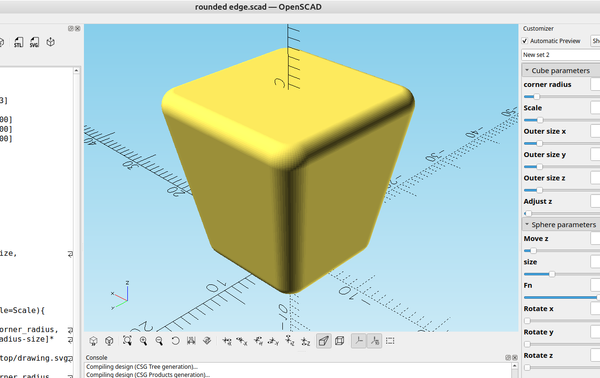
Quite some time ago I was making a project box customizer but never got around to finishing it, I still need to add standoffs, holes in the lid, etc. But there are a ton of really good OpenSCAD examples available to make project boxes so this one may never get
18 Jan 2025 2 min read
← Newer Posts Page 2 of 7 Older Posts →
infinityplays.com © 2026
Powered by Ghost