
3D part design with OpenSCAD #153: A 3d resistor model generator .

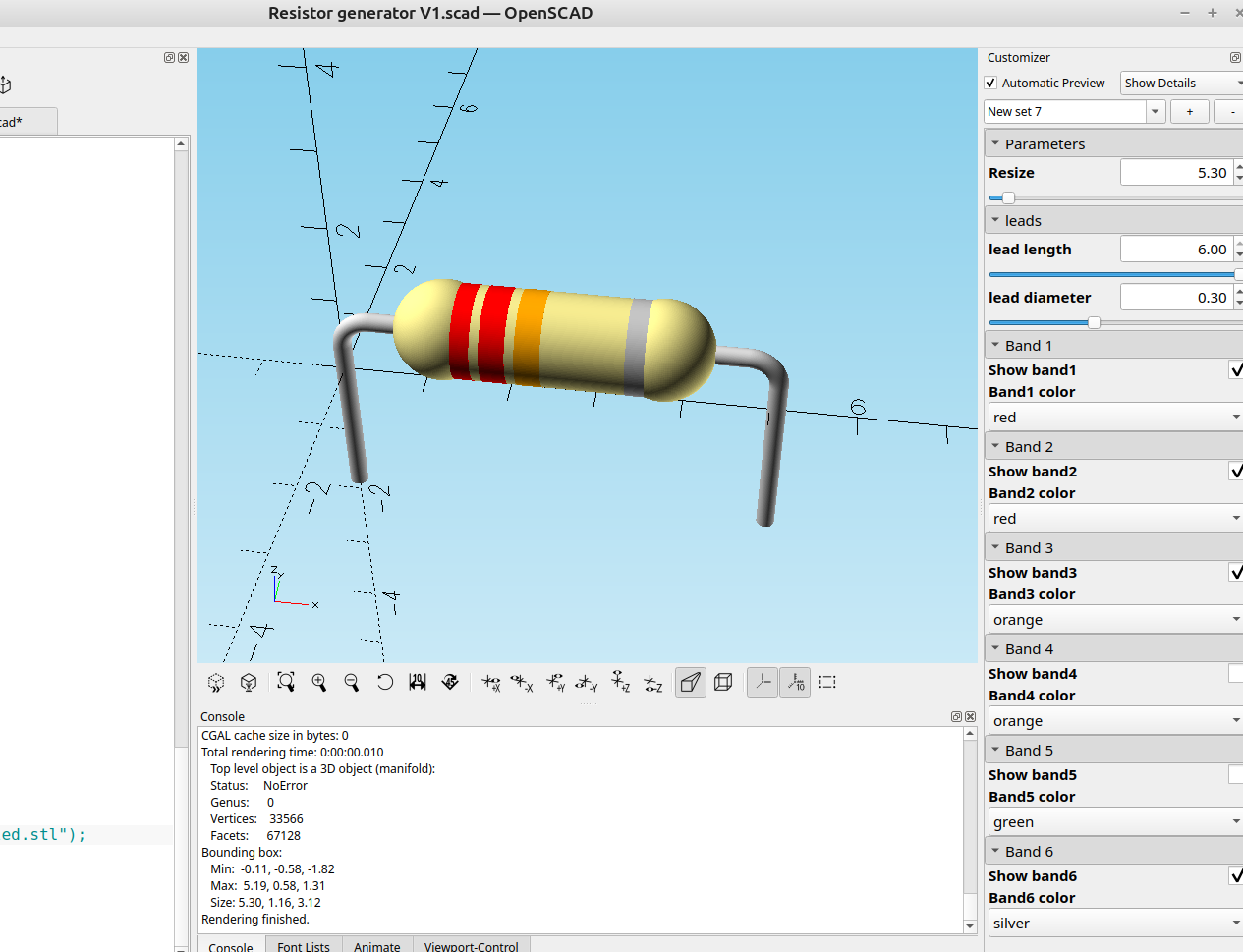
In my last post I had mentioned I was going to make a resistor customizer since the default 3d resistor models in Kicad were kind of plain.
It was pretty easy to make one in a few minutes that produces some good results and allows me to change the color bands to show the resistor value and adjust the size, I will probably add a color code calculator at a future date but for now this achieves what I wanted it to do.
here is the code:
//

// 6/30/2026 Resistor Calculator and 3D model generator Version 1 By Infinityplays.com
// License- Public Domain


Resize=5.30;//[2.65:2.65:53]

/*[leads]*/
lead_length=6;//[2:.01:6]
lead_diameter=.30;//[.1:.01:.6]

/*[Hidden]*/
$fn=$preview?60:150;;

/*[Band 1]*/
Show_band1=true;
Band1_color="brown";//[brown,black,red,orange,yellow,green,blue,violet,grey,white,gold,silver]

/*[Band 2]*/
Show_band2=true;
Band2_color="black";//[brown,black,red,orange,yellow,green,blue,violet,grey,white,gold,silver]

/*[Band 3]*/
Show_band3=true;
Band3_color="red";//[brown,black,red,orange,yellow,green,blue,violet,grey,white,gold,silver]

/*[Band 4]*/
Show_band4=true;
Band4_color="orange";//[brown,black,red,orange,yellow,green,blue,violet,grey,white,gold,silver]

/*[Band 5]*/
Show_band5=true;
Band5_color="yellow";//[brown,black,red,orange,yellow,green,blue,violet,grey,white,gold,silver]

/*[Band 6]*/
Show_band6=true;
Band6_color="silver";//[brown,black,red,orange,yellow,green,blue,violet,grey,white,gold,silver]


module main_body(){
 color("khaki"){
 minkowski(){
 translate([1.2,0,0])
 rotate([0,90,0])
 cylinder(7.1,.01,.01);
 sphere(1.5);
}
 translate([1.2,0,0])
 sphere(1.6);
 translate([8.2,0,0])
 sphere(1.6);
}}

module lead(){
 color("lightgrey"){
 rotate_extrude(90)
 translate([1, 0, 0])
 circle(r =lead_diameter);
 rotate([90,0,0])
 translate([1,0,0])
 cylinder(lead_length,lead_diameter,lead_diameter);
 rotate([0,90,0])
 translate([0,1,-6])
 cylinder(6,lead_diameter,lead_diameter);
}}


module leads(){
 rotate([90,0,0]){
 translate([10.8,-1,0])
 lead();
 mirror([1,0,0])
 translate([1.2,-1,0])
 lead();
}}


module band1(){
 if(Show_band1)
 color(Band1_color)
 translate([1.5,0,0])
 rotate([0,90,0])
 linear_extrude(.8)
 circle(1.52);
}
module band2(){
if(Show_band2)
 color(Band2_color)
 translate([2.6,0,0])
 rotate([0,90,0])
 linear_extrude(.8)
 circle(1.52);
}
module band3(){
 if(Show_band3)
 color(Band3_color)
 translate([3.7,0,0])
 rotate([0,90,0])
 linear_extrude(.8)
 circle(1.52);
}
module band4(){
 if(Show_band4)
 color(Band4_color)
 translate([4.8,0,0])
 rotate([0,90,0])
 linear_extrude(.8)
 circle(1.52);
}
module band5(){
 if(Show_band5)
 color(Band5_color)
 color("green")
 translate([5.9,0,0])
 rotate([0,90,0])
 linear_extrude(.8)
 circle(1.52);
}
module band6(){
 if(Show_band6)
 color(Band6_color)
 color("green")
 translate([7.1,0,0])
 rotate([0,90,0])
 linear_extrude(.8)
 circle(1.52);
}

resize([Resize,0,0], auto=true){
translate([2.2,0,2]){
main_body();
leads();
band1();
band2();
band3();
band4();
band5();
band6();
}}
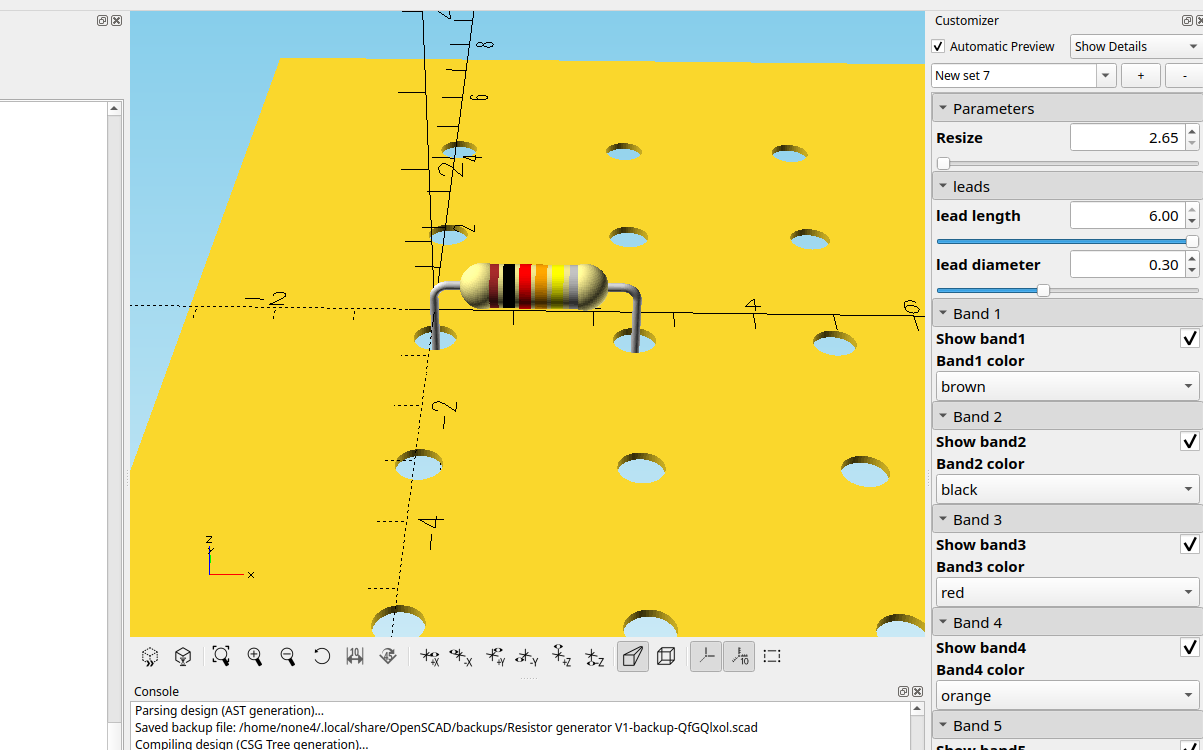
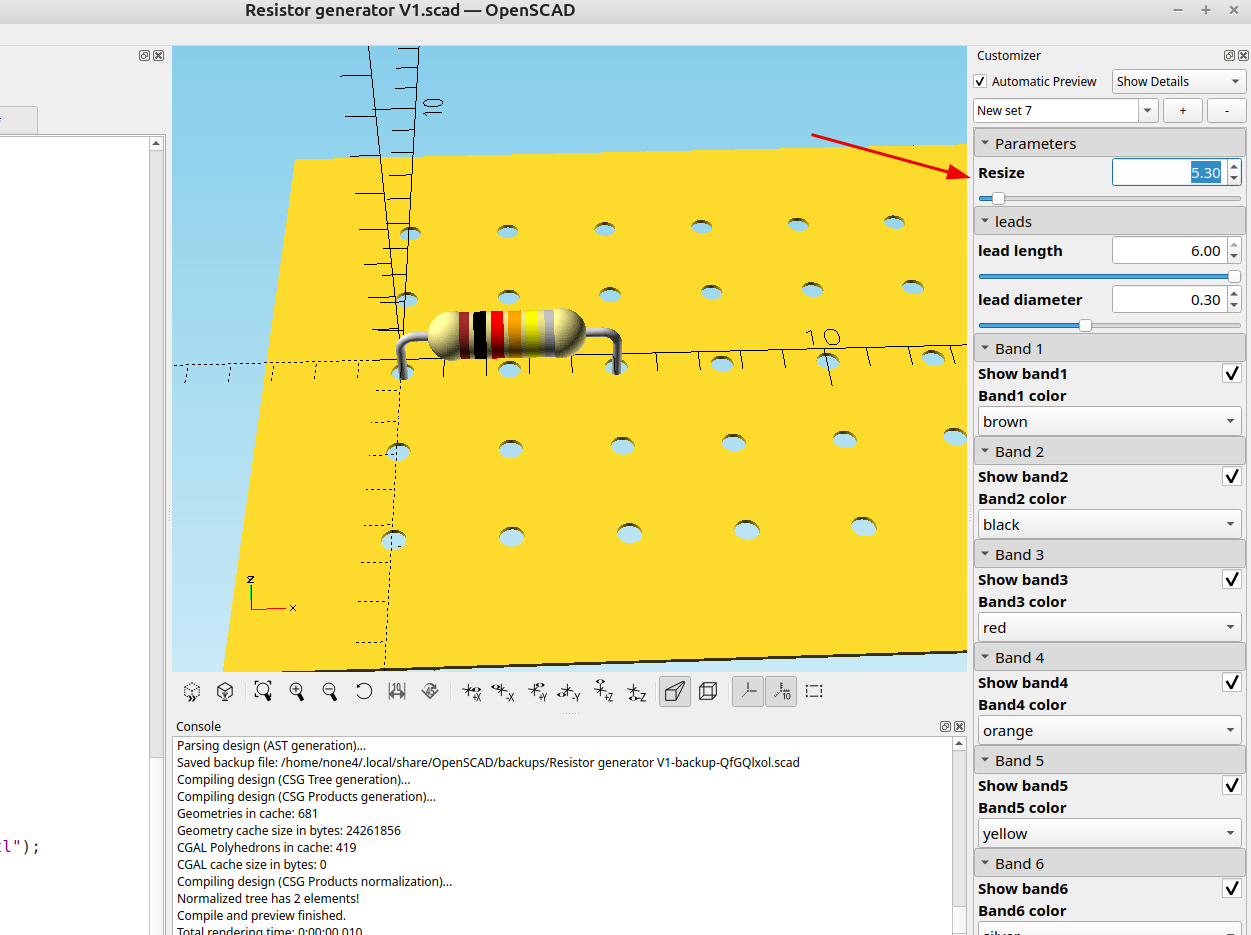
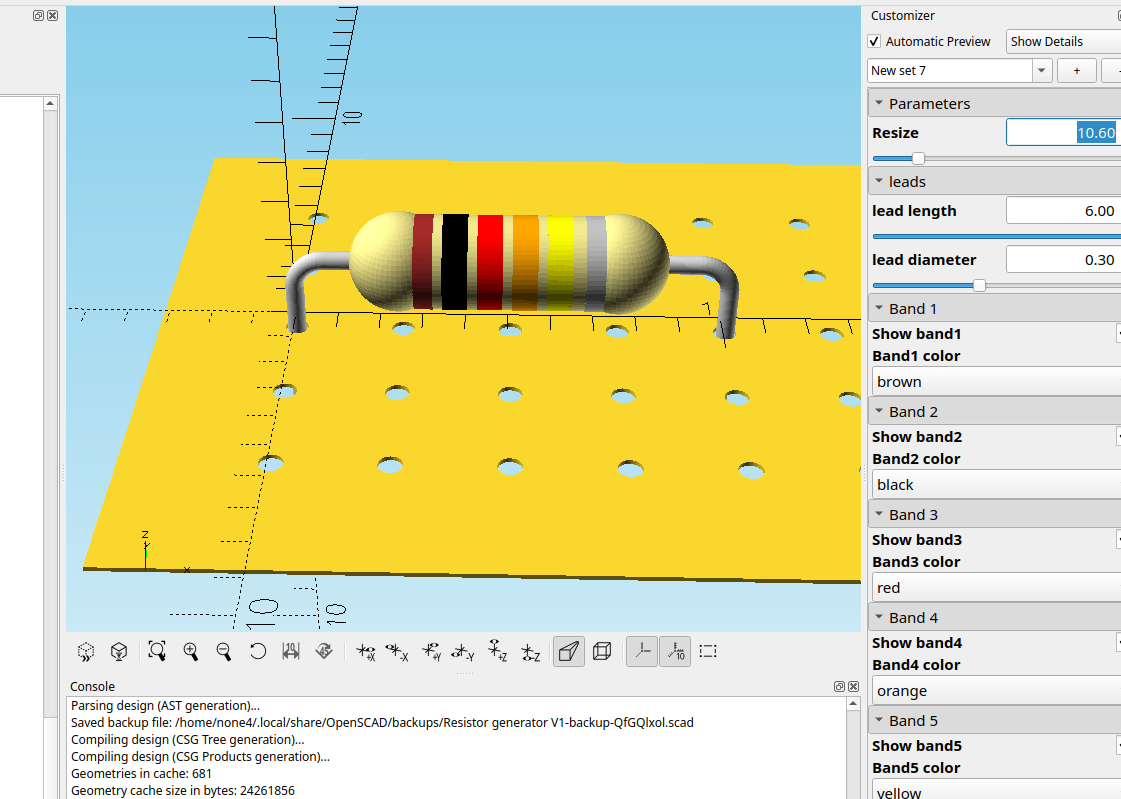
I adjusted the resize scaling a bit so the leads will line up with 2.54 mm holes
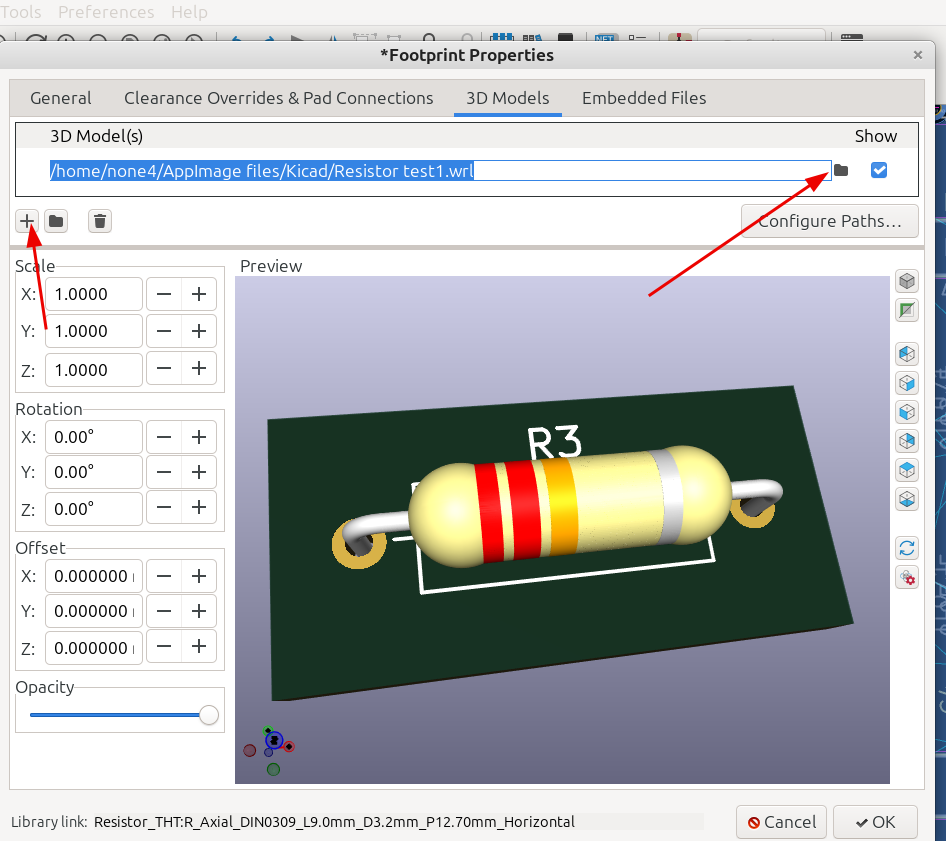
I covered how to import 3d models into Kicad in the last post and it's pretty easy, just export the component as a .WRL file and then save it to a folder that's easy to find, then in Kicad double click on the outline of the component in the PCB board editor and import the file:
And here it is next to the plain resistors:
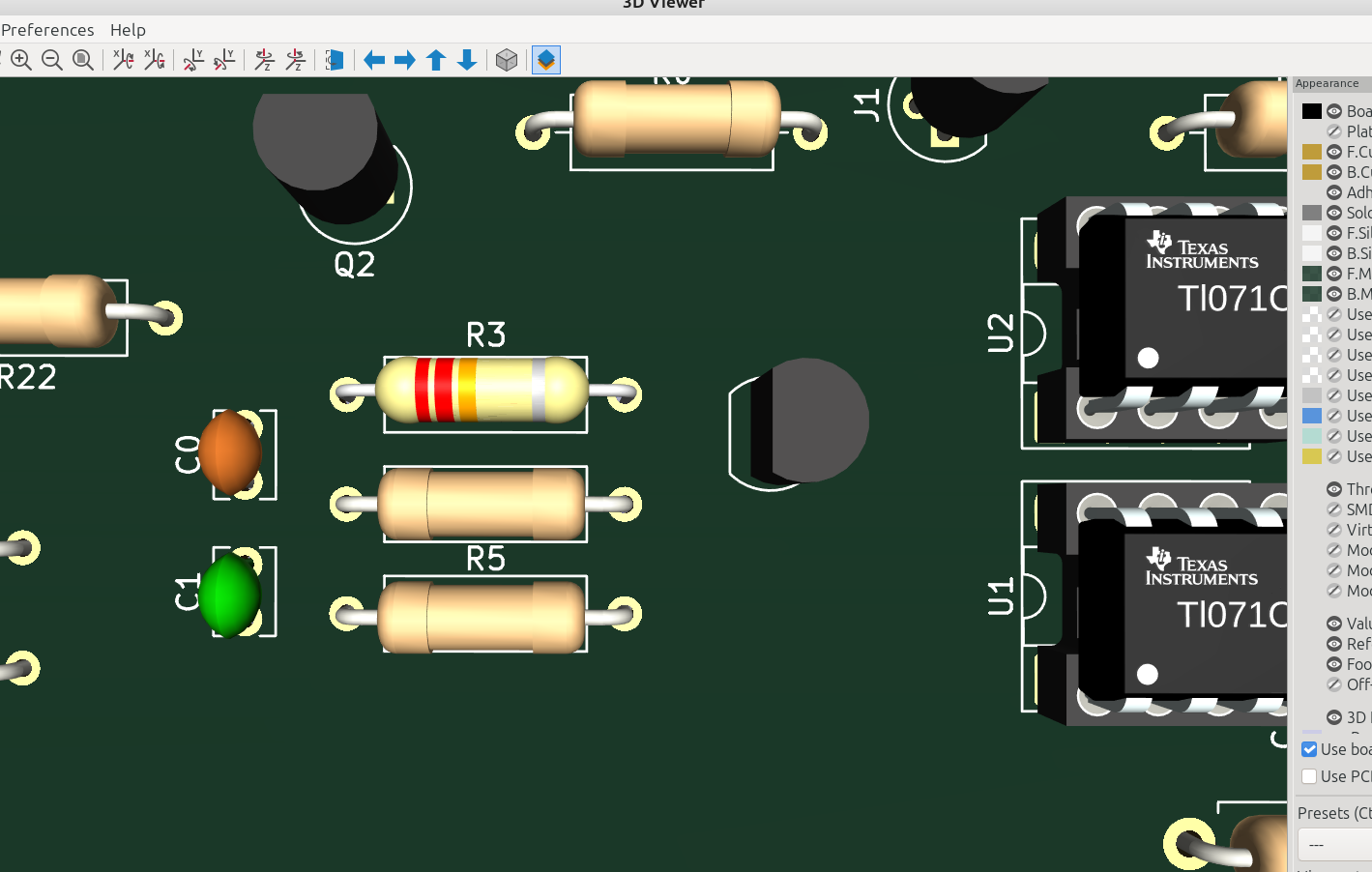
Now I can save different values to a resistor folder and I will have a nice selection of color coded resistors for my board models.