Post # 164 Adventures in AI vibe coding part 1 : making an image to stl relief program

AI is here to stay and if you aren't experimenting you are going to get left in the dust the same way I was in the early 2000's when I read an article on bitcoin in wired, I think bitcoin was .001 cents per bitcoin then, I remember thinking "I should buy some just to experiment" but I didn't and now I can just imagine what could have been. This isn't fear of missing out, this is a real tangible thing you can see results from immediately, and I have actually started learning rust pretty quickly because even though the AI spits out code there are bugs galore that need to be ironed out.
This code took about 2 hours to outline and get going, then another 10 hours of debugging to make it functional, and it works really well for how simple it is. I just typed stuff into googles AI input in the chrome web browser and gemini generated line after line of code. This is written in RUST because that is what the cool kids are using and it is 100% linux compatible, I haven't tried it on windows yet but I'm sure it probably work fine.
What this program does is import an image (svg/png), add some smoothing if needed to get rid of the rough edges and allows you to export an stl file that you can load into a RUST based CAM software that I also vibe coded that will generate a tool path for a cnc machine.
Here are some of it's features:
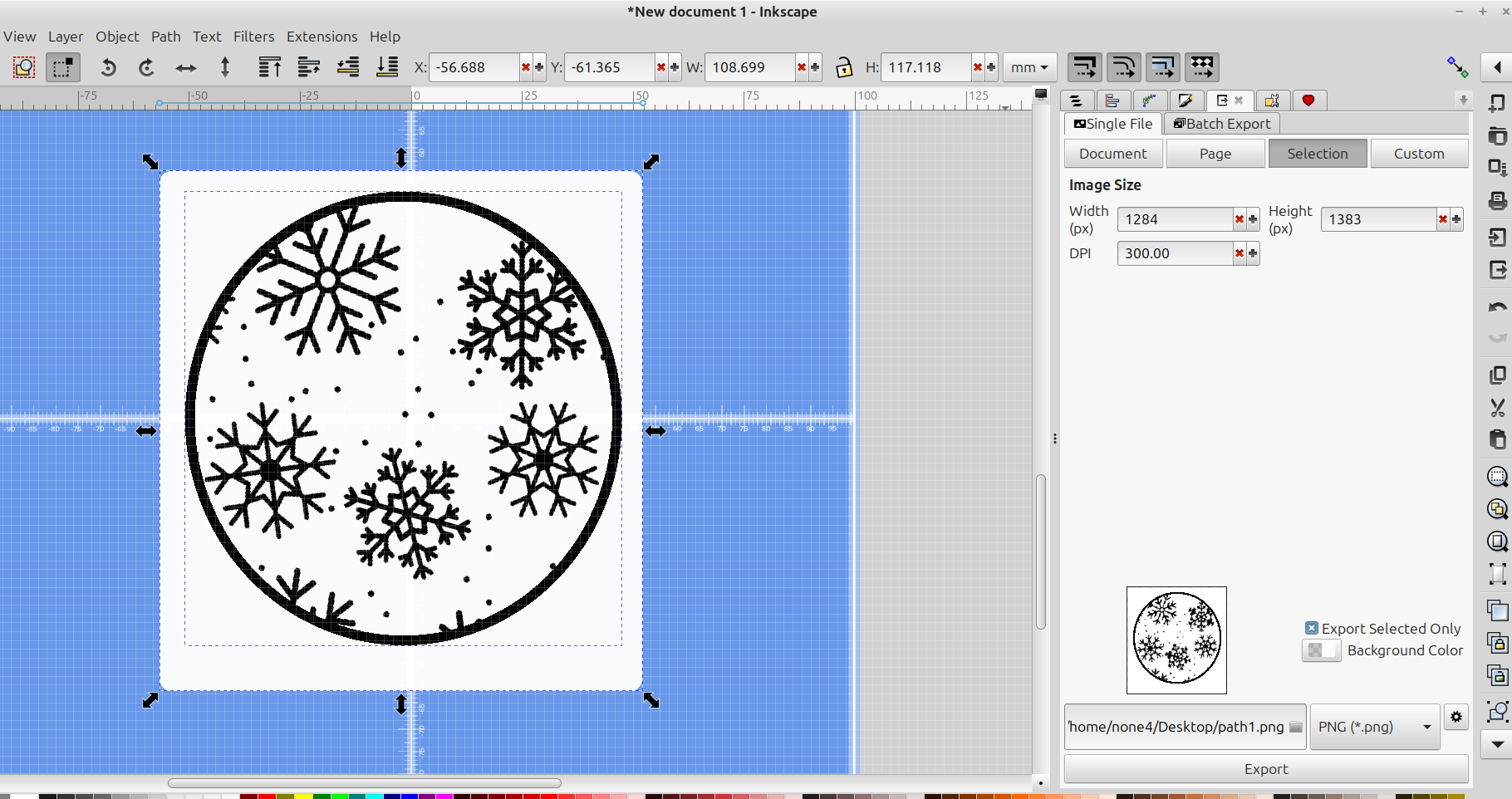
I made a simple design in Inkscape and exported it as a png file:
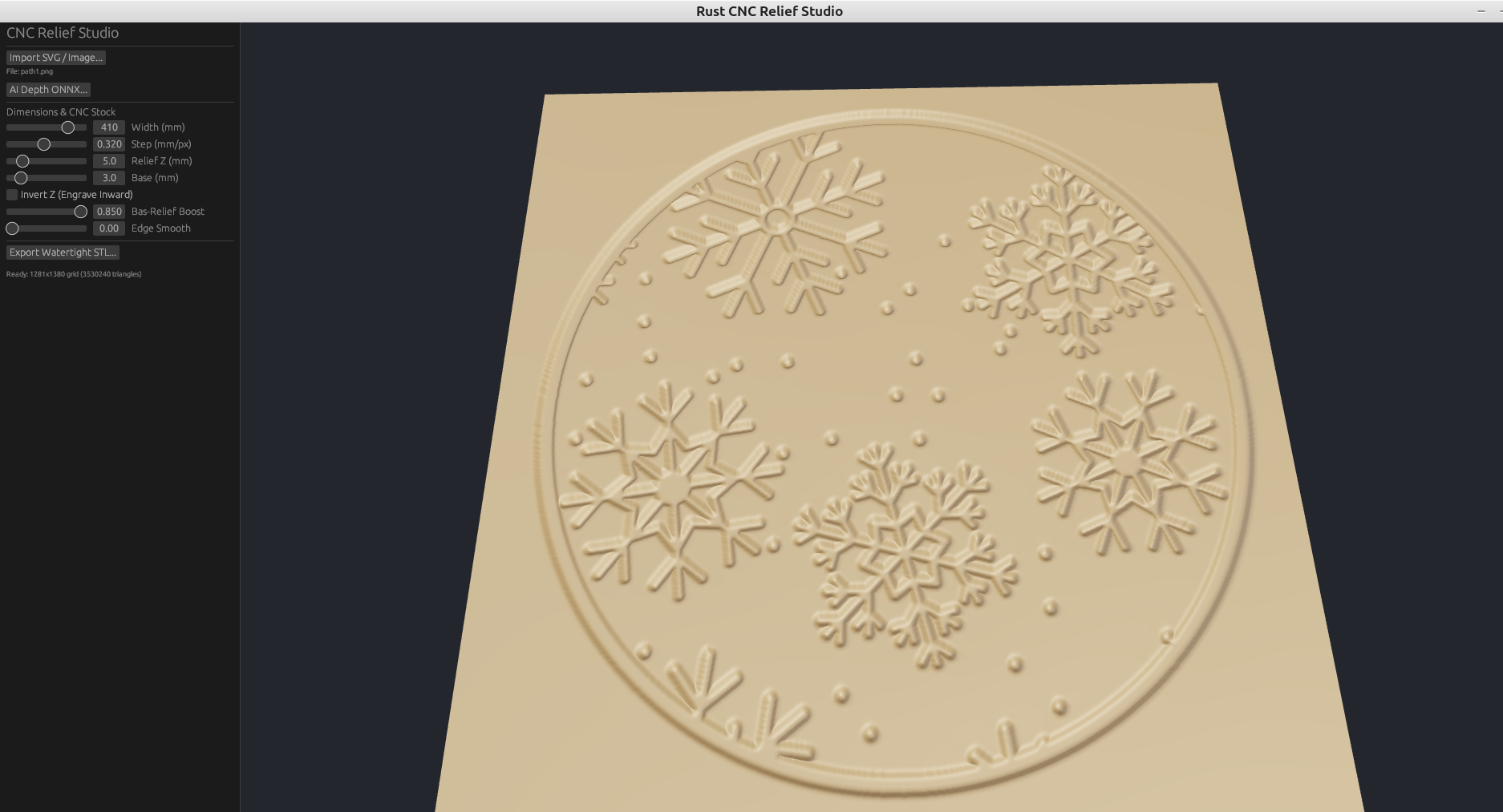
Then I imported it into the software
You can see the rough edges due to the pixelation of the png file:
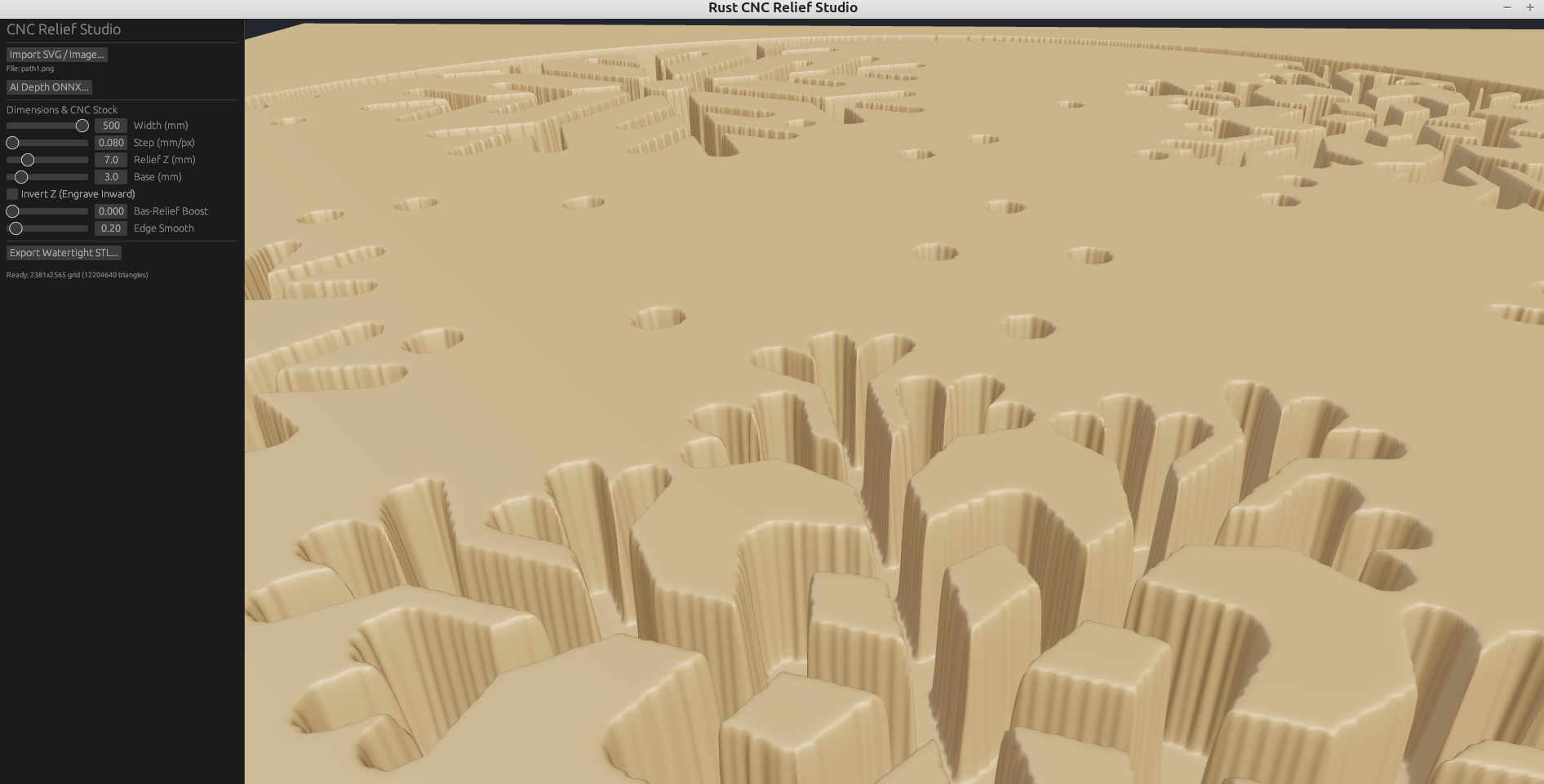
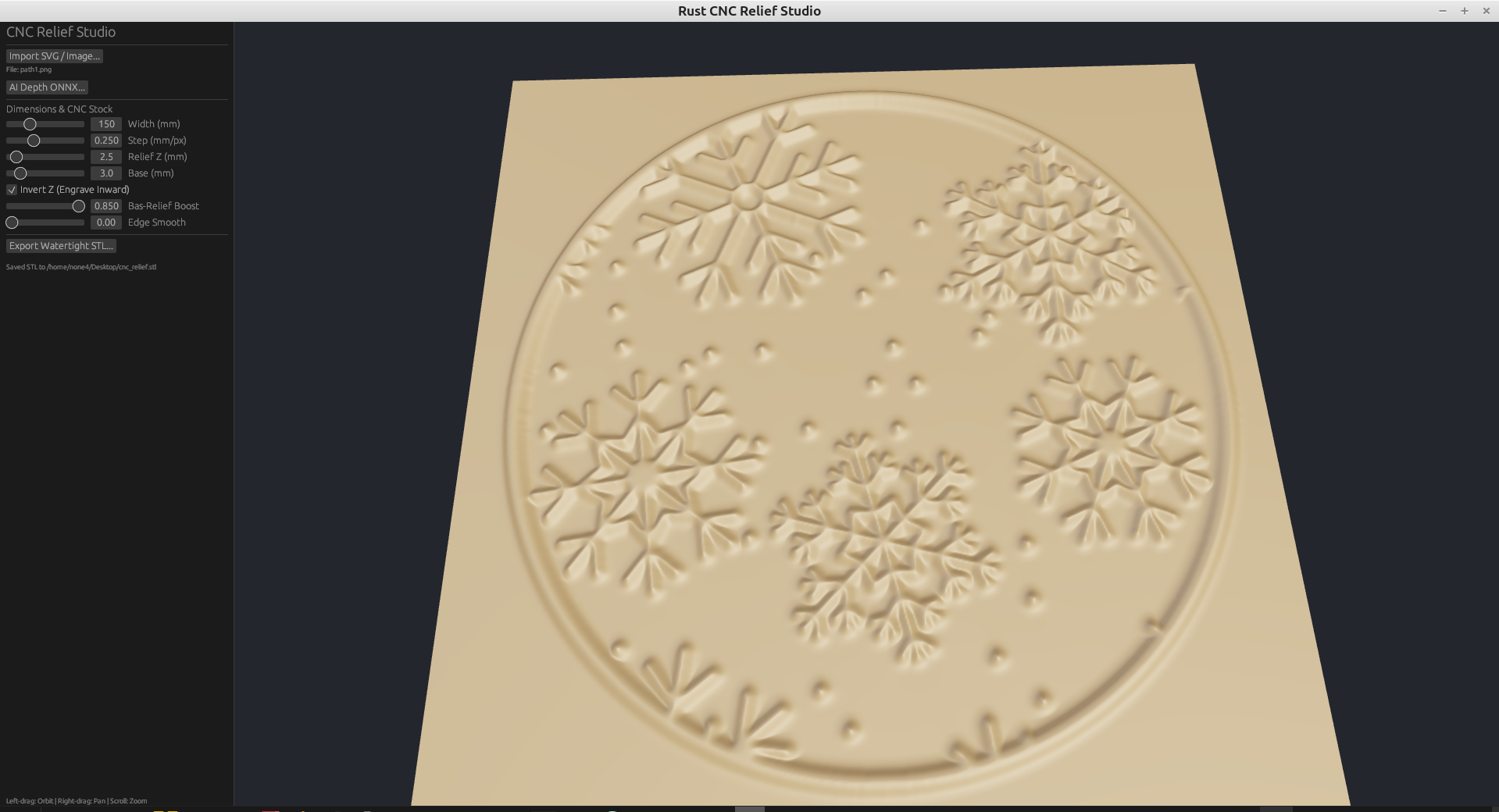
So I had the AI make an algorithm that smooths out the edges:
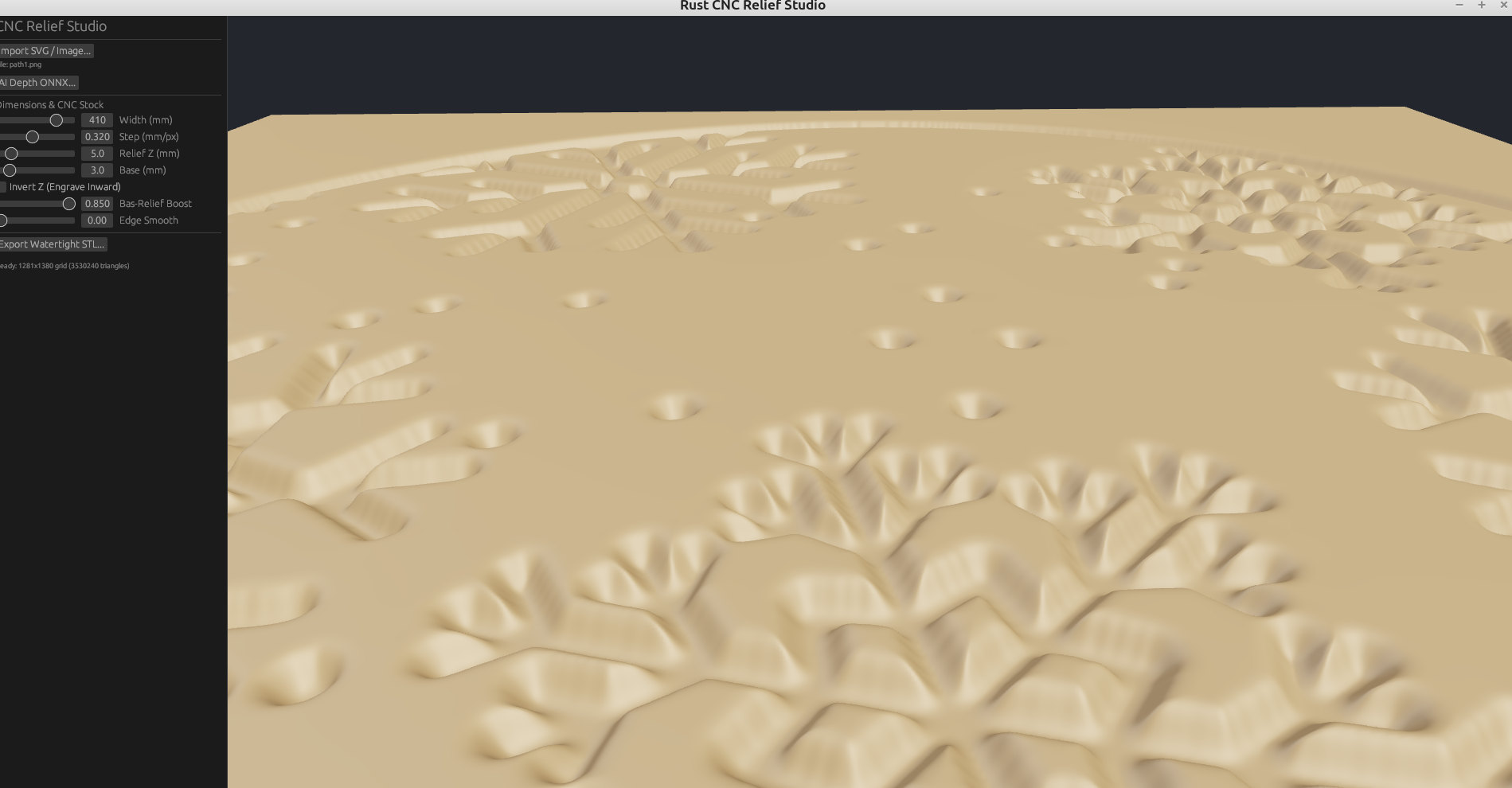
And then you can save an stl to input into the cam software that I will cover in part 2:
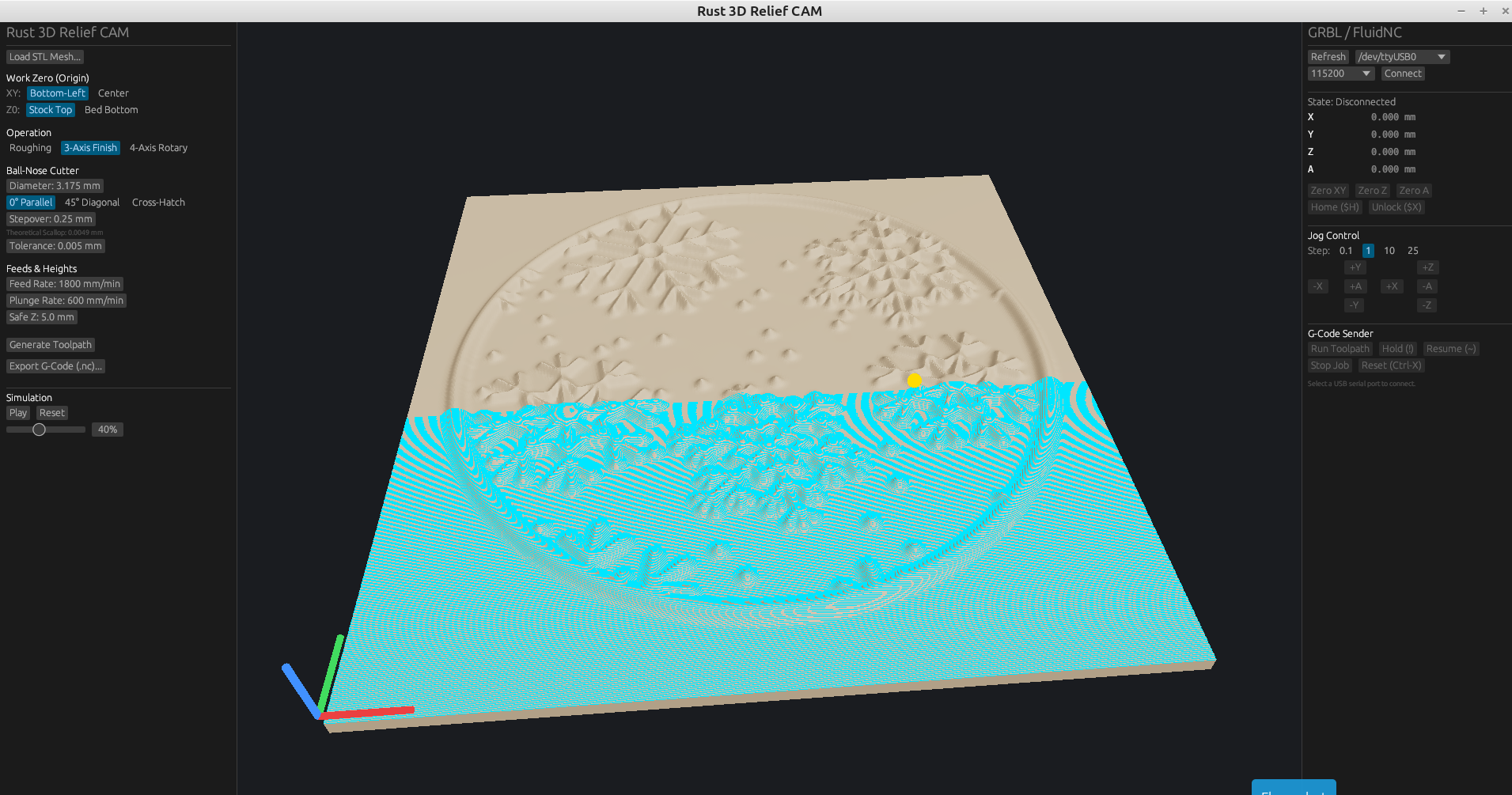
All of the source code will be loaded to github as soon as I have done some more testing so anyone can use the software for free, stay tuned for part 2.