3d part design with Inkscape and OpenScad #25- Barbed fittings
An easy way to design barbed fittings with Inkscape and OpenScad.

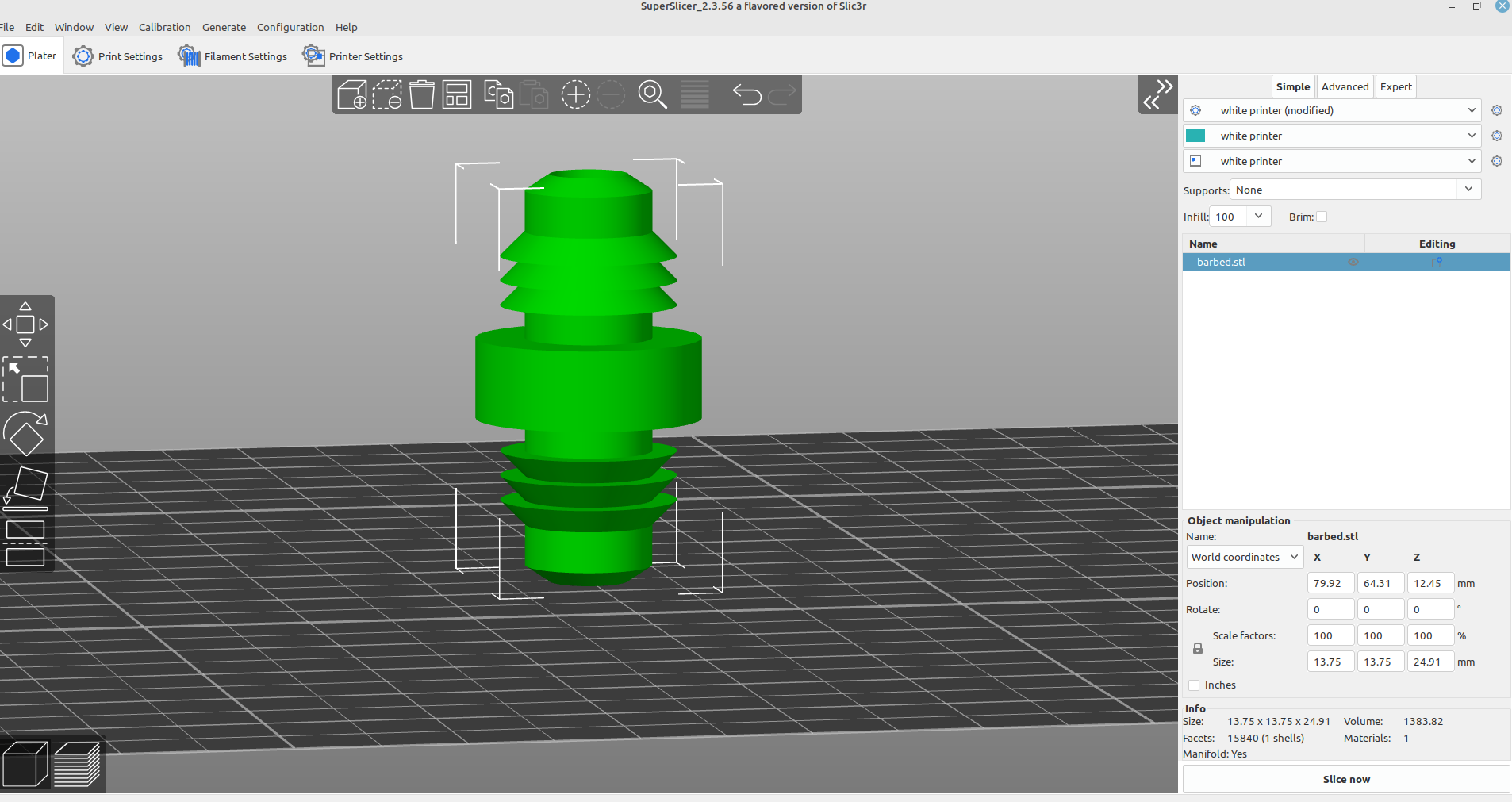
In this next example I'm going to design an object with Inkscape and use the OpenScad rotate extrude module to make a barbed fitting for an aquarium air line.
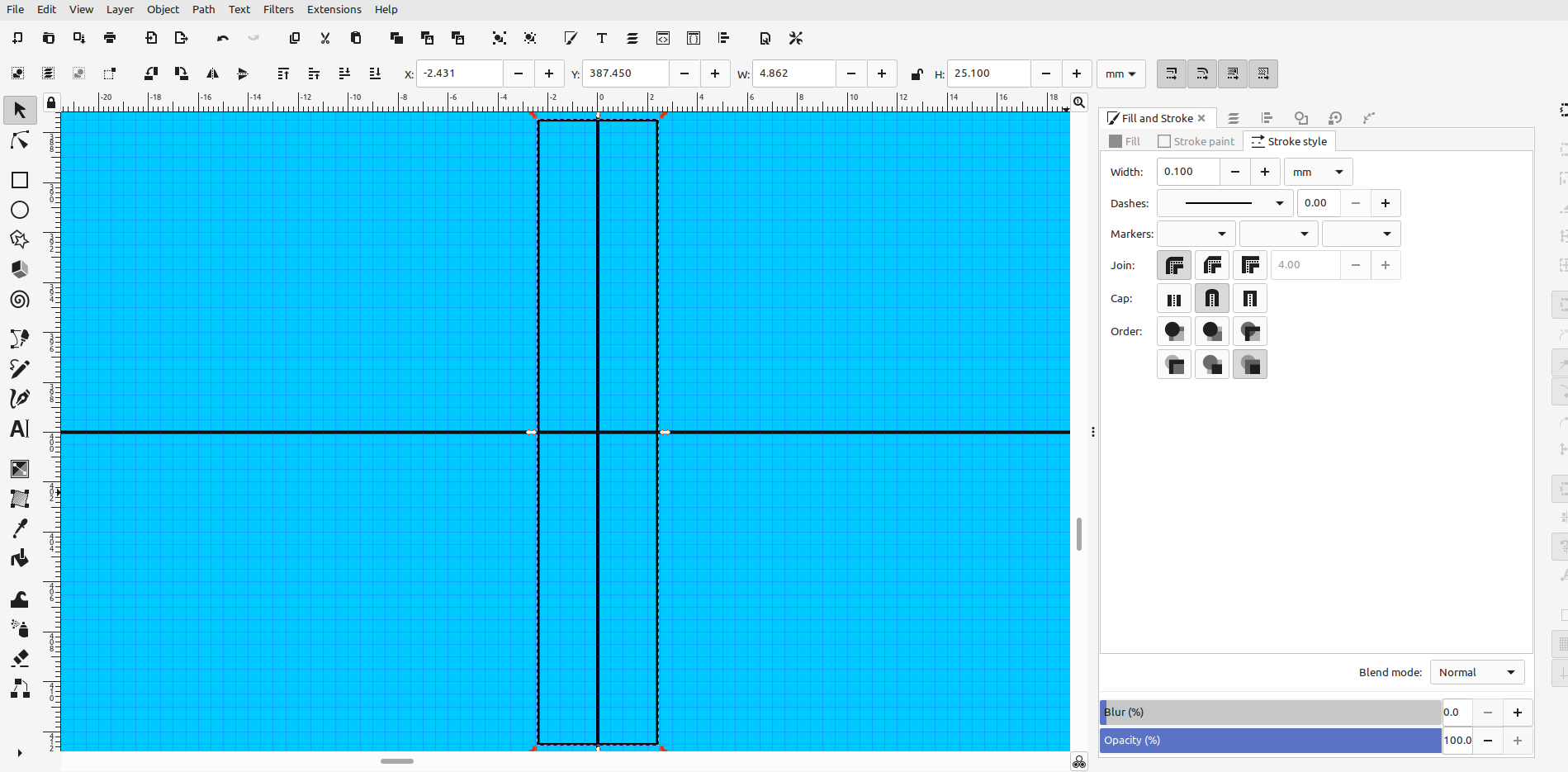
First I made a rectangle the height and width of the inside of the fitting and centered it in the drawing area:
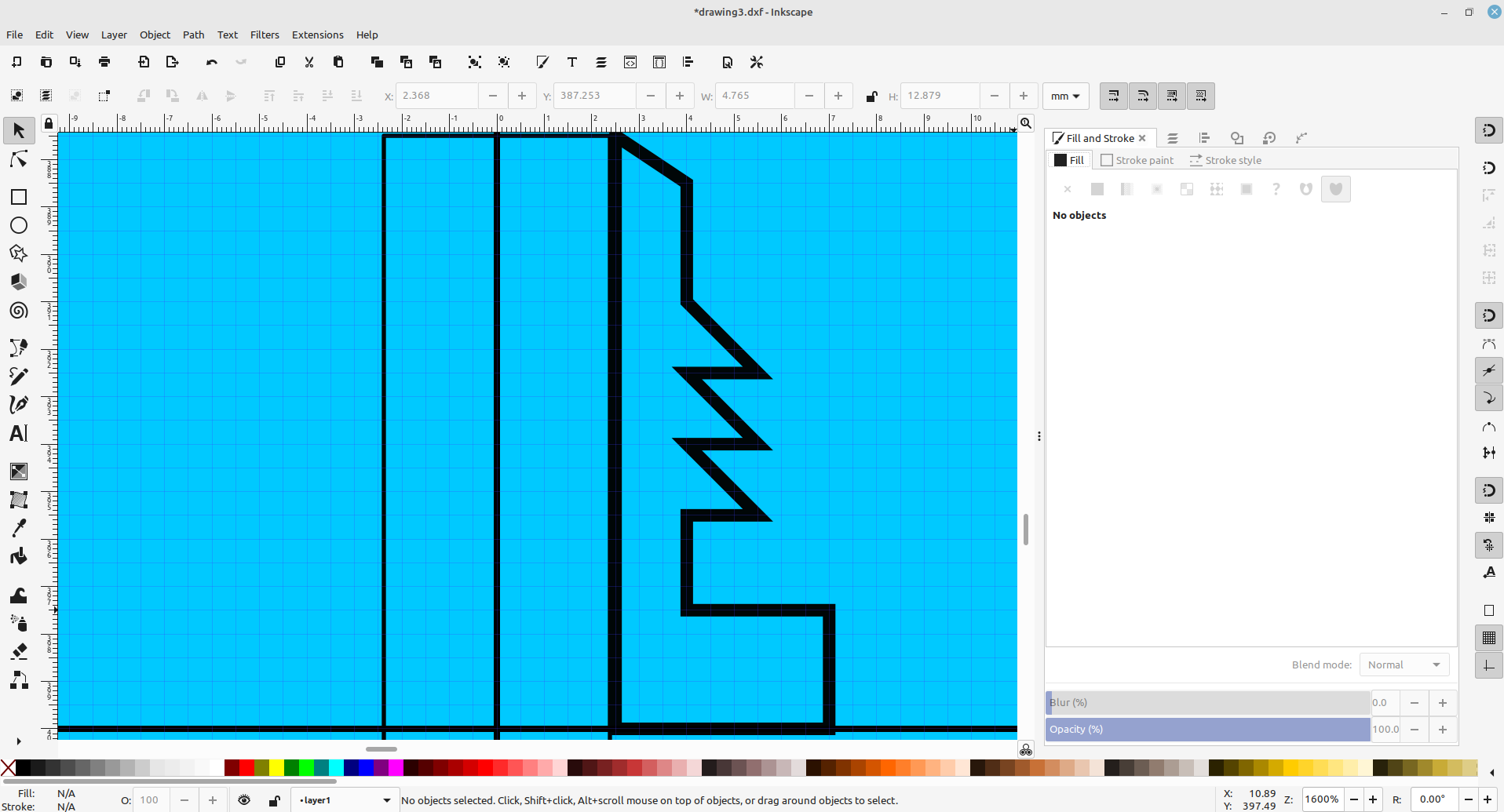
Next I used the bezier tool to draw an outline of the top half of my fitting:
Then I turned on the fill, turned off the stroke, copied and pasted it, aligned the two sections and used "path>union to make it one piece:
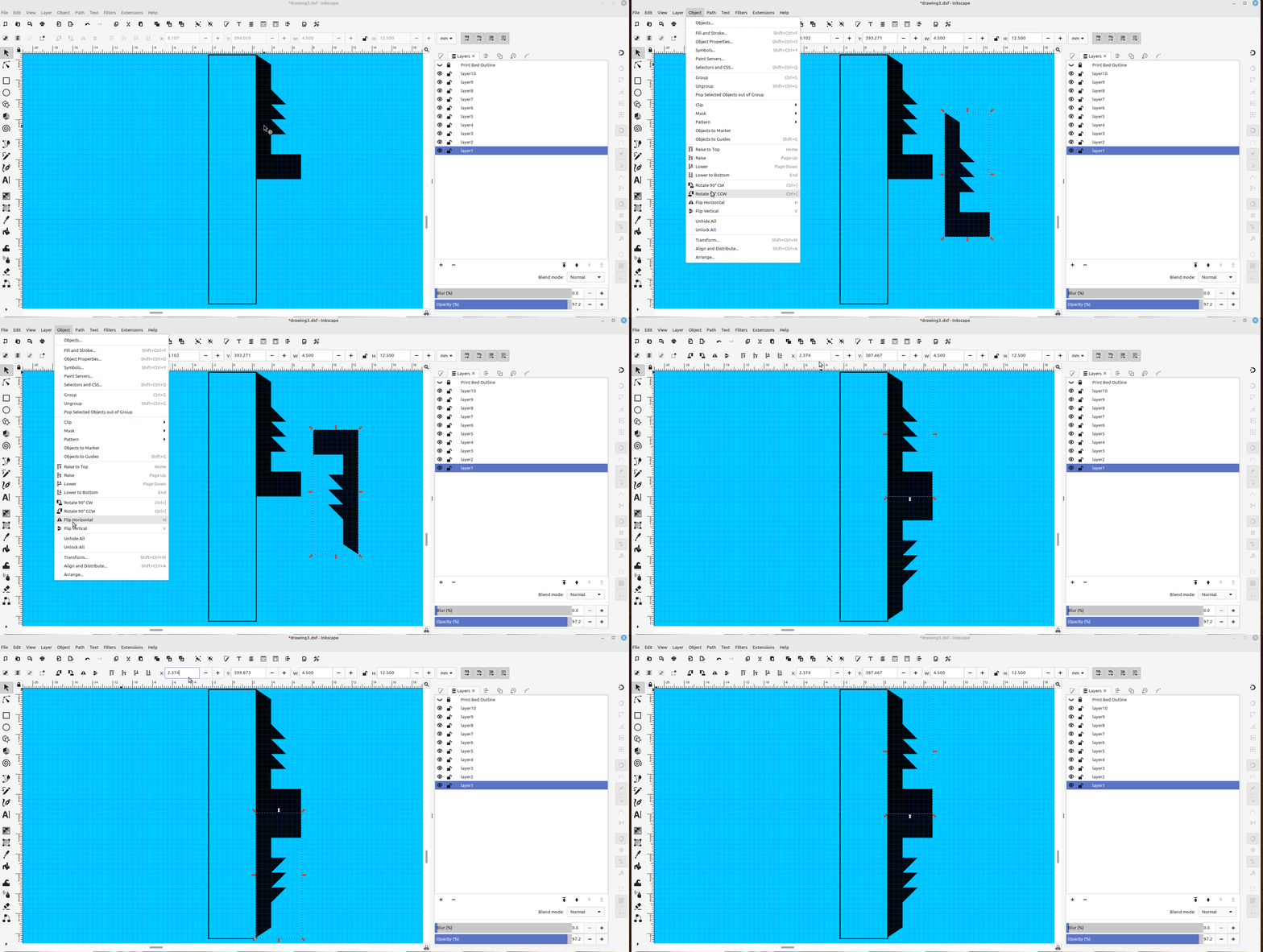
You can draw both halves with the bezier tool and skip this, but for me it was difficult to make both halves exactly the same.
Then I converted the object to a path, added nodes and exported a dxf to OpenScad:
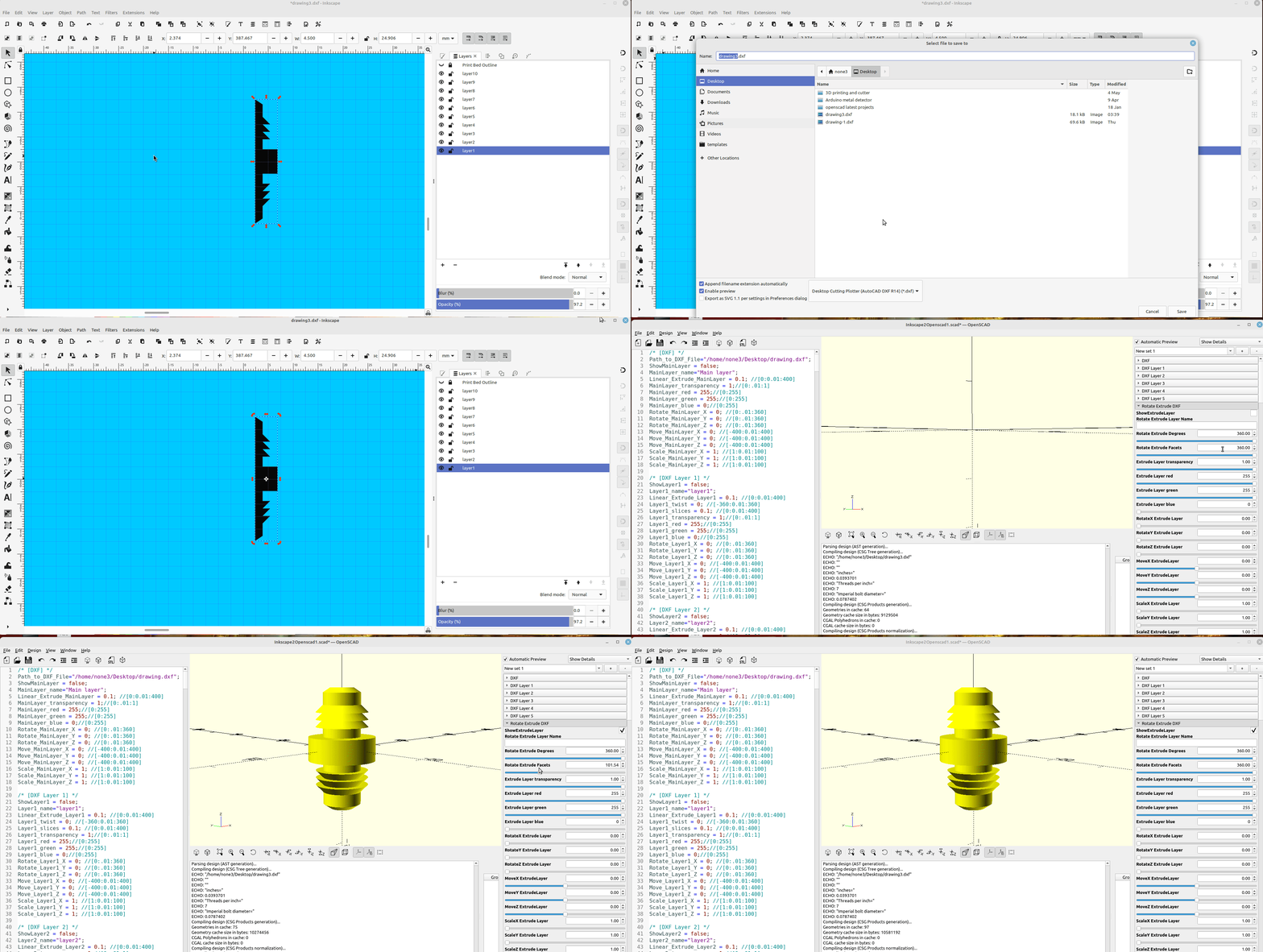
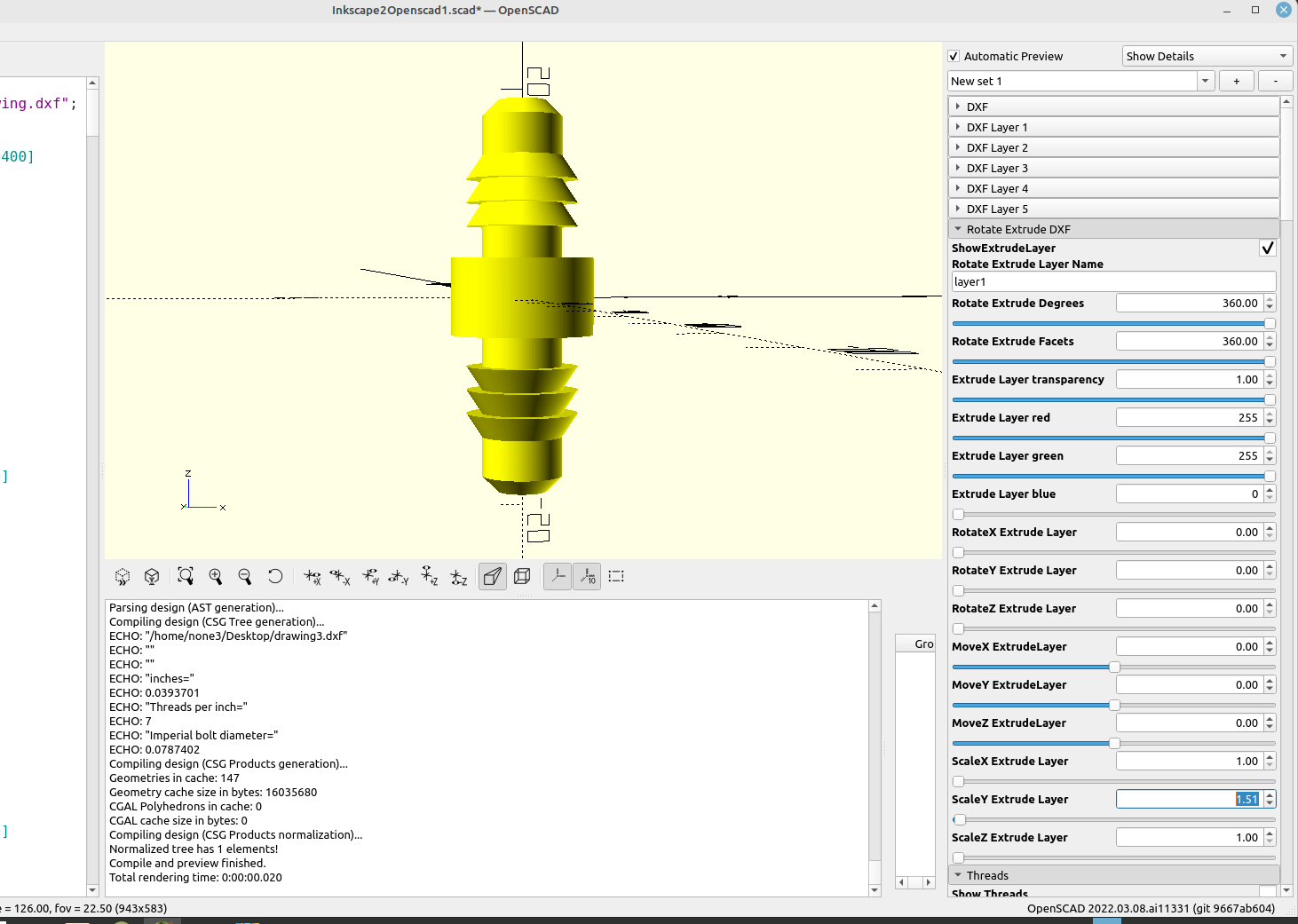
After printing the fitting out I decided I wanted it to be a little longer, so I scaled the "Y" axis a bit: