3D part design with Inkscape and OpenSCAD # 149: Removing pixelation to improve the quality of the auto trace module.

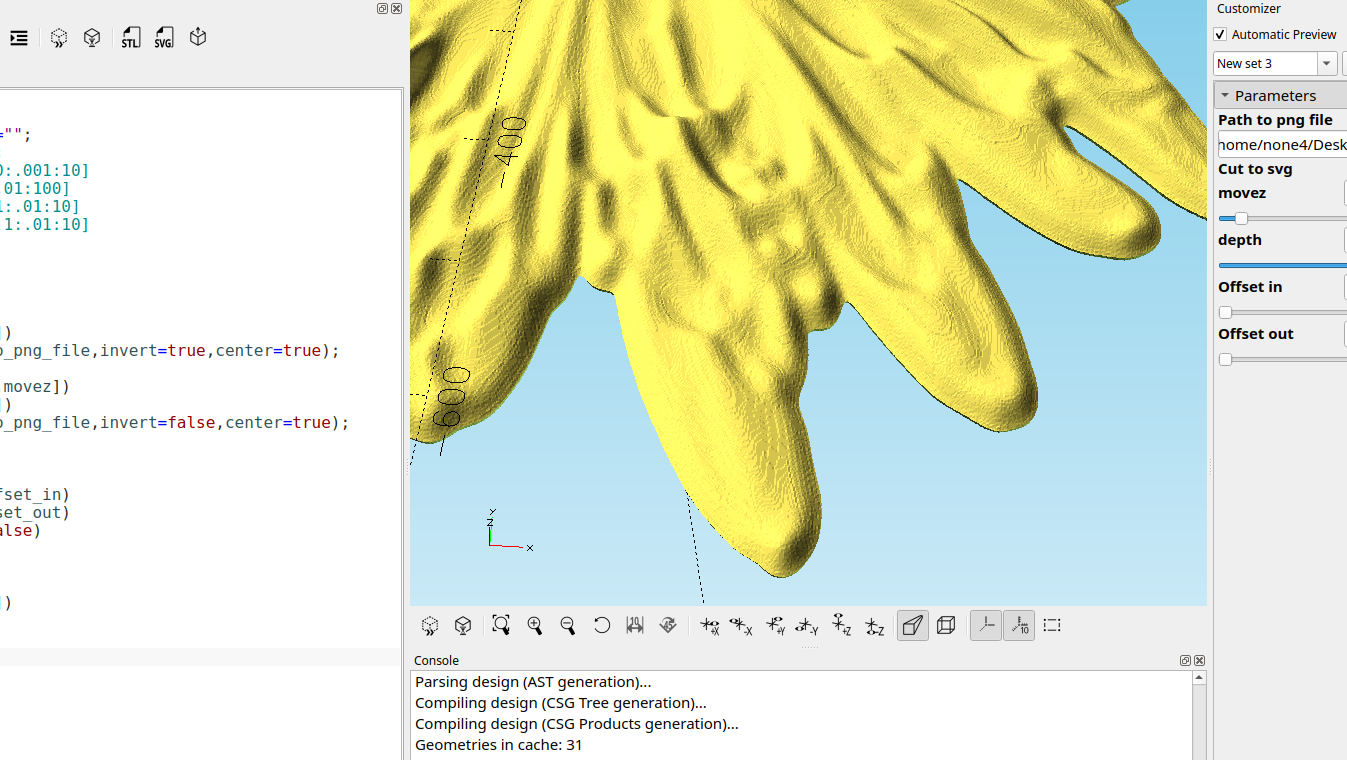
In the last post I had mentioned using Gaussian blur to remove the blockiness of captured images but I didn't go into any detail on how to do it so I will cover it in this post.
Adding a small amount of blur to the image in Inkscape is pretty easy, just go to the fill and stroke dialog and on the fill tab there is a slider to add blur:
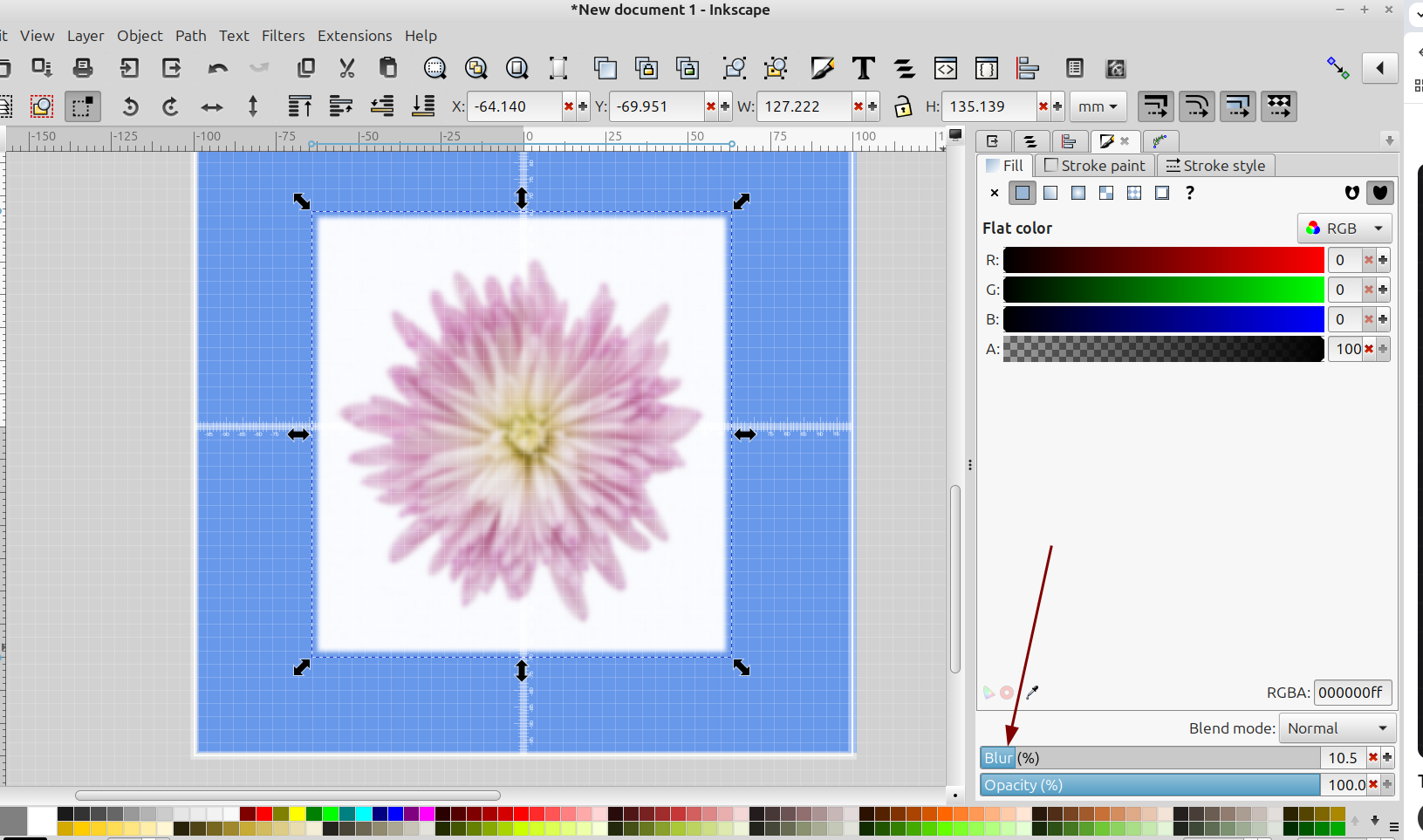
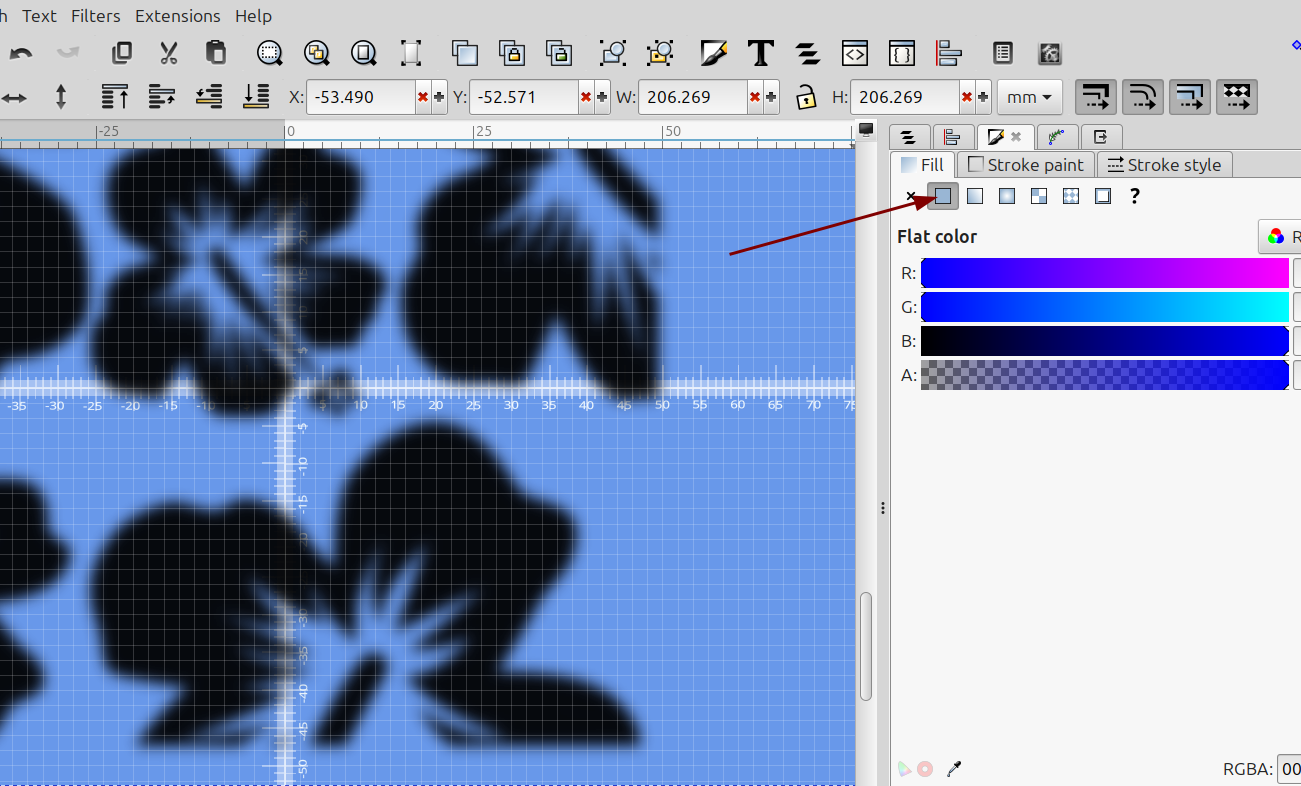
Make sure the image is selected and the fill box is selected:
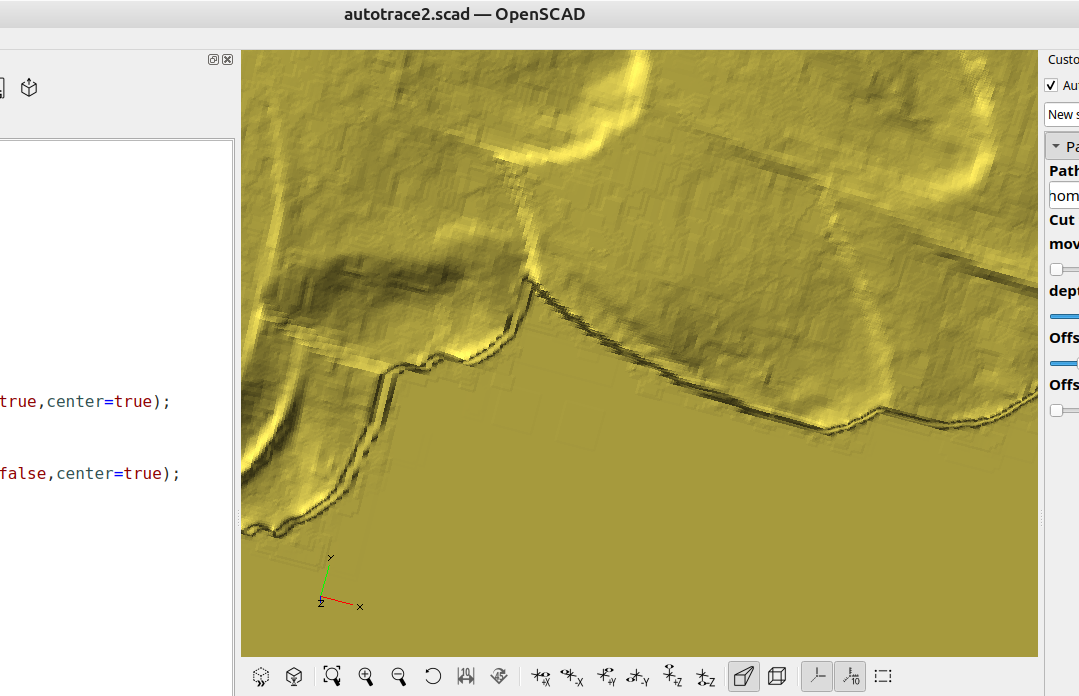
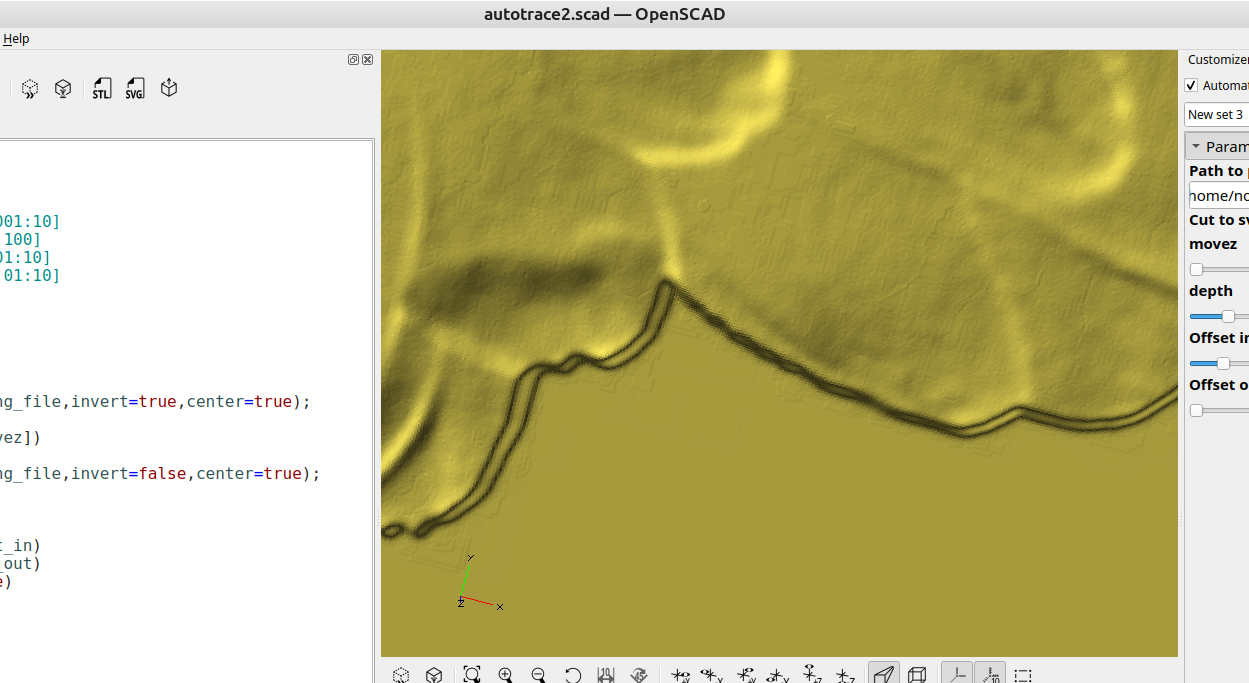
As you can see in this image the blockiness is gone and the image converted with surface() in openSCAD has better surface smoothness for applications like making 3d reliefs for woodworking etc:
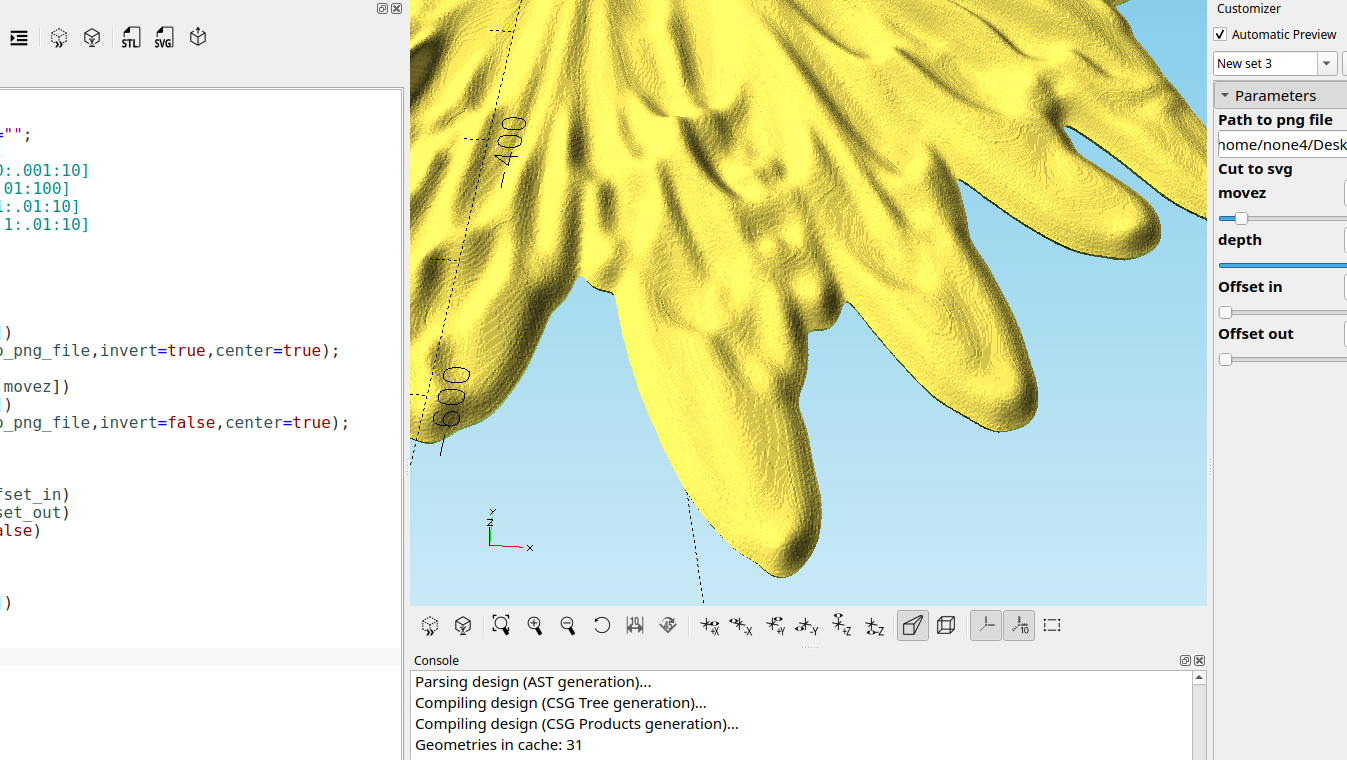
No blur:
small amount of blur added:
I made some small changes to the code from last post to center the image when it is imported, changed import scaling so the imported object is the correct size and offset in and out for the cut to svg option:
//

Path_to_png_file="";
Cut_to_svg=false;
Invert=true;
movez=-106;//[-300:.001:300]
depth=2;//[.001:.01:100]
Offset_in=0;//[.1:.01:10]
Offset_out=0;//[.1:.01:10]


module Cut(){
  difference(){
  scale([.08474,.08474,.01])
  surface(Path_to_png_file,invert=Invert,center=true);

  scale([.08474,.08474,.08])
  translate([0,0,movez])
  surface(Path_to_png_file,invert=false,center=true);
}}

if(Cut_to_svg)
  offset(delta=-Offset_in)
  offset(delta=Offset_out)
  projection(cut=false)
  Cut();

  else
  render()
  scale([1,1,depth])
  Cut();

 //