
3D part design with Inkscape and OpenSCAD #148: Auto trace version 2

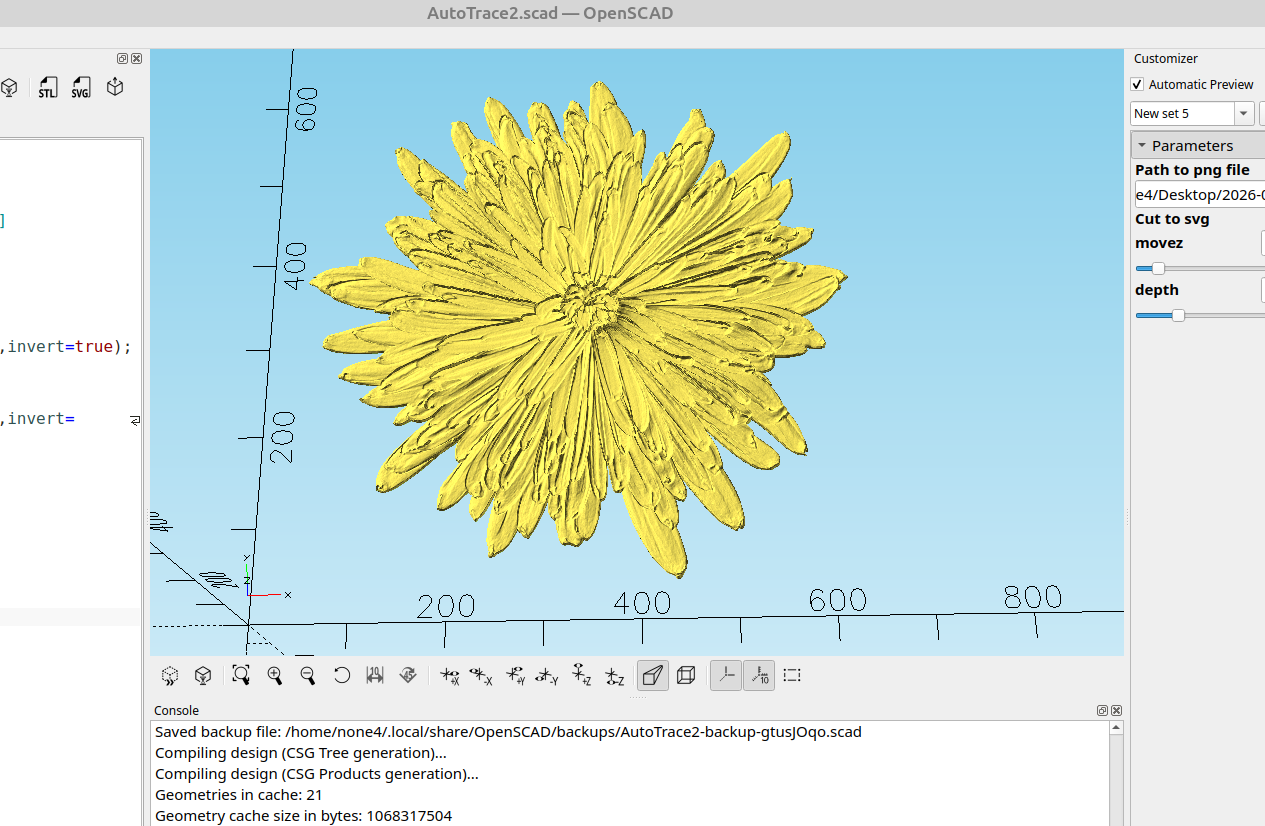
While I was experimenting with surface I tried loading two instances of the same picture, scaled them in the z axis a little bit and then subtracted one from the other with difference, and this seems to do a really good job for tracing a .png image.
This works really well with pictures that have a light background, here is the free image I used for this example:
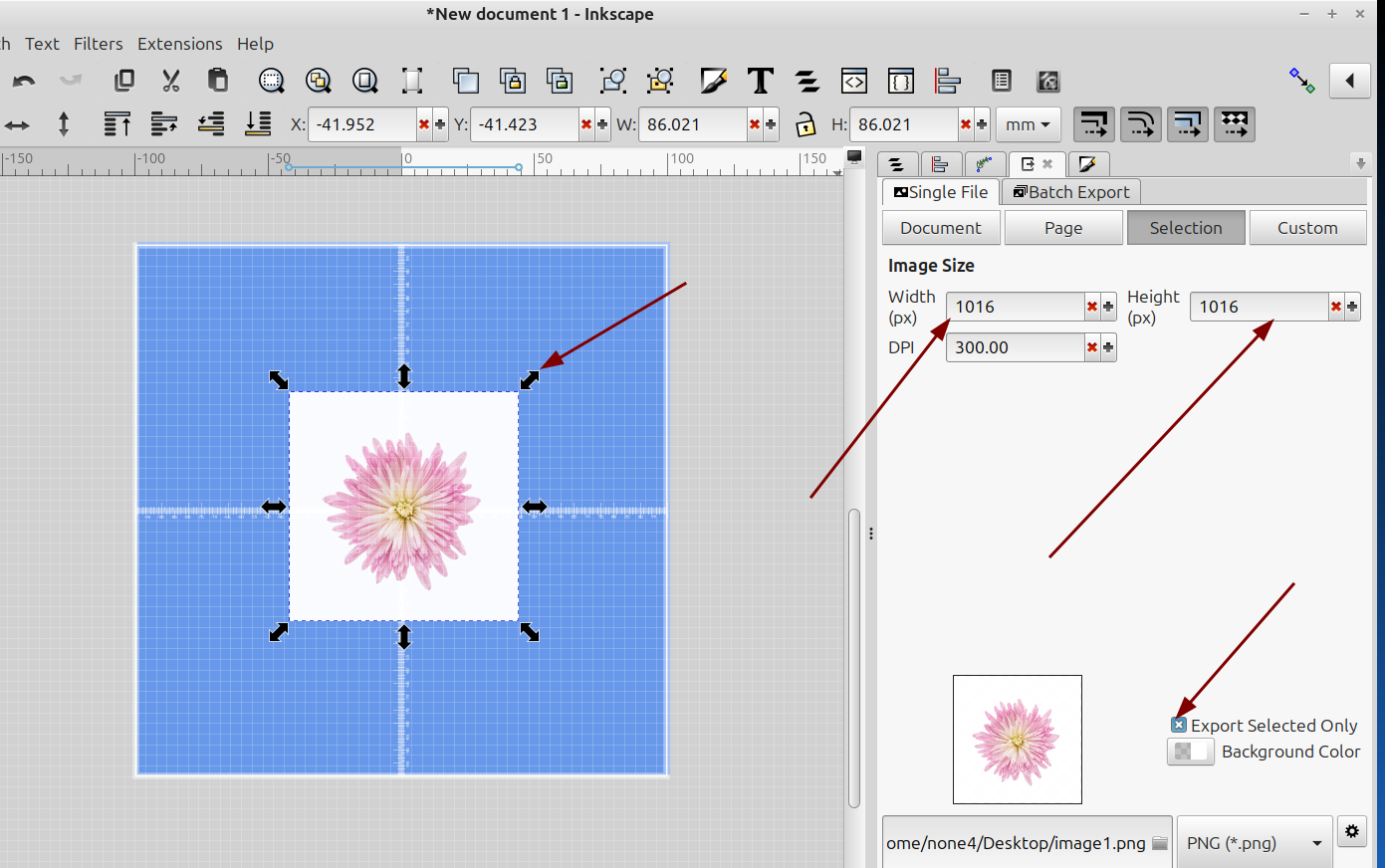
Note: Large images will consume a lot of memory and when trying to load them OpenSCAD will exit prematurely, after saving the image it will need to be converted to a .png file and resized to a usable size, I have Inkscape set up for the bed size of my printer and I resize everything to the size I will be making it in real life which is quite a bit smaller than the original picture size:
And here is the code:
//

Path_to_png_file="";
Cut_to_svg=false;
movez=-6.5;//[-10:.001:10]
depth=1;//[.1:.01:100]

module Cut(){
 difference(){
  scale([1,1,.01])
  surface(Path_to_png_file,invert=true);

  translate([0,0,movez])
  scale([1,1,.08])
  surface(Path_to_png_file,invert=false);
}}

if(Cut_to_svg)
projection(cut=false)
Cut();
else
render()
scale([1,1,depth])
Cut();
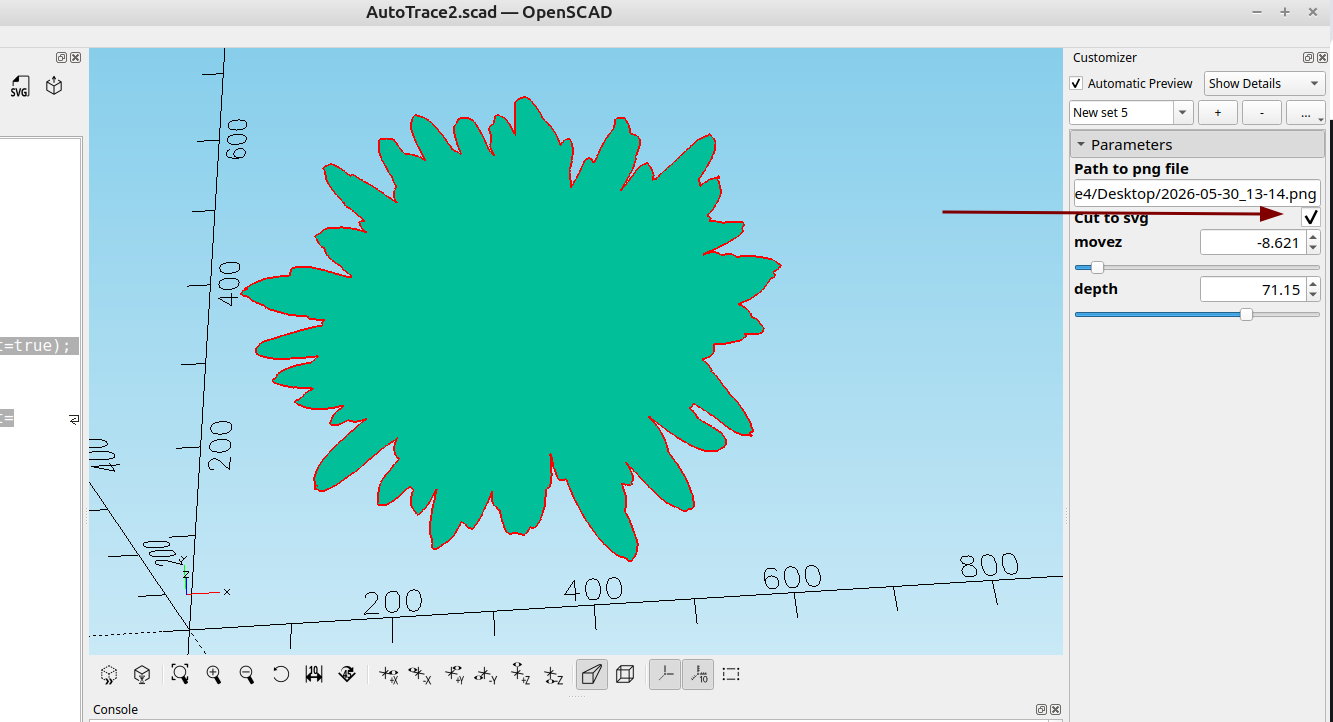
I made the option to cut to an svg file so the outline can be used to clip the object to remove the background:
After I saved the svg file I imported it into Inkscape:
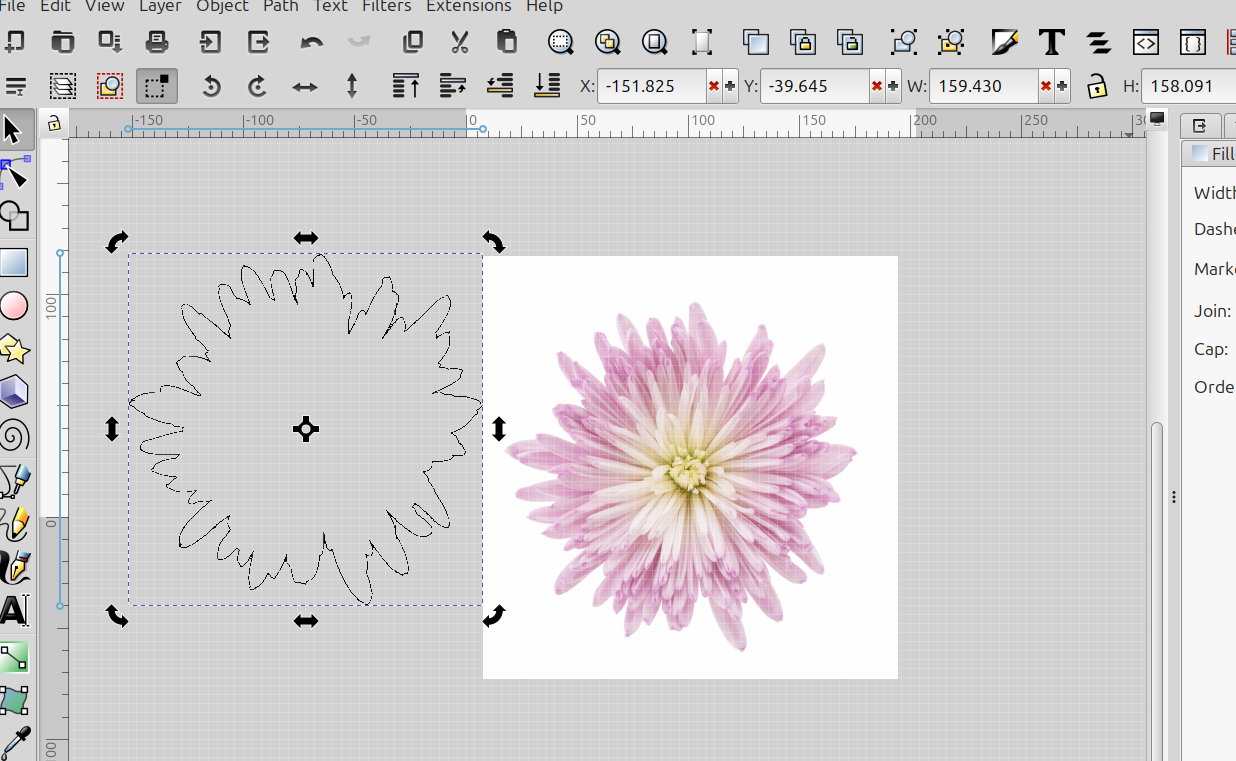
Then I resized it to fit around the flower:
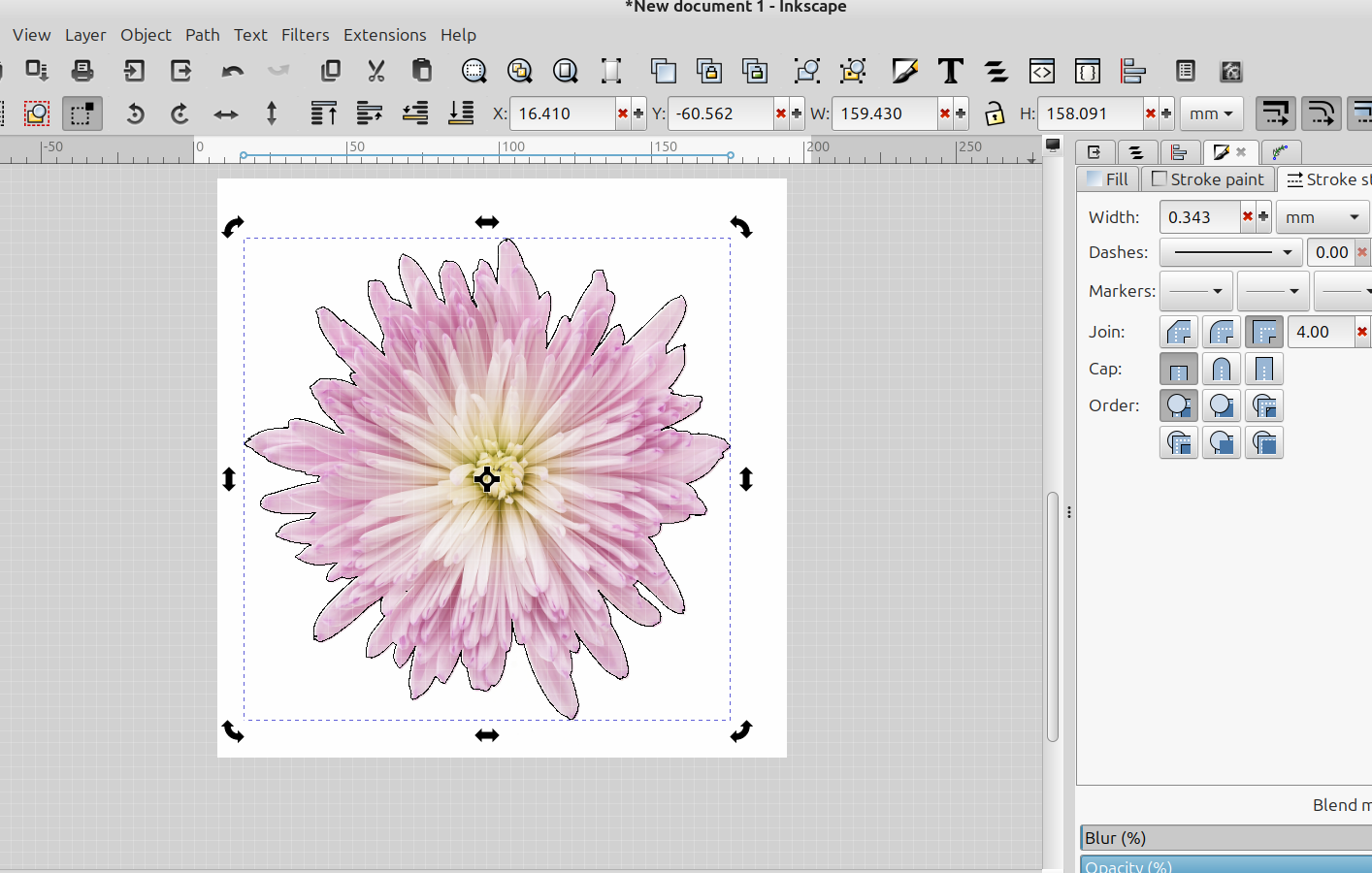
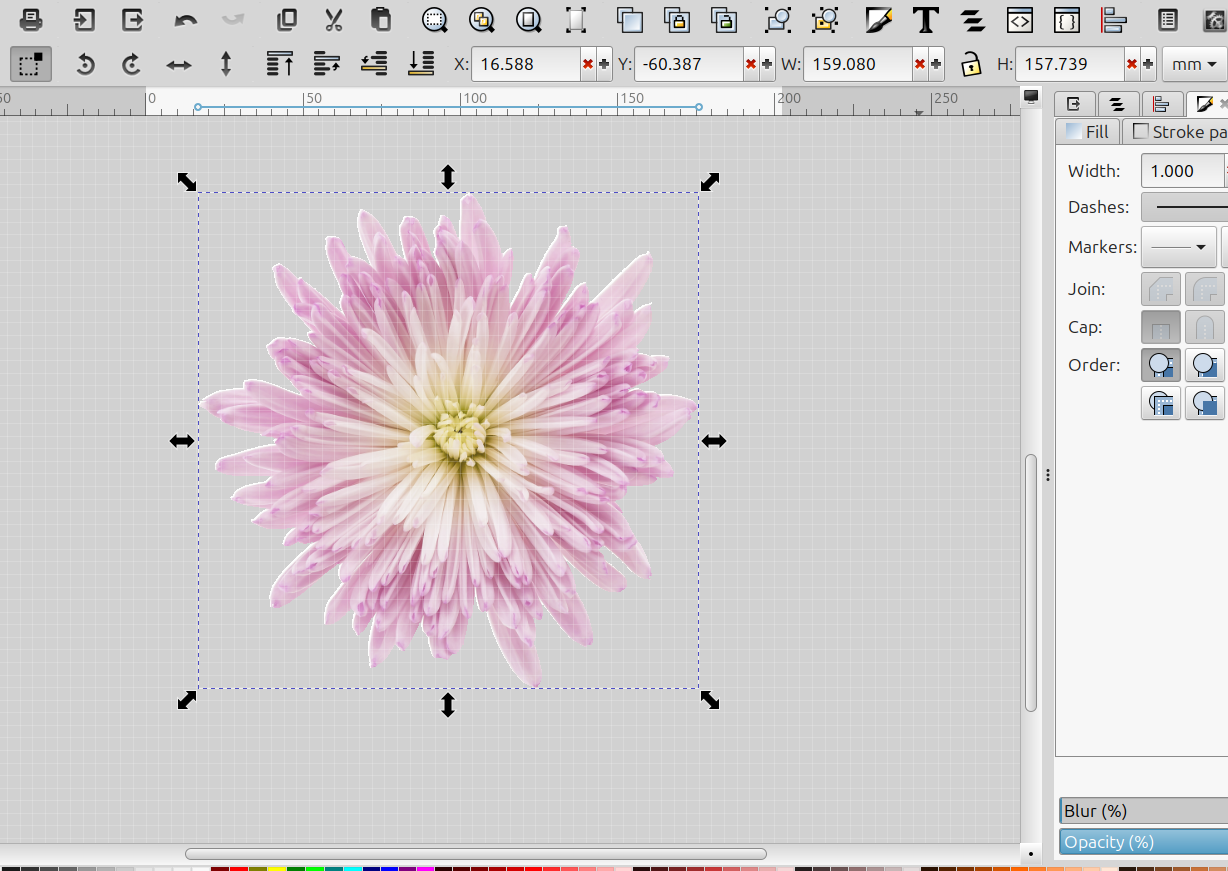
Then I selected the outline and the flower picture, went to Object>Clip> Set clip and had a had a perfect cut out of the flower:
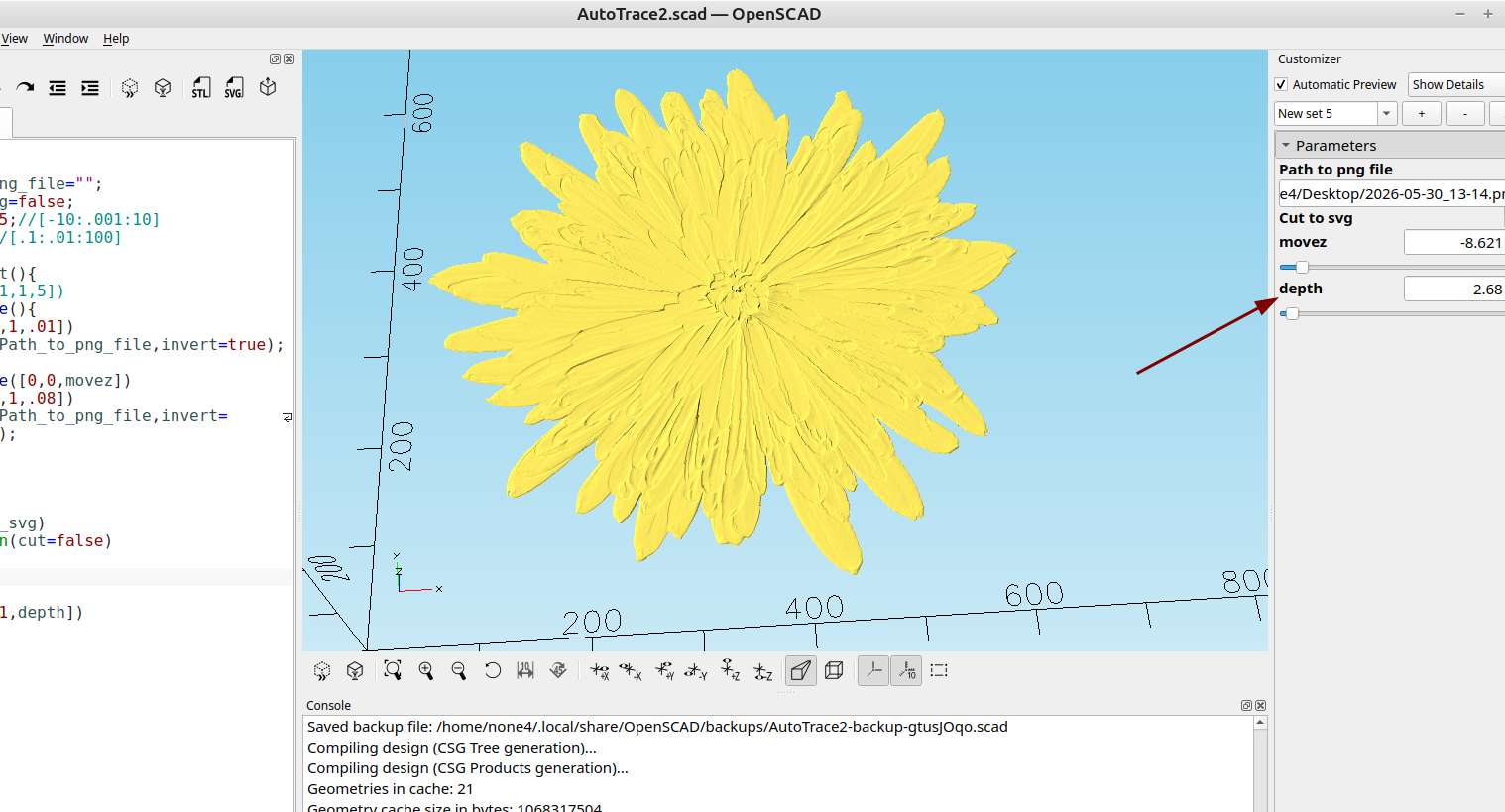
I also added a "depth" option so you can adjust the depth of the stl for 3d reliefs etc.:
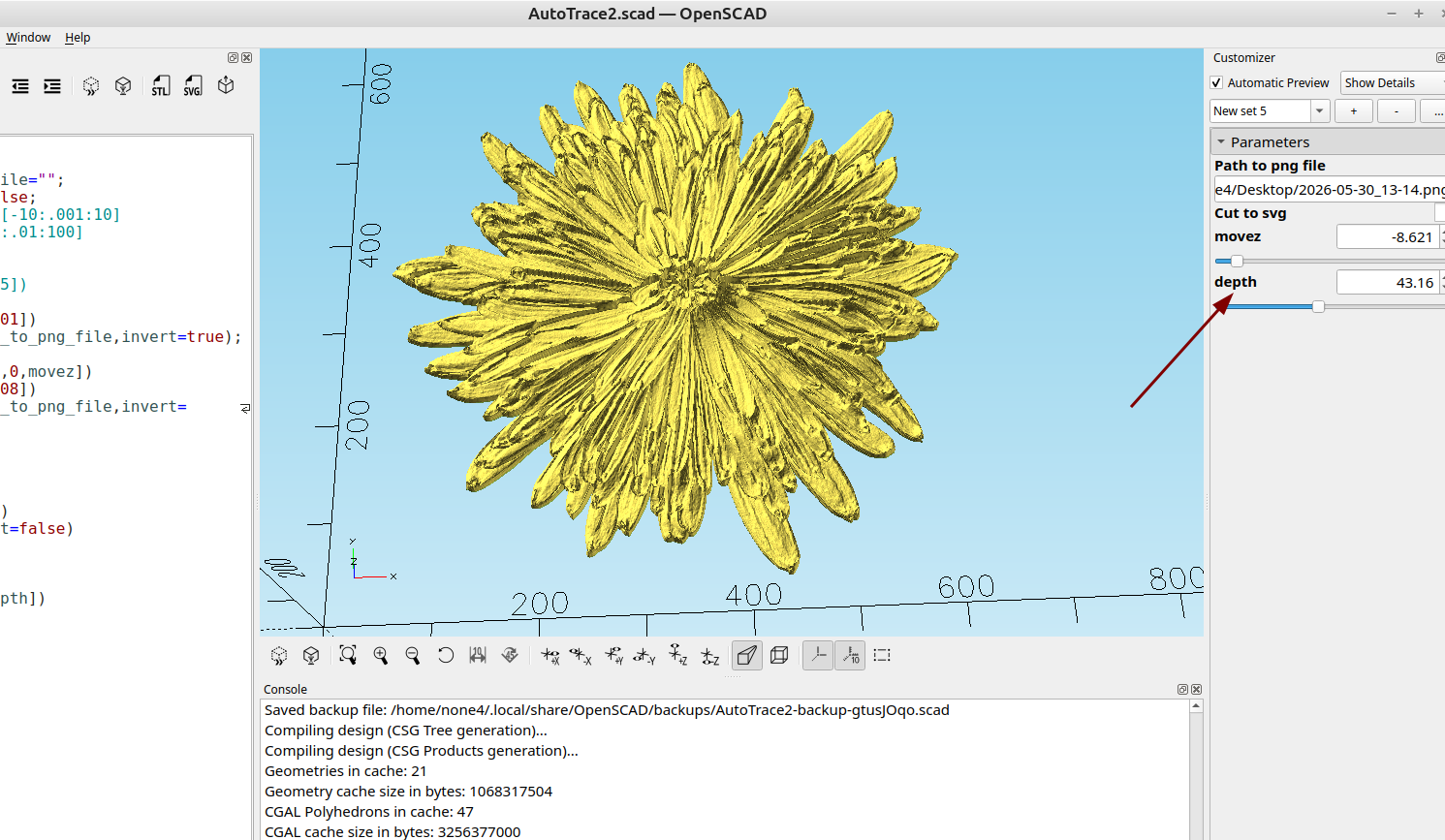
A simple shape on a white background will work the best and adding some gaussian blur to the png file will help with reducing the blockiness for making a 3d relief.
As you can see once again the things you can do with OpenSCAD with just a few lines of code is pretty amazing and that is why I continue to use it over other options.