3D part design with OpenSCAD #138: constraining minkowski()

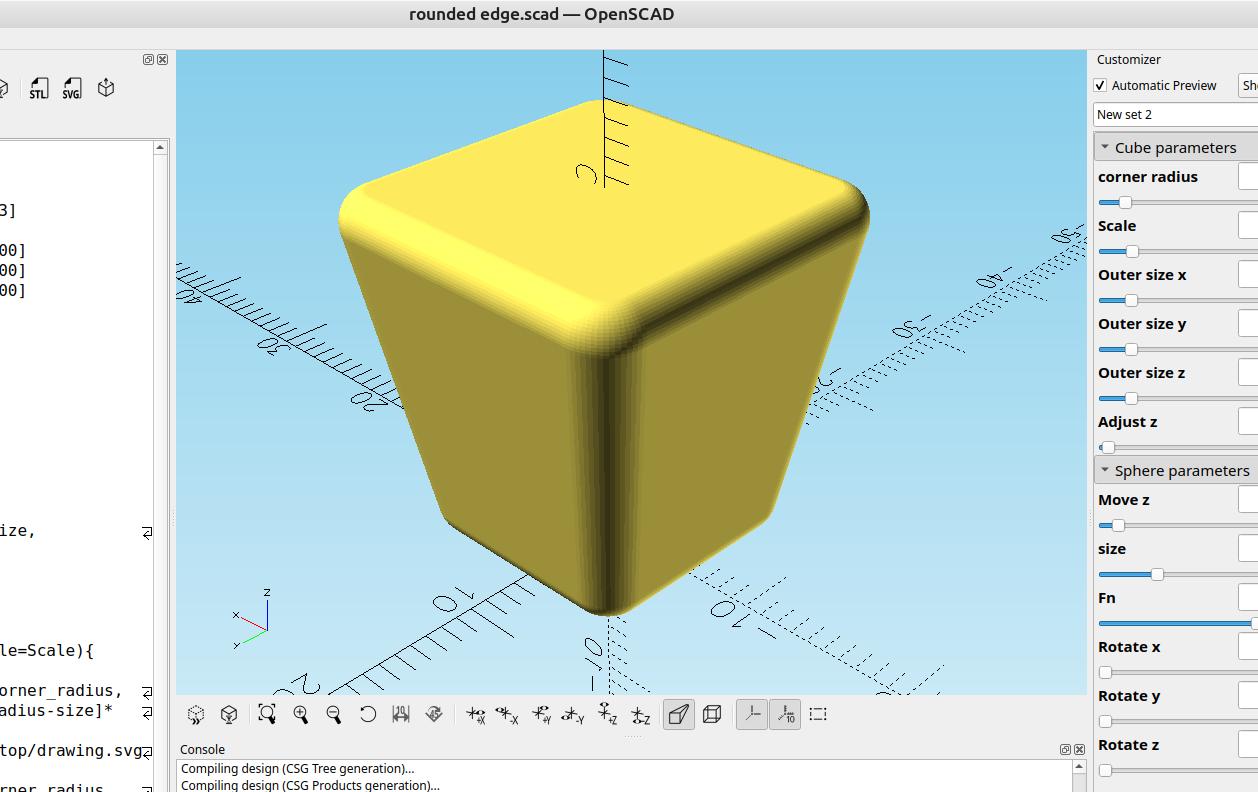
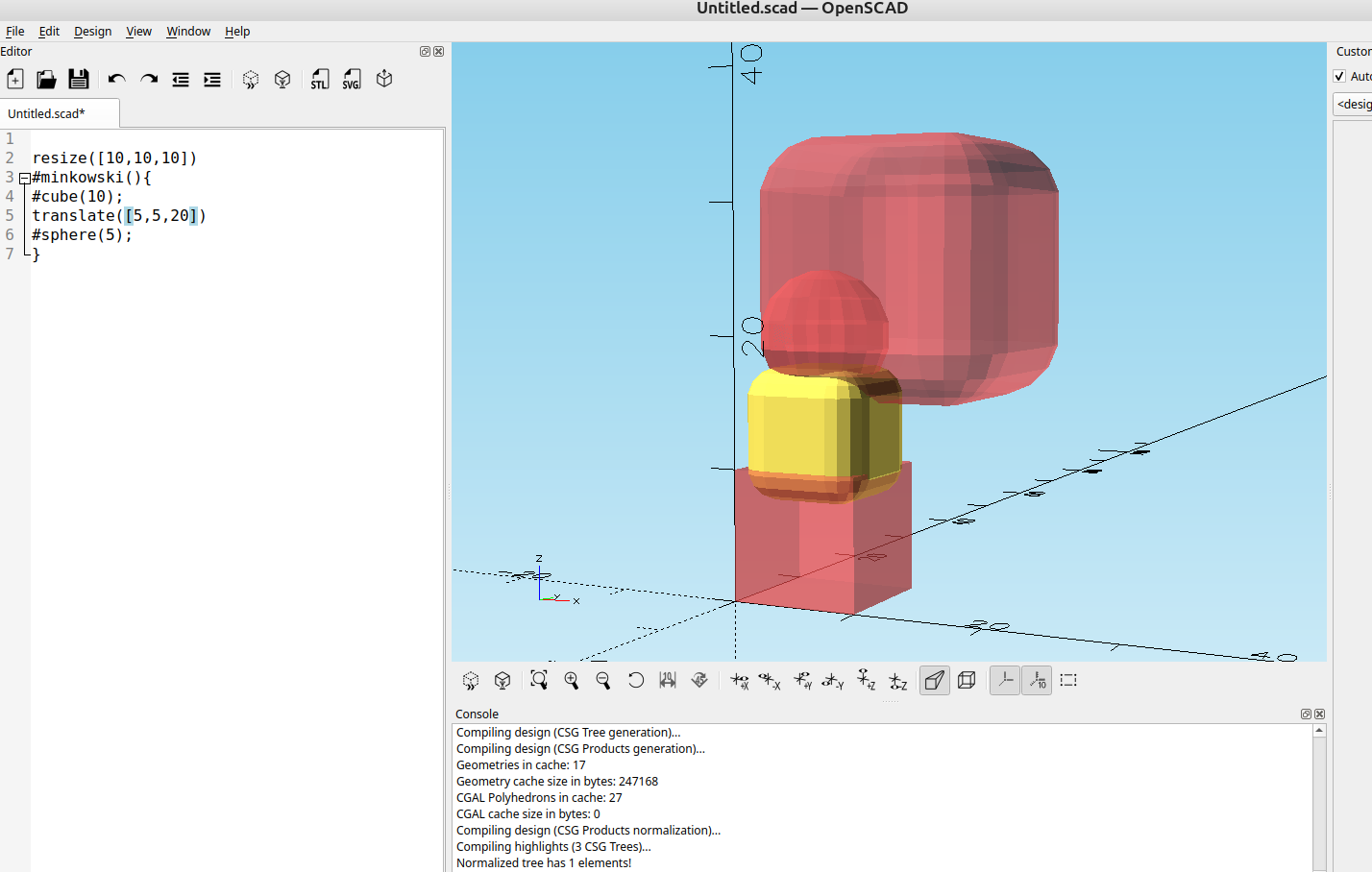
Using minkowski() you can make some nice rounded edges on objects but it causes the object to change size, it's pretty easy to "constrain" the object to the intended size by locking the final result with resize().
Here is an example:
//

/*[Cube parameters]*/
corner_radius=1;//[0:.01:13]
Scale=1.5;//[-10:.01:100]
Outer_size_x=20;//[0:.01:200]
Outer_size_y=20;//[0:.01:200]
Outer_size_z=20;//[0:.01:200]
Adjust_z=2;//[0:.01:200]

/*[Sphere parameters]*/
Move_z=20;//[.1:.01:400]
size=2;//[0:.01:10]
Fn=60;//[4:1:100]
Rotate_x=0;//[0:.01:360]
Rotate_y=0;//[0:.01:360]
Rotate_z=0;//[0:.01:360]

/*[Hidden]*/
outer_size=[Outer_size_x-size,Outer_size_y-size];
Size=[size,size];
$fn=Fn;

module rounded_edge(){
 linear_extrude(Move_z,scale=Scale){
 offset(r=corner_radius){
 resize(outer_size-Size-[corner_radius,corner_radius,corner_radius-size]* 2.0)
square(outer_size-Size-[corner_radius,corner_radius,]* 2.0,center = true);
}}}

module final(){
minkowski(){
rotate([Rotate_x,Rotate_y,Rotate_z])
sphere(size);
rounded_edge();
}}

translate([0,0,Adjust_z])
resize([Outer_size_x,Outer_size_y,Outer_size_z])
final();
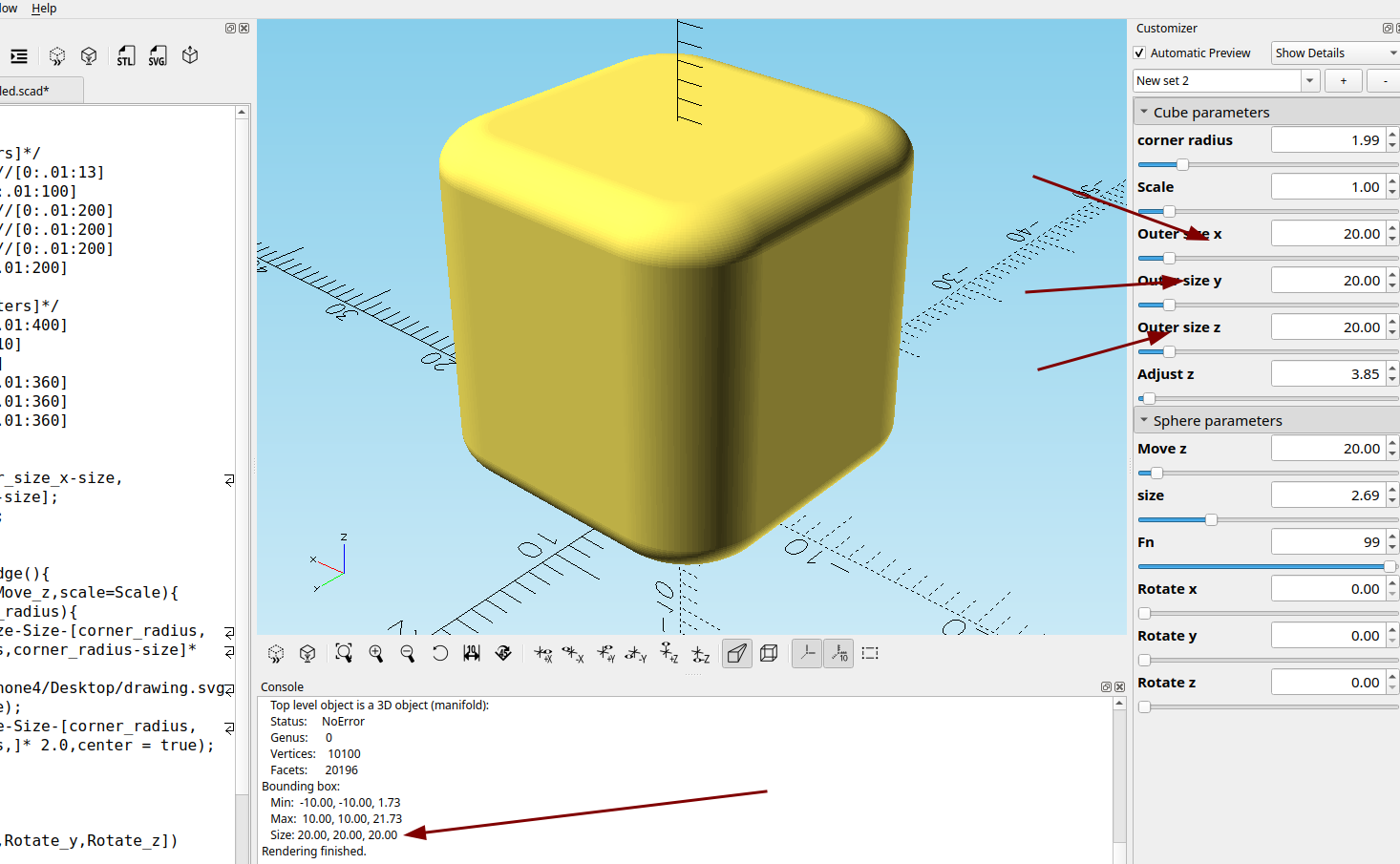
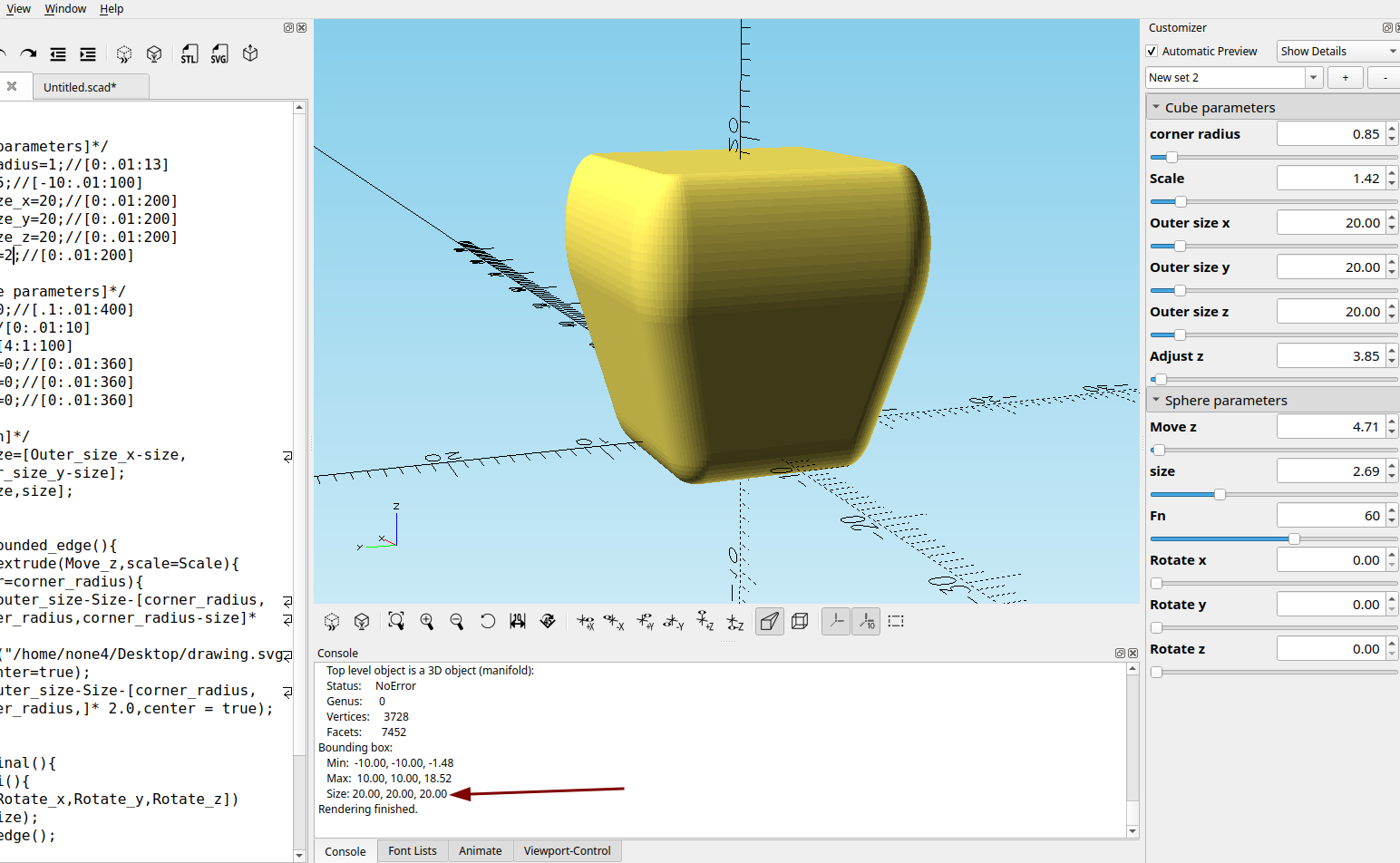
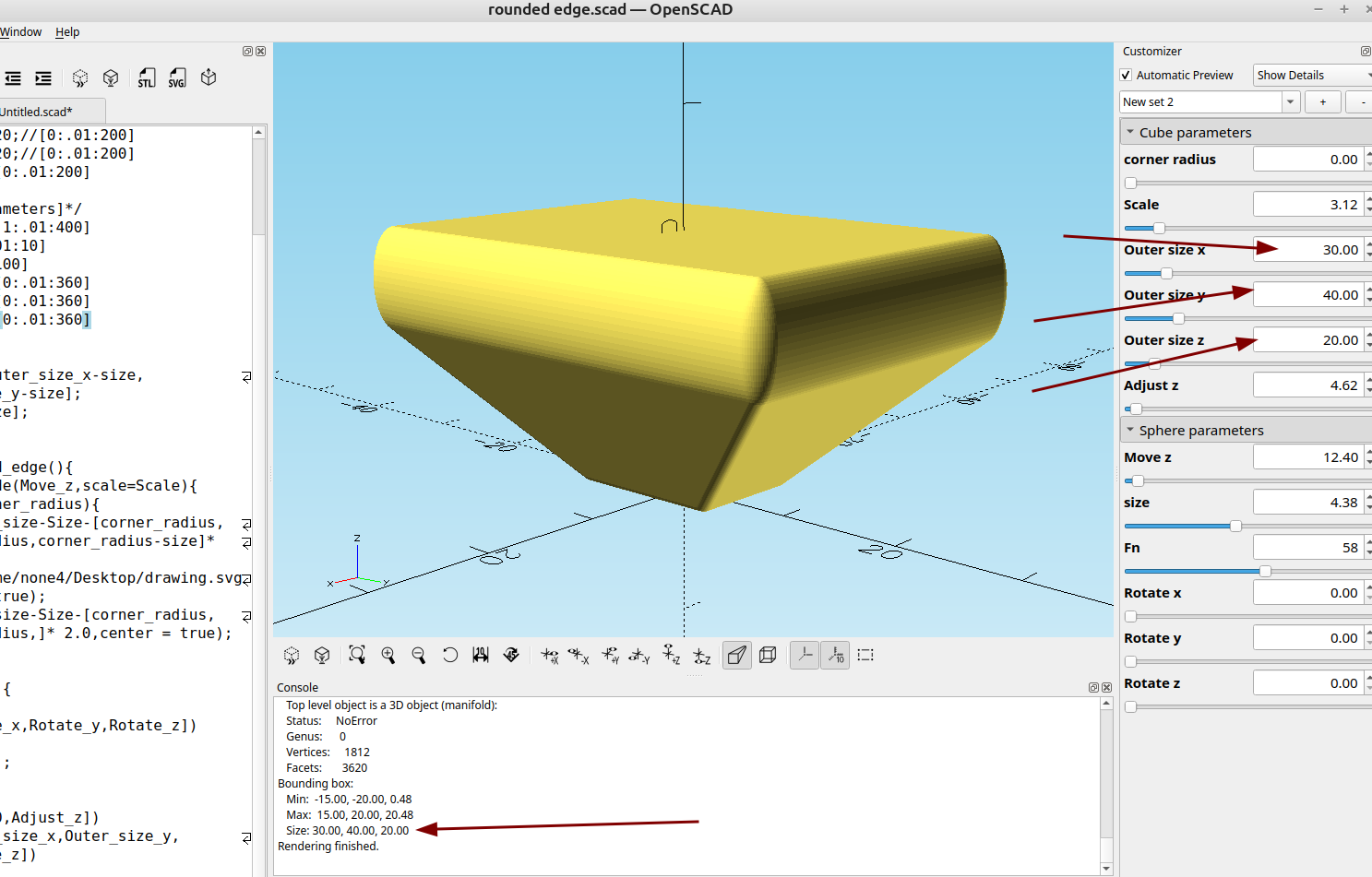
Now when you change the object the final size stays locked to the size you want it to:
An "x-ray" view of the resize: