
3D part design with OpenSCAD #137: More spiral design experiments

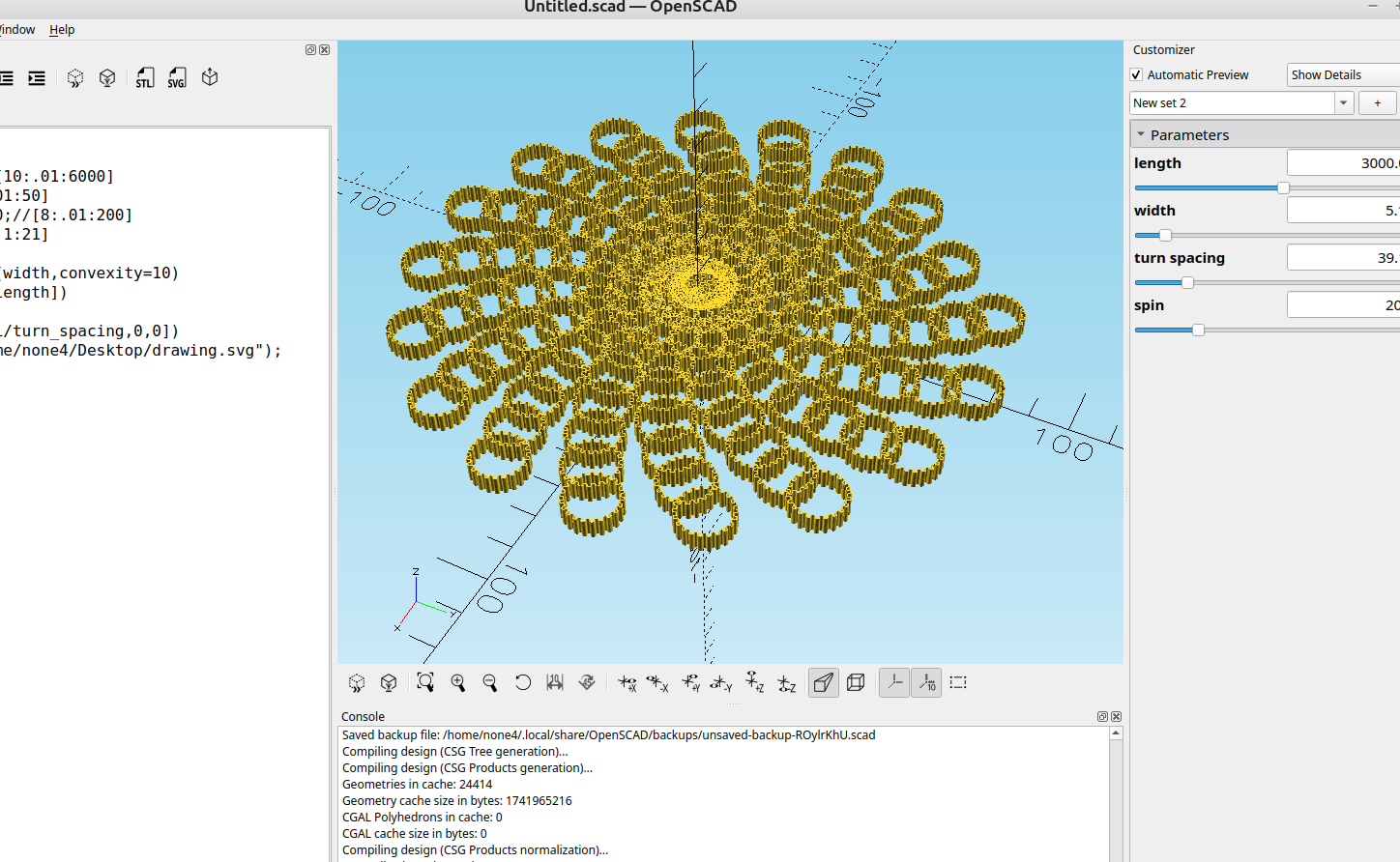
When you import an svg image from Inkscape you can make some really interesting designs for wall art or coasters, here are some examples that I made in just a few minutes to see how it looks.
The code:
//

length=3000;//[10:.01:6000]
width=5;//[1:.01:50]
turn_spacing=50;//[8:.01:200]
spin=20;//[20:.1:21]

linear_extrude(width,convexity=10)
for(i=[0:spin:length])
   rotate(i)
   translate([i/turn_spacing,0,0])
   import("/home/none4/Desktop/drawing.svg");
Just remove that last line and import your file, be aware that some outlines with a lot of curves will take too much time to render, so for experimentation I would recommend a very simple shape or outline.
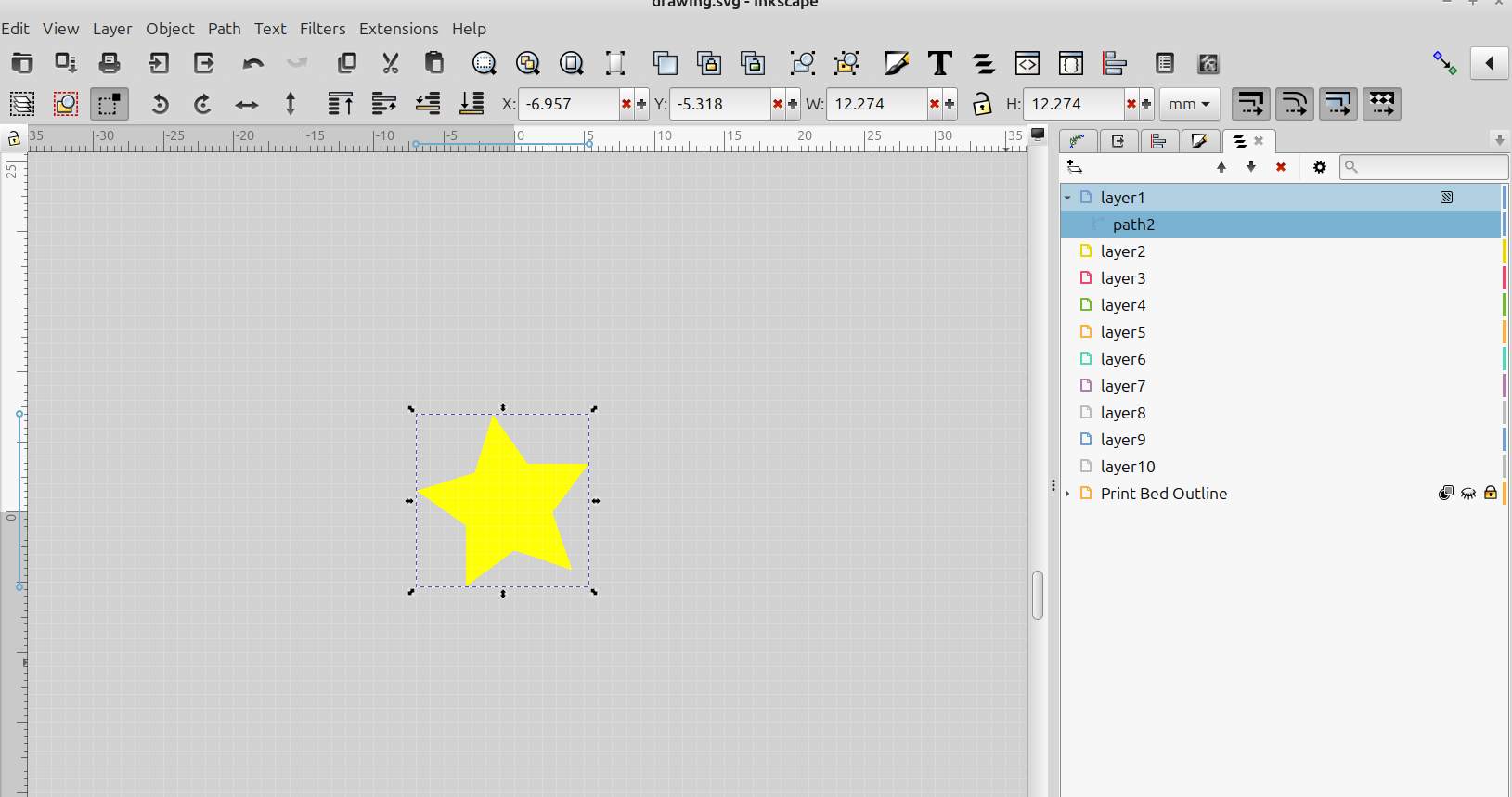
Just convert your object to a path, save the file to the desktop and drag and drop the file into the last line of the code.

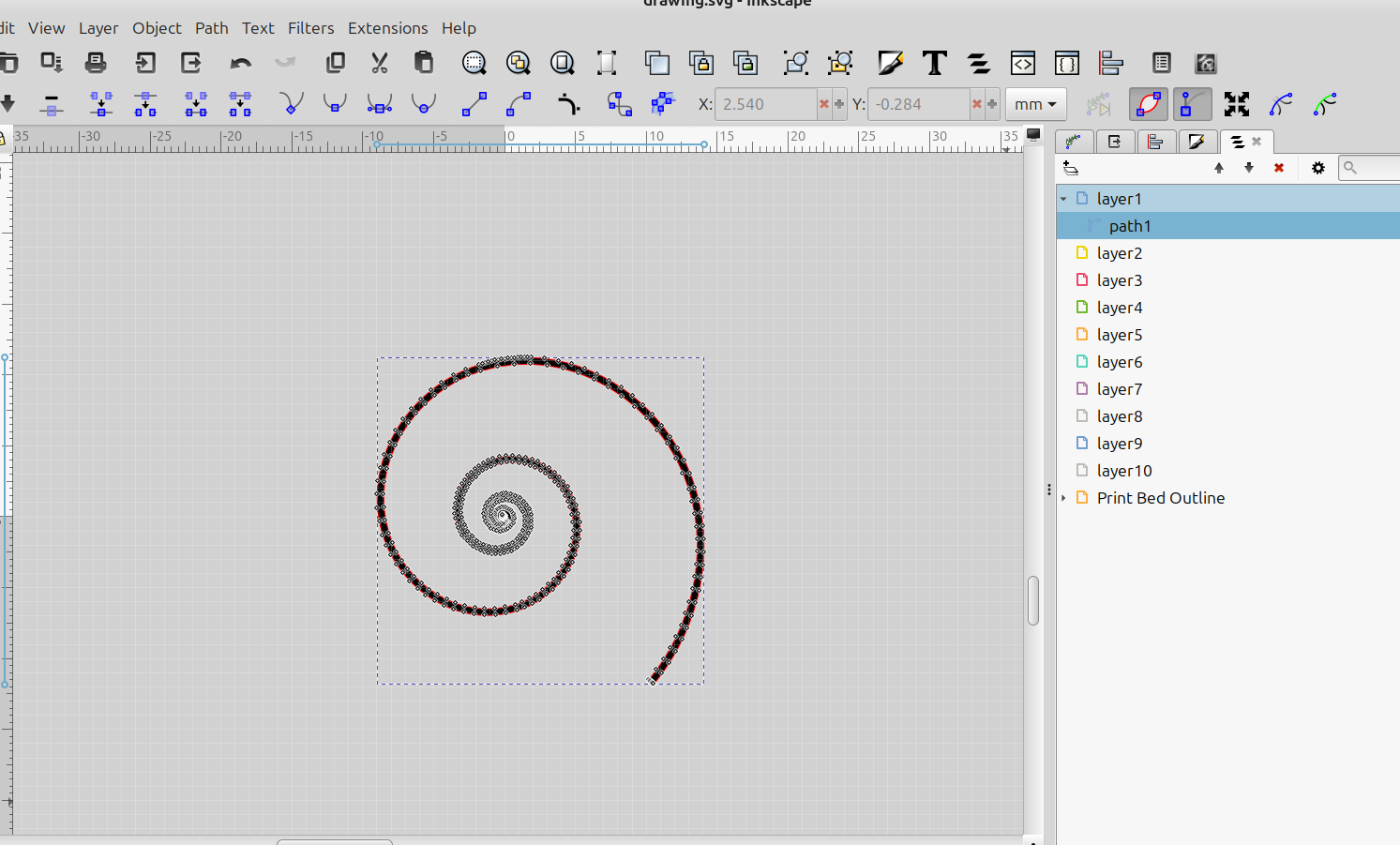
Of course I had to try a spiral of spirals:
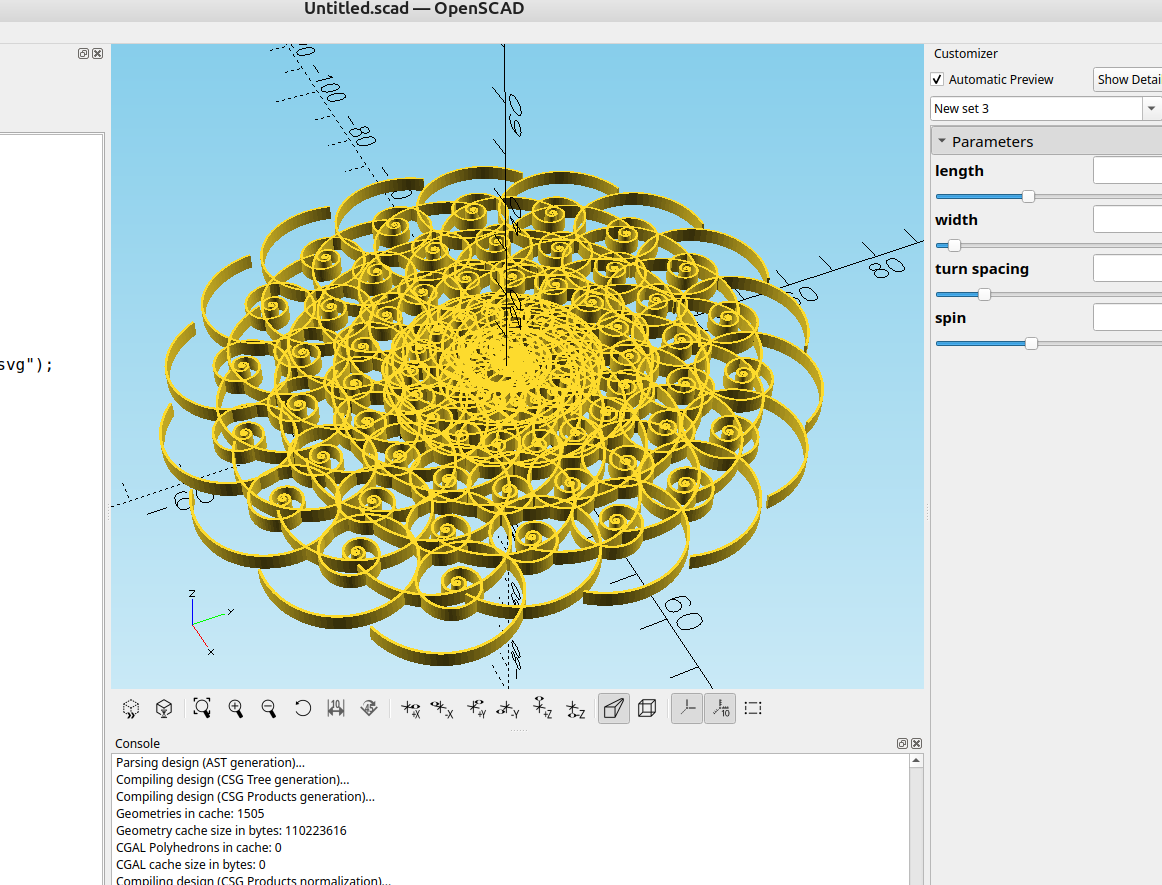
There are a lot of options that can be added to this for making some interesting designs and I will be adding to this post as I make changes.